

New Participant
May 17, 2021
Question

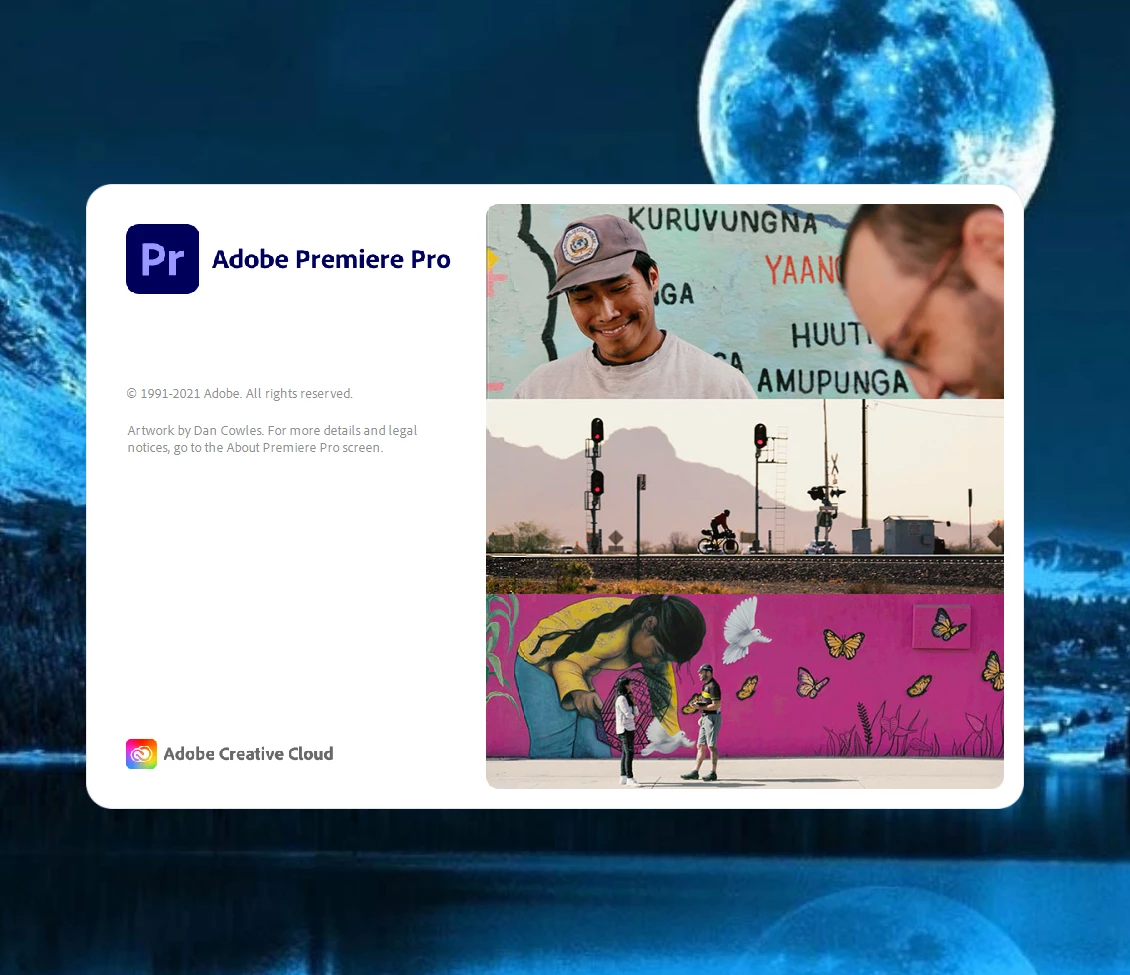
frozen loading screen

  • May 17, 2021
  • 3 replies
  • 621 views

When I open the program, it freezes like this for two hours and it hasn't worked yet. please help me .How do I fix this problem

This topic has been closed for replies.

3 replies

New Participant
January 15, 2022

I HAVE THE SAME PROBLEM? IVE TRIED TAKNG OUT PLUGIN AND STILL ITS NOT WORKING. COULD ANYONE HELP ME OUT?

Community Manager
May 18, 2021

Hi Mayar5C5A,


Sorry to hear about this. We can get this checked. Let us know the system specs (OS, CPU, GPU & RAM). Also, navigate to C:\Program Files\Adobe\Common\Plug-ins\7.0\MediaCore (Windows) or  /Library/Application Support/Adobe/Common/Plug-ins/7.0/MediaCore (macOS) & check if you have any plugin in the MediaCore folder. If you find any plugin, temporarily move it to a folder on the desktop & check if Premiere Pro is launching after that.

Hope it helps.


Thanks,

Sumeet

Joëlle Bh
Participating Frequently
May 18, 2021

Hello,


Sorry for the trouble.

Can you please try to:

Mayar5C5AAuthor
New Participant
May 18, 2021

Unfortunately, the solution did not work. Is there another solution?

Joëlle Bh
Participating Frequently
May 18, 2021

Can you please try to uninstall premiere pro then install it again?