



Global FX Mute gets switched off during playback of multicam sequences
Global FX Mute is a useful function to speed up complicated playback, especially when it comes to multicam. Once we've already applied to color correction to, say, six tracks that are showing at playback in a multicam program monitor, muting effects provides a dramatic performance boost and prevents dropped frames (especially on highly compressed 4K footage, which is of course the most common type these days). Problem is, Premiere randomly (but almost always) toggles off the Global FX Mute function upon initiating playback. The only solution is to stop playback, toggle it off and then back on, and resume -- until it happens again, without fail. That's no solution. And this is a bug that Adobe has known about for years. They have refused to acknowledge it, or do anything about it.
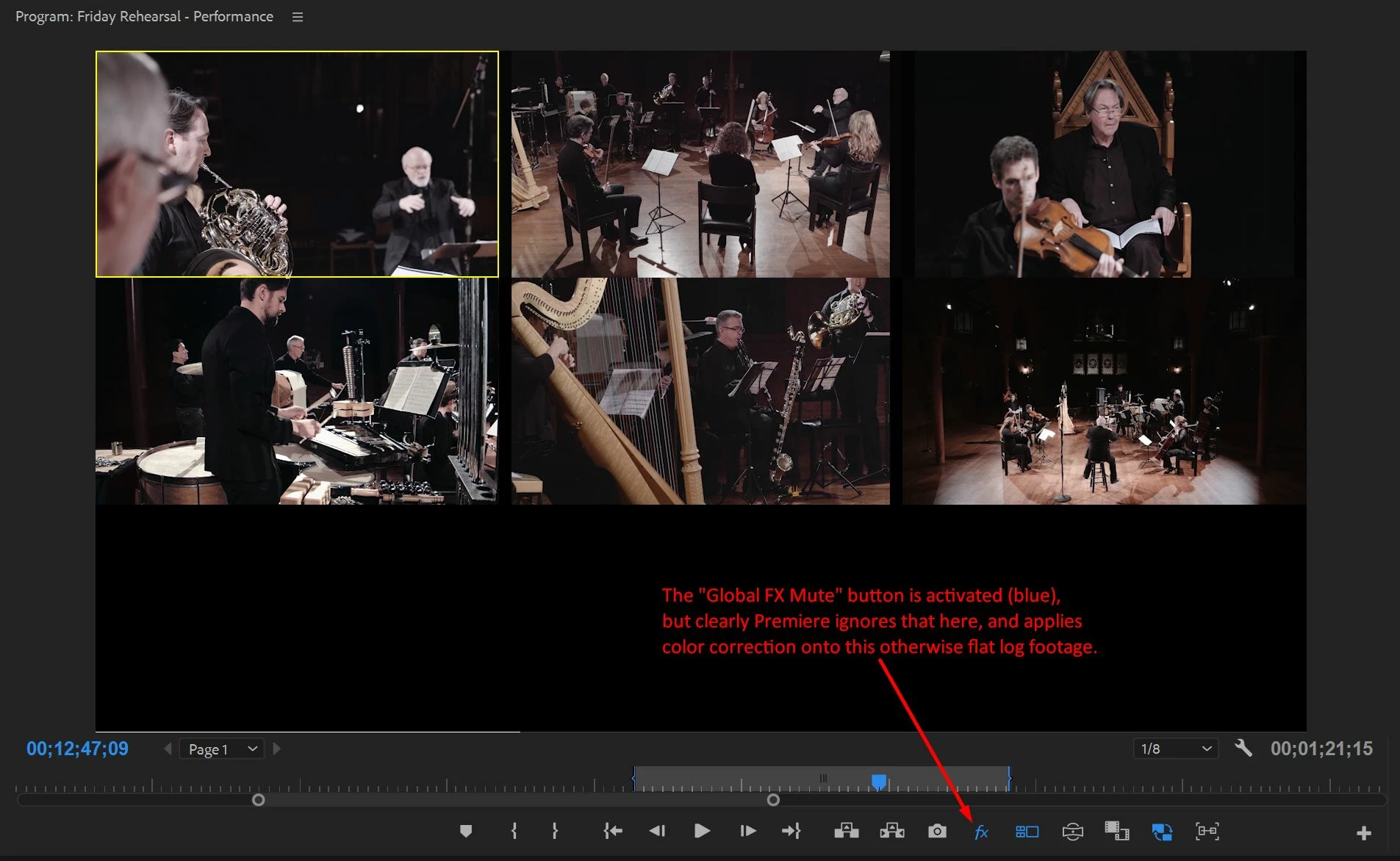
Attached here is proof: a screenshot of the little "fx" icon that is clearly activated in blue, but still shows color correction onto otherwise flat log footage.
 AdChoices