


duanecwilson
Known Participant
February 6, 2019
Answered

Help reducing huge project file (.prproj)

  • February 6, 2019
  • 1 reply
  • 9678 views

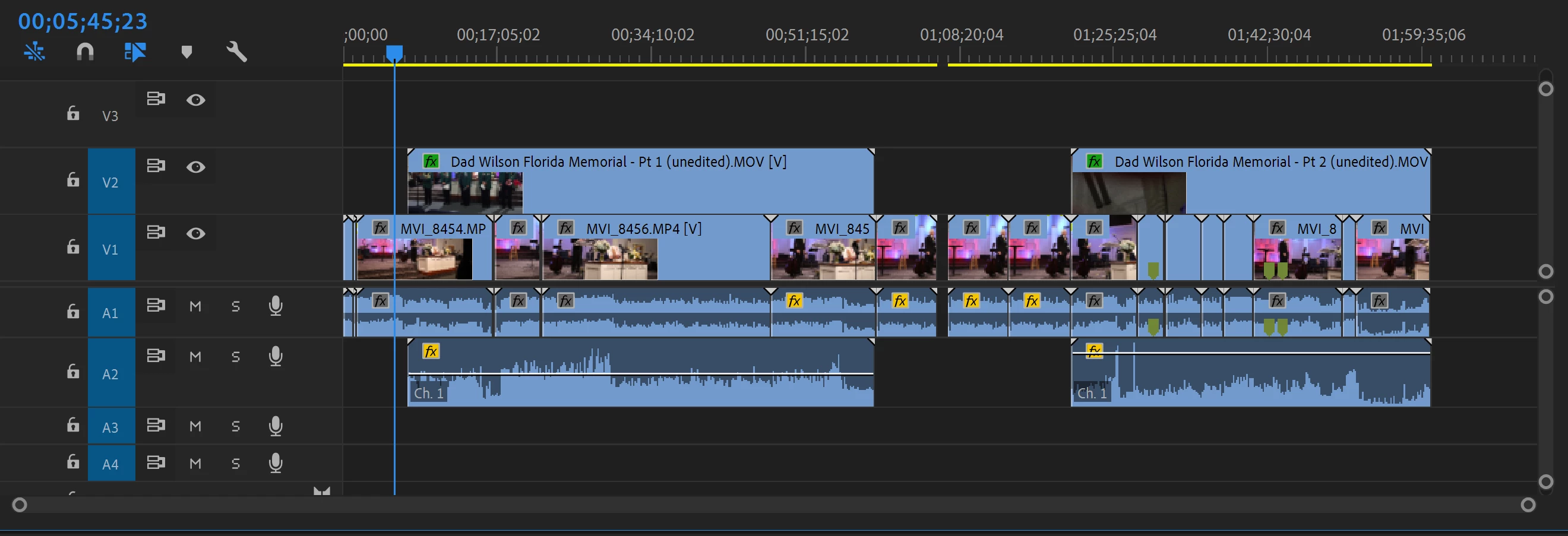
I have a 2 hour memorial service with 2 video tracks (2 separate cameras) and a few short B-Roll clips on a 3rd track. Probably because of my inexperience and making many back and forth edits, my project file (not including media) is almost 1GB in size, and every time I save it, or it is auto-saved, it creates another 1GB file. Even though I have a good computer with an SSD, it still takes a full minute or two to save it.

I had tried putting in stabilization on one of the tracks which had about 10 clips total in one sequence, but undid it when I found out I should be doing other edits first.

I want to put in some more edits and re-stabilize it near the end. But I don't want it to crash or get corrupted.

Can someone help me reduce this file? This is not some enormous, theatrical production, so I wouldn't think it would take this much room. I must just be doing something wrong.
This topic has been closed for replies.
Correct answer Averdahl

I did remove it, but the project is the same size. Not one bit smaller. I even saved it as another name.

I did a small test here in CC2019, 13.0.2. If i create a project and import one file and save the project size is 13 KB. If i apply Warp Stabilizer to 15 seconds and save the project size goes up to 3 227 KB. If i then close Premiere Pro and re-open the project and delete the sequence and re-save the project the file size goes down to 15 KB.

Are you sure that Warp Stabilizer is not used on a clip you may have missed?

What OS are you on and what exact version of Premiere Pro are you using? (Help > About Premiere Pro)

1 reply

Averdahl
Community Expert
February 6, 2019

I had tried putting in stabilization on one of the tracks which had about 10 clips total in one sequence, but undid it when I found out I should be doing other edits first.

The stabilization is the reason behind the big project file since the actual data is stored in the project file. Since you undid it one expect that the project file goes back to a more normal size.

I would have tried to either use the File > Save a Copy or File > Save As to see if the size goes down. If that don´t do the trick i would have tried File > Project Manager to see if that feature is smart enough to reduce the file size. Personally i would delete any render files as well before, iow Sequence > Delete Render Files. If you render your timelines this will delete those files, so use it with care if you render the timelines for previews.

Are you sure that you have not played around with Stabilization and then forgot that you did? I had a annoying message about a obsolete audio filter when i opened an older project in CC2019 but could not find it and remove it. Three weeks later i discovered that i had a "test timeline" and there was the audio filter...

duanecwilson
Known Participant
February 6, 2019

I did remove it, but the project is the same size. Not one bit smaller. I even saved it as another name.

Ikejohn1979
New Participant
October 30, 2020

Yes, you can export Apple ProRes from CC2019 on Windows. This was added in CC2019.

I am using Windows 10 as well.


Hi, I am having the same problem as the Duane, but I don't understand why I would export using the ProRes/CineForm/DNxHD as the codec. Why wouldn't I use the same codec as I plan to export in at the end, H.264.  Thanks in advance!