This topic has been closed for replies.
Correct answer Kevin-Monahan

Hi dbay,

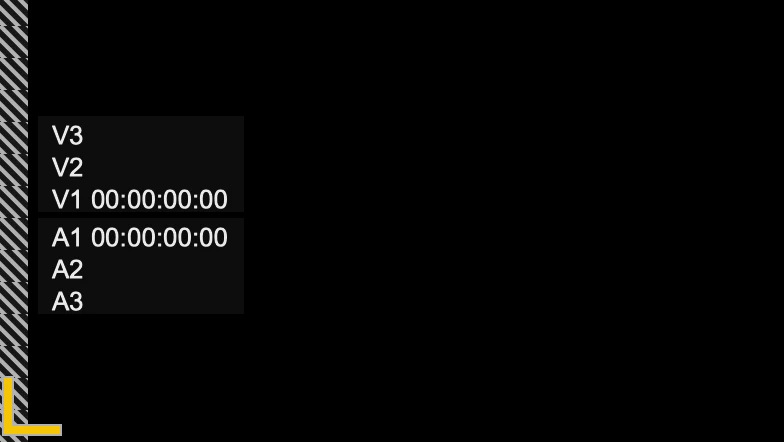
Hope you had a good holiday! Try this in the Program Monitor: Choose the Settings Menu (Wrench/Spanner) > Overlays. That should toggle the overlay to the "OFF" position.


I hope those instructions are clear.


Thanks,
Kevin

1 reply

Kevin-Monahan
Community Manager
Kevin-MonahanCommunity ManagerCorrect answer
Community Manager
January 4, 2022

Hi dbay,

Hope you had a good holiday! Try this in the Program Monitor: Choose the Settings Menu (Wrench/Spanner) > Overlays. That should toggle the overlay to the "OFF" position.


I hope those instructions are clear.


Thanks,
Kevin

Kevin Monahan - Sr. Community & Engagement Strategist – Pro Video and Audio
January 4, 2022

Hi Kevin.

Thanks for the answer. By the way, where is a Program Monitor menu. I can't find it..


Thanks.

January 4, 2022

OMG. I found it. You Genius. Thx 😄