


Participating Frequently
May 27, 2017
Question

How to change output frame size?

  • May 27, 2017
  • 1 reply
  • 6110 views

Hello.

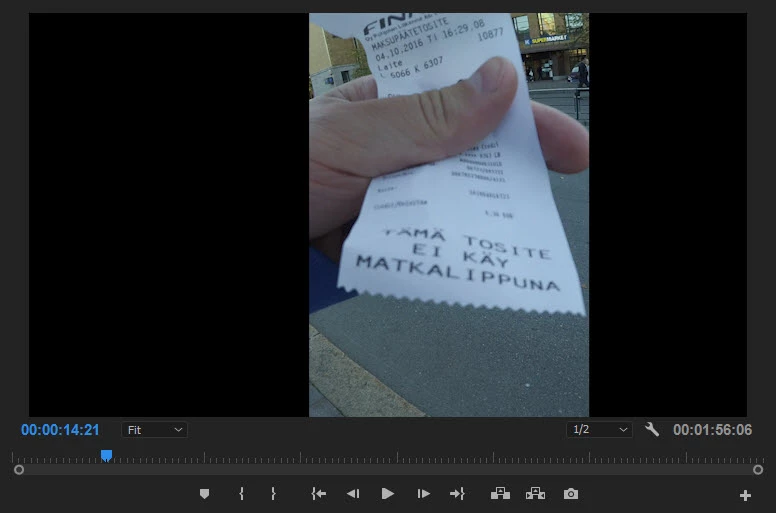
I have videofile 1920*1080. I have cropped it for other size (i.e. look on screenshot). And now i want to encode to the newfile. But after encoding i will get 1920*1080 video with black background. What should i do to make output frame as i crop? I mean (again look my screenshot) output videofile should be like vertical phone video and other frame size (600*1080 for example).

Please don't tell me about "proper" ratio for sides like 720*480, 1024*768 etc. My question not about that.
This topic has been closed for replies.

1 reply

Ann Bens
Community Expert
May 27, 2017

You need to crop the output video in the Source (left tab) of the Export settings. Set that to 600x1080.

Then set the H.264 codec to 1080x1920.

Participating Frequently
May 27, 2017

How can i get info about my frame size after crop? And where is this "crop the output video in the Source (left tab) of the Export settings"?

https://farm5.staticflickr.com/4270/34891910726_537d2eae3c_o.png

Ann Bens
Community Expert
May 27, 2017

Export setting as in File/Export/Media (ctlr +M).