


Answered
How to dock/lock panels on second monitor
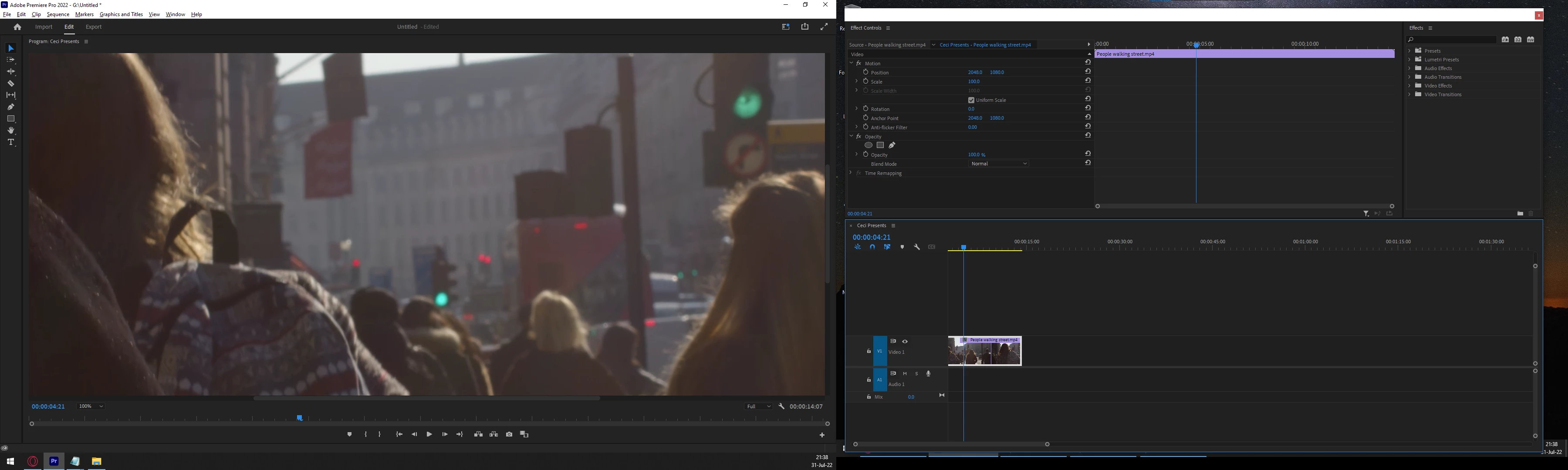
The above is the screen shot of my two monitors. As you can see, the one on the right is floating around. I can't find a way to dock it, lock it, maximize it or whatever you want to call it.
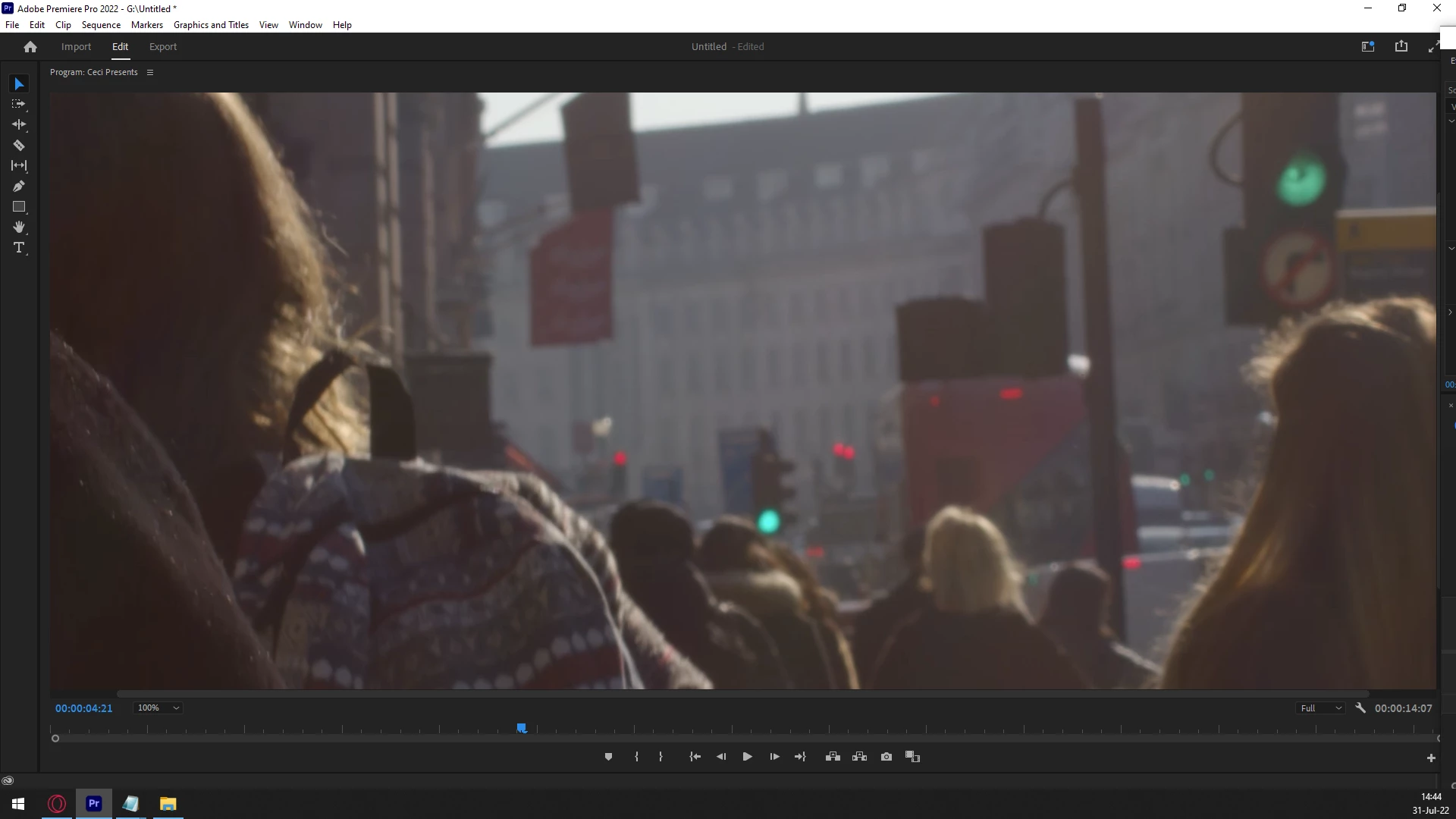
This is the panel on monitor 1. As you can see, it is nice and docked/locked.
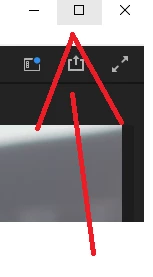
The panel on monitor 1 has a maximize button. That is a good thing.
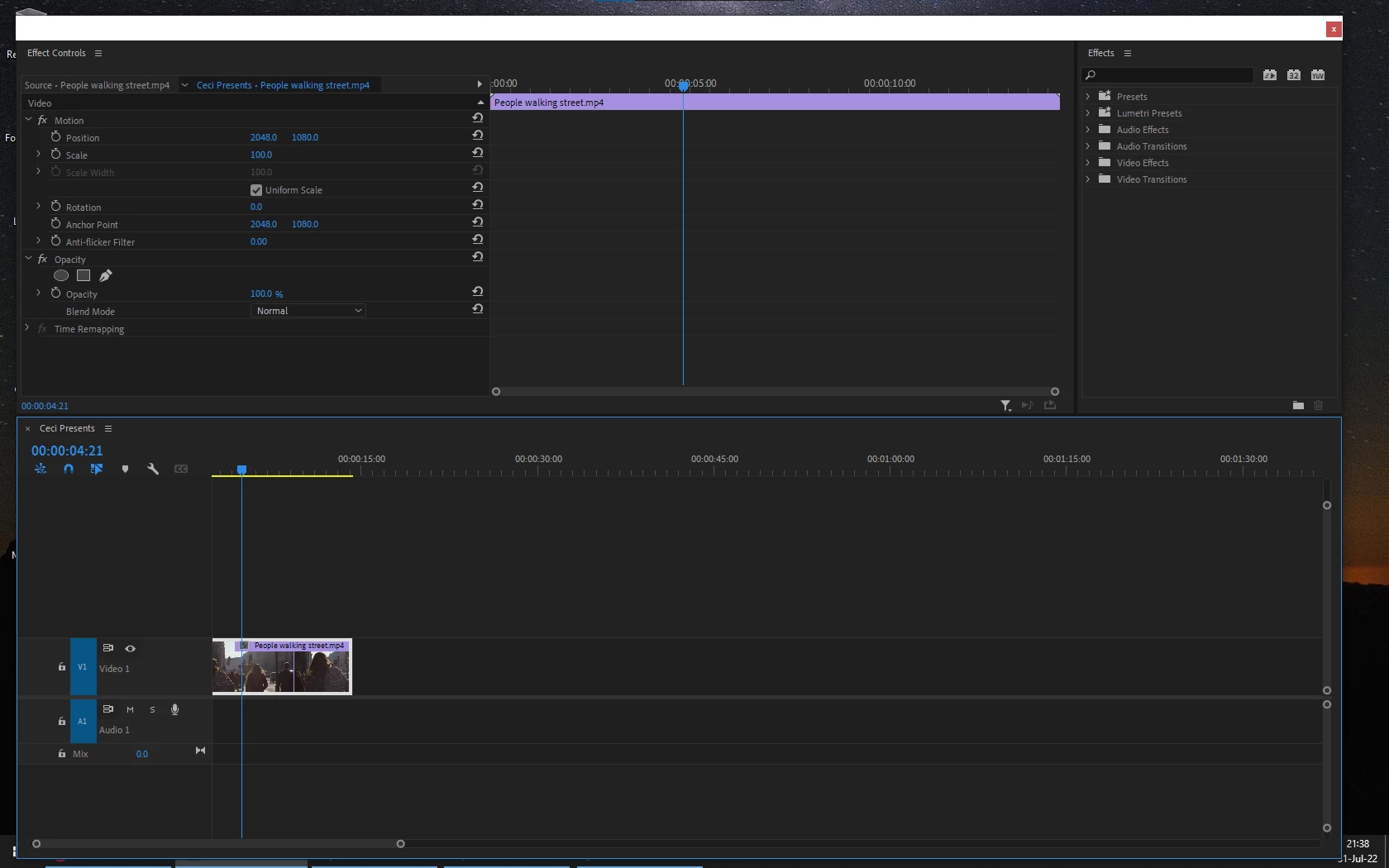
The above is the panel on monitor 2. Monitor 2 floats around whimsically. It is very good friends with Mr. Miss-Click. Also when I restart Premiere, it will be in a different position... everytime.
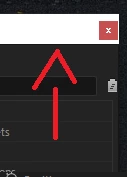
Panel on monitor 2 does not have a maximize button. This is a problem for me.
Please. How do I maximize and dock/lock panels on monitor 2?
 AdChoices