

Answered
how to export a sequence to a new project
How do you export one sequence from a project with several sequences, to a new project?

How do you export one sequence from a project with several sequences, to a new project?
Hi Arikw!
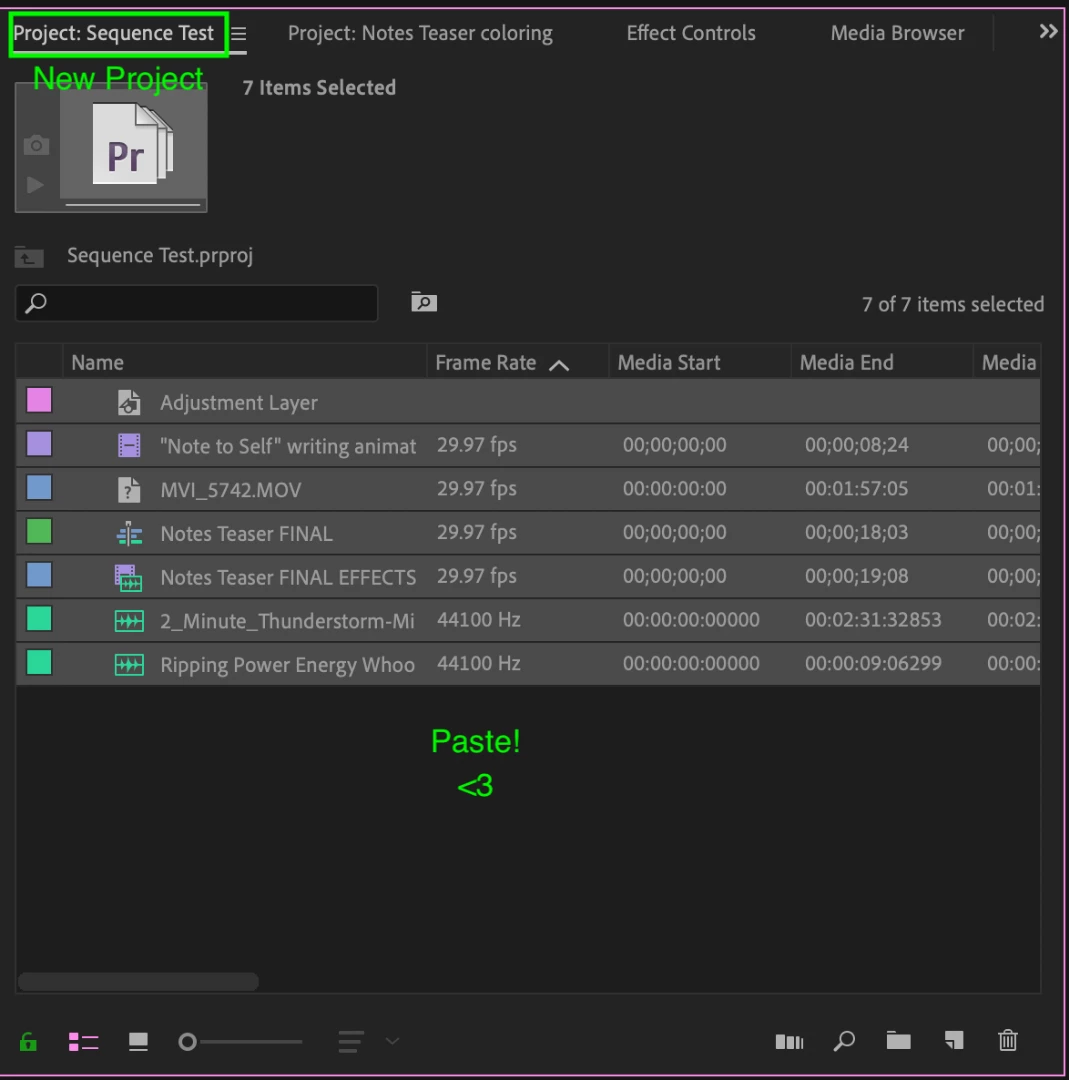
You can have more than one project open in Premiere, so let's create that new project and open the project with several sequences! Copy your one sequence over to the new project by selecting it, right-clicking, and selecting "Copy."

Go to your new project, paste the sequence! Premiere will also copy over all the assets within that sequence.
Let me know if you have any questions.
Caroline
Already have an account? Login
Enter your E-mail address. We'll send you an e-mail with instructions to reset your password.
 AdChoices