



How to export audio timeline as PCM and not AAC?
Well this is something I have not come across before and unfortunately, I have not founjd an answer.
As you can se from the attached screen shot, I have an audio sequence that is comprised of many pieces, all of which come from uncompressed PCM sound capture. They are aiff files.
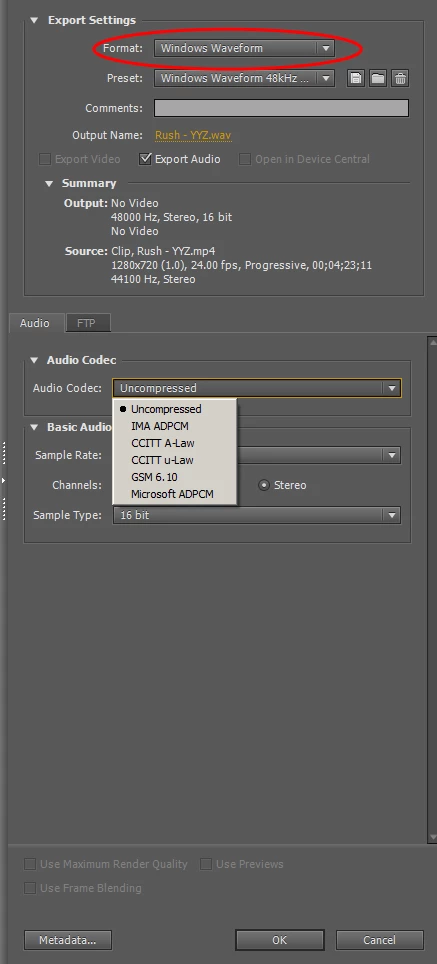
Anyway, if I try to export that sound sequence as Audio Only, my only option is as AAC, which is compressed. That cannot be an option. I need to output as PCM. Under no circumstances can I compress the sound down to a lossy format like AAC or Dolby Digital.
But I don 't see how to make it happen.
Any ideas? I also don't see how it is possible to export to Soundbooth. That can only be done with a single clip.
I do see export as an AAF file, but I have no experience with that. Would that work and then I open in Soundbooth and I save as a PCM wave file?
With that I see options to "Save as legacy AAF" and also "Embed Audio."
I'm lost. Oh yes, I am on a PC and have CS5 Production Premium.
 AdChoices