

Known Participant
April 7, 2021
Answered

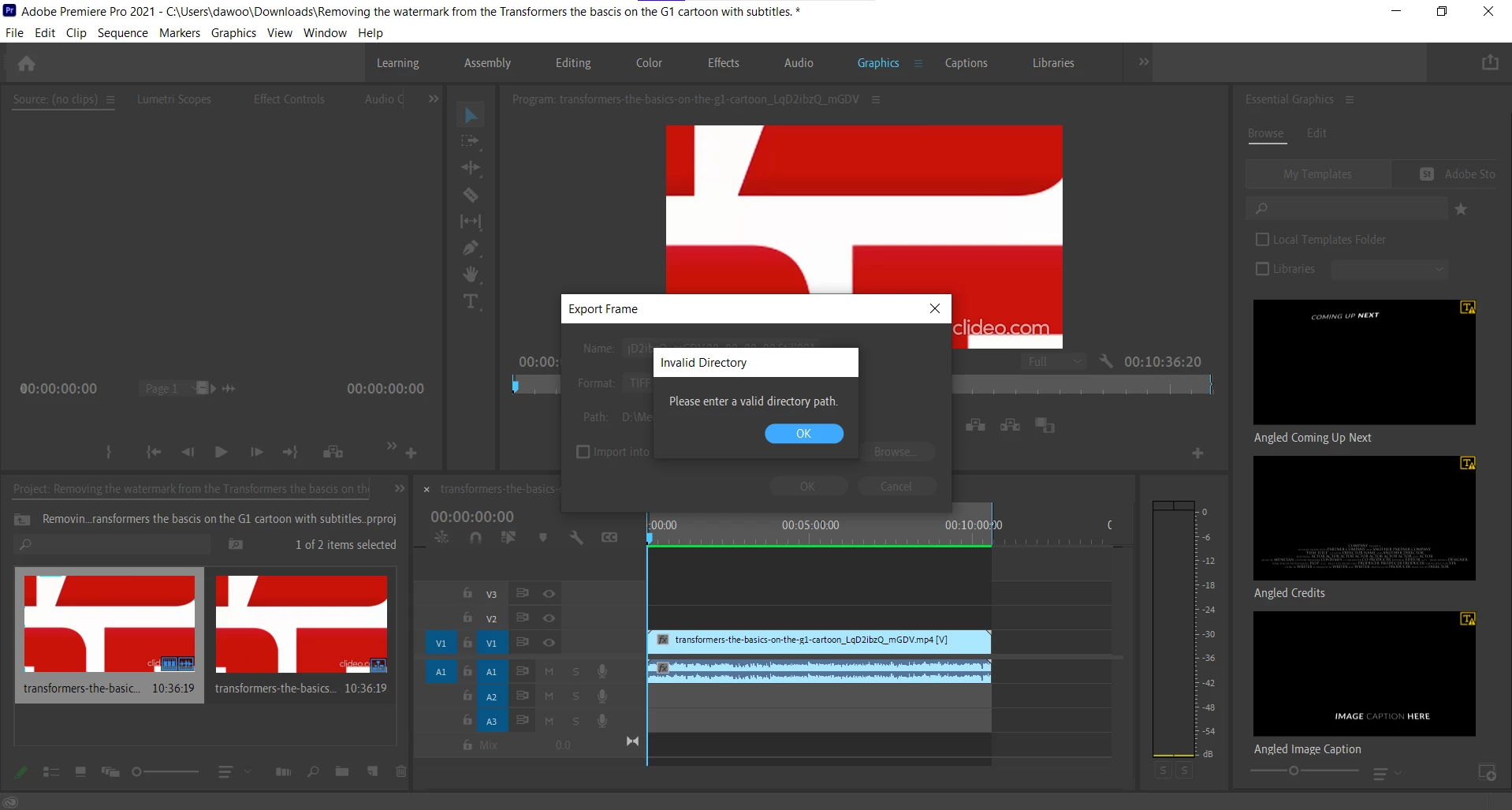
how to fix please enter an invalid directory on adobe premiere pro.
  • April 7, 2021
  • 3 replies
  • 5878 views

    This topic has been closed for replies.
    Correct answer Jeff Bugbee

    Who know where it say Path, I change file name by clicking the browser and pick...
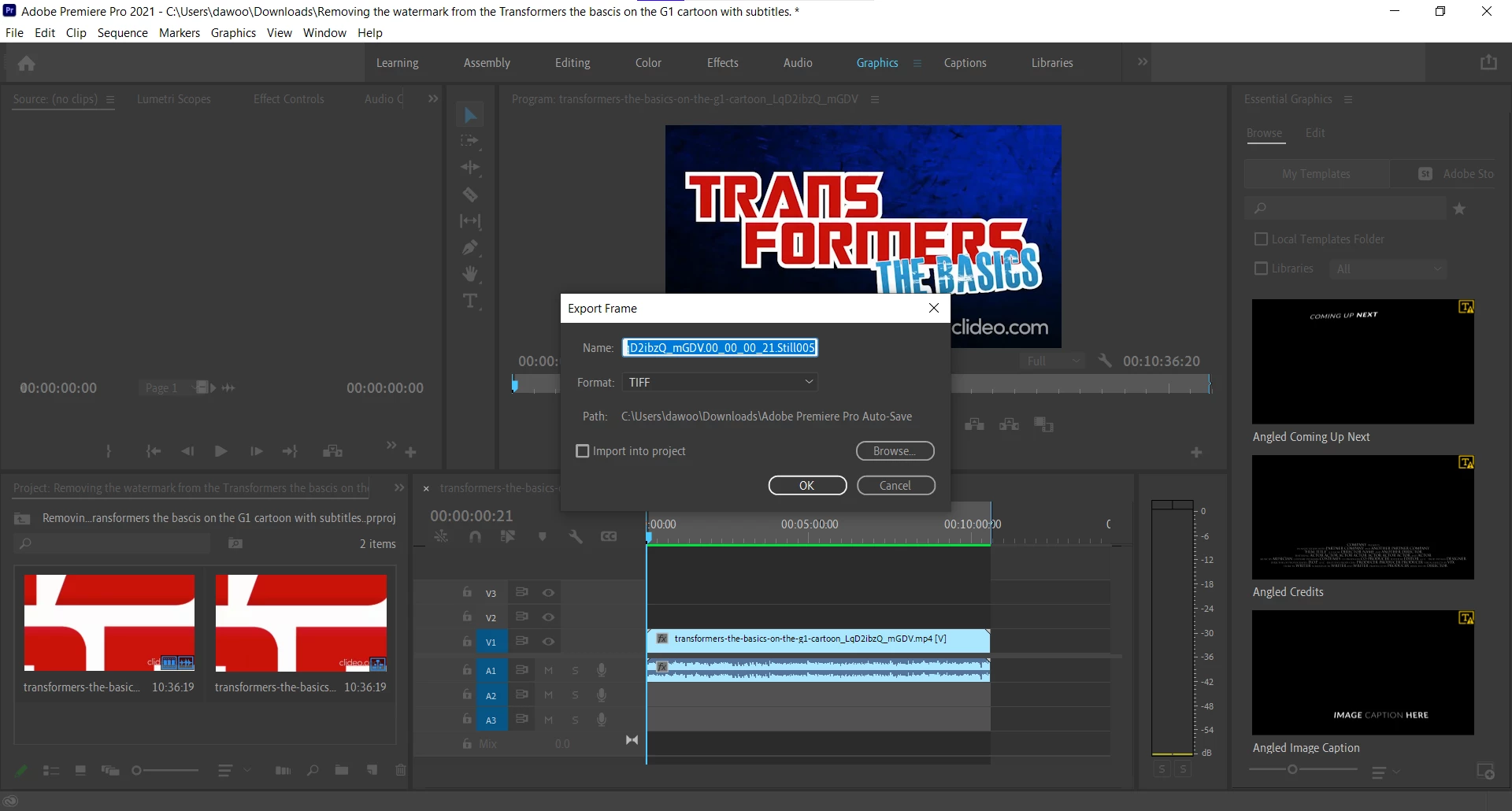

    Your path looks fine but that filename is still bad.


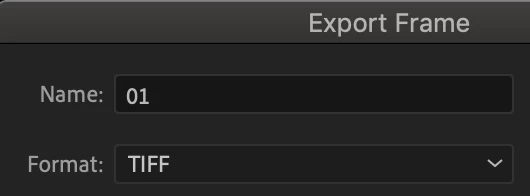
    Can you please try your export frame again, but this time, choose your desktop, with the filename 01

    Your path should be C:\Users\dawoo\Desktop
     

    3 replies

    Jeff Bugbee
    Community Expert
    Community Expert
    April 7, 2021

    Looks like you have invalid characters in your filename. Rename it. Don't use special characters.

    Known Participant
    April 7, 2021

    How do I do that?

    Known Participant
    April 7, 2021

    See if it works shortening the name and taking out the points and the underscores.


    I try what you said but, it didn't work.

    Graeme Bull
    Community Expert
    Community Expert
    April 7, 2021

    What's the path? That's hidden by the dialog box telling you it's an invalid path. My guess is that it's an invalid path.. Maybe just output to your desktop or the root of an internal drive and see how it goes.

    LinSims
    Community Expert
    Community Expert
    April 7, 2021

    Let me move this to the Premiere Pro forum for you, which is the appropriate forum for your question.

    The Using the Community forum is for help in using the Adobe Support Community forums, not for help with specific programs. Product questions should be posted in the associated product community.

    Known Participant
    April 7, 2021

    where is the premiere pro forum?
