


How to 'ripple delete' selection
Hello,
I'm not new to adobe premiere but I can't figure out how to do something seemingly simple.
I want to delete a selected amount of blank space. I have a break with black space between two scenes of a film and the black space is too long. So I would like to delete the space between my two keyframes (similar to the 'cut time' feature in Ableton if anyone's used it). Ripple delete won't work here because I don't want to delete all the black space, only some of it.
I would rather not select all and drag the whole rest of the project back to get rid of the empty space, because I have a lot of clips to select and also then my keyframes marking the beginning of the scenes will move to the wrong spot I would imagine.
See the attached image for context. I want to delete the area between the two key frames.
Thanks,
Jace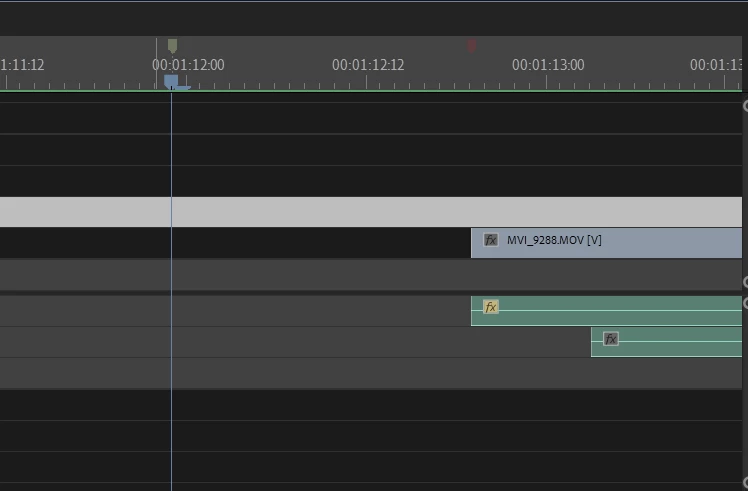
 AdChoices