


How to ripple extend clip - but not push all clips forward on timeline
I want to be able to extend the very end of the highlighted clip below. But, I want that clip and the clip to the left of the highlighted clip to shift left and I don't want the clip to the right of the selected clip to bump forward along with everything else on the timeline. How do I do this?
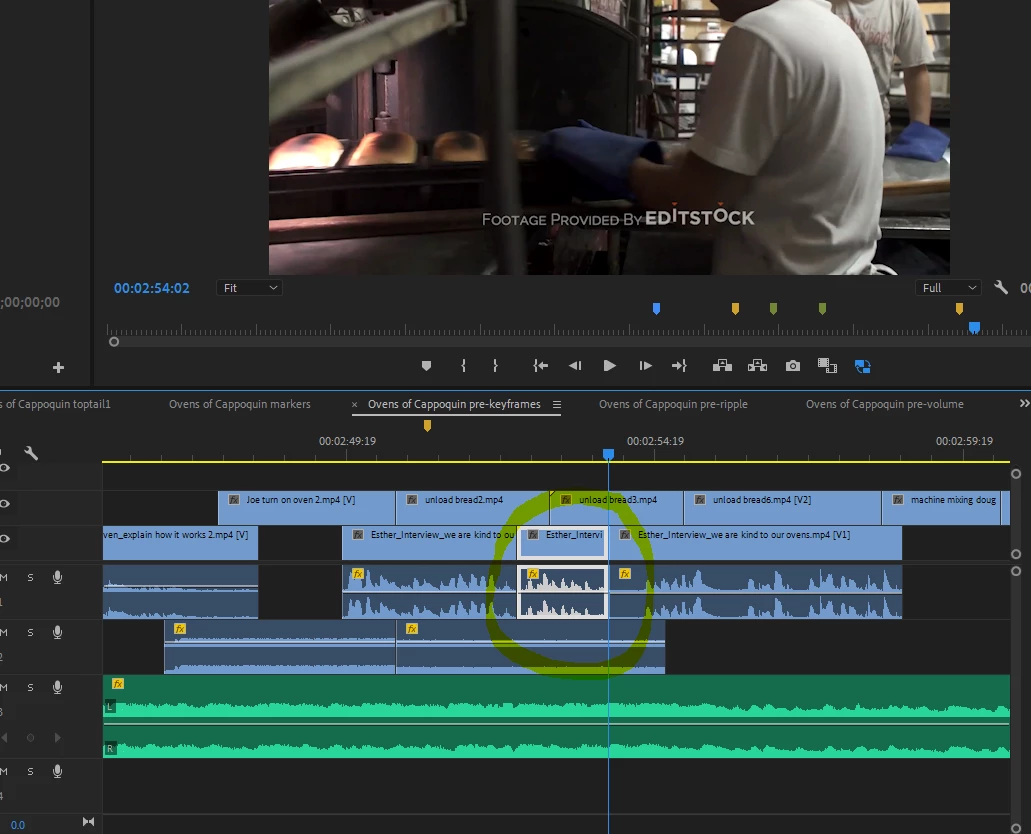
If I use ripple edit, it extends the clip like I want it to (cool) - but it pushes the clip directly to the right of it over to the right on the timeline. I don't want this.
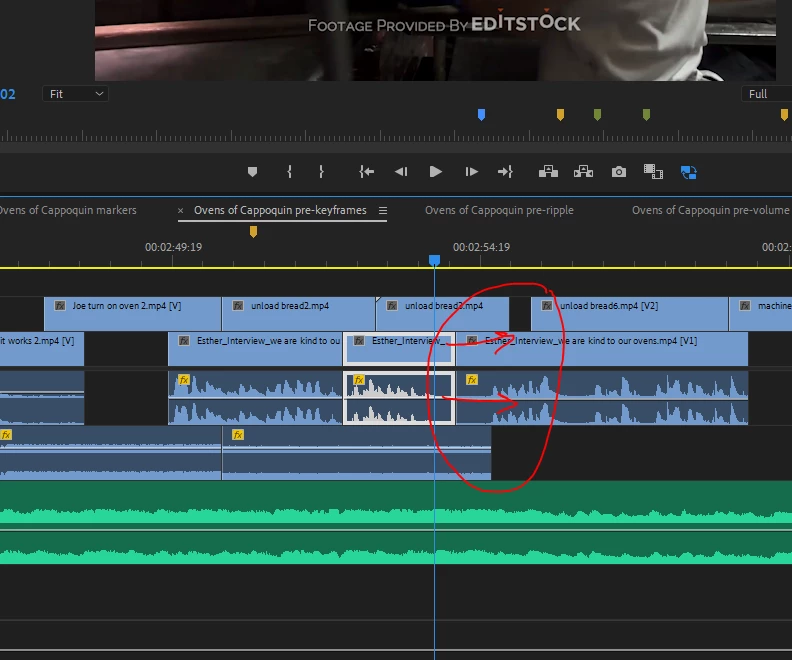
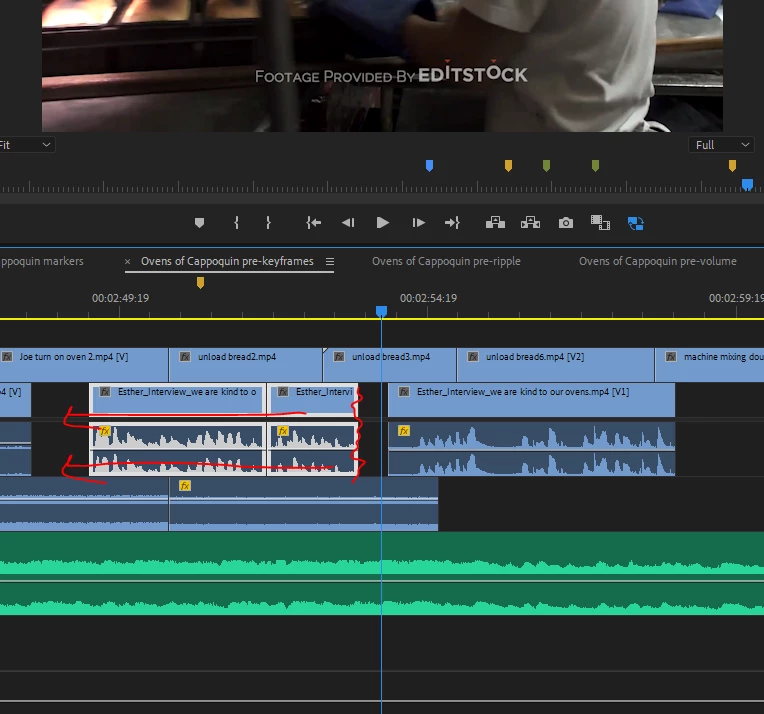
Of course, I could solve this problem manually. I could manually grab the centre and left clip - move them to the left and then manually extend the end (see where I've done the squiggles in red) - this would achieve what I want (which is the clip to the right would stay in place). But is there an easier way to do this?
 AdChoices