


Question
I cant auto keyframe a clip on adjustment layers
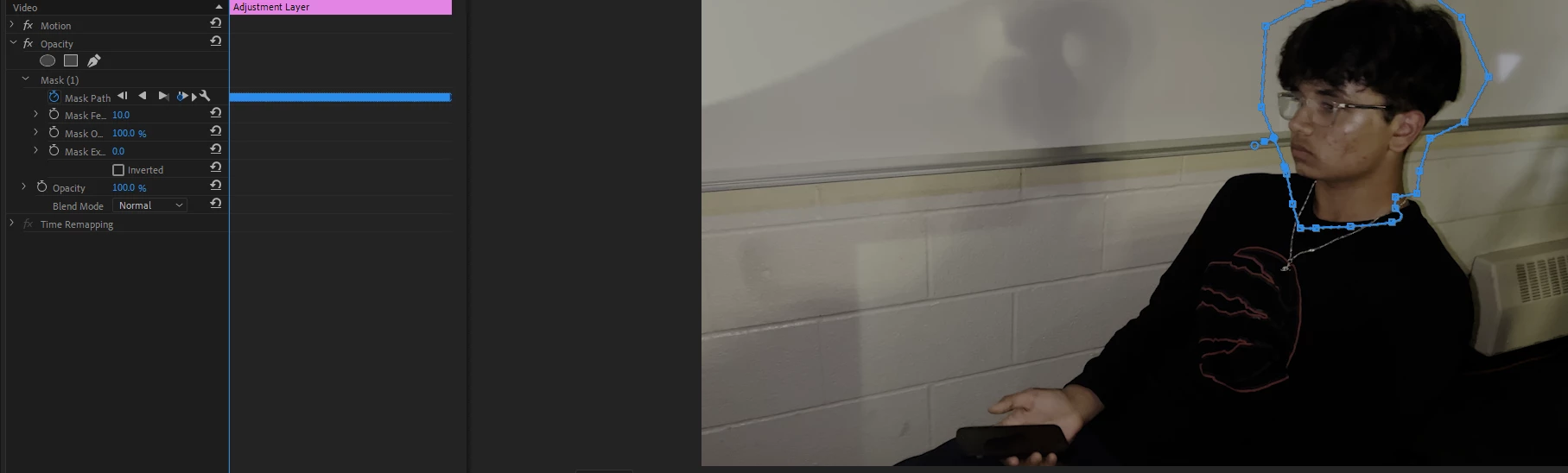
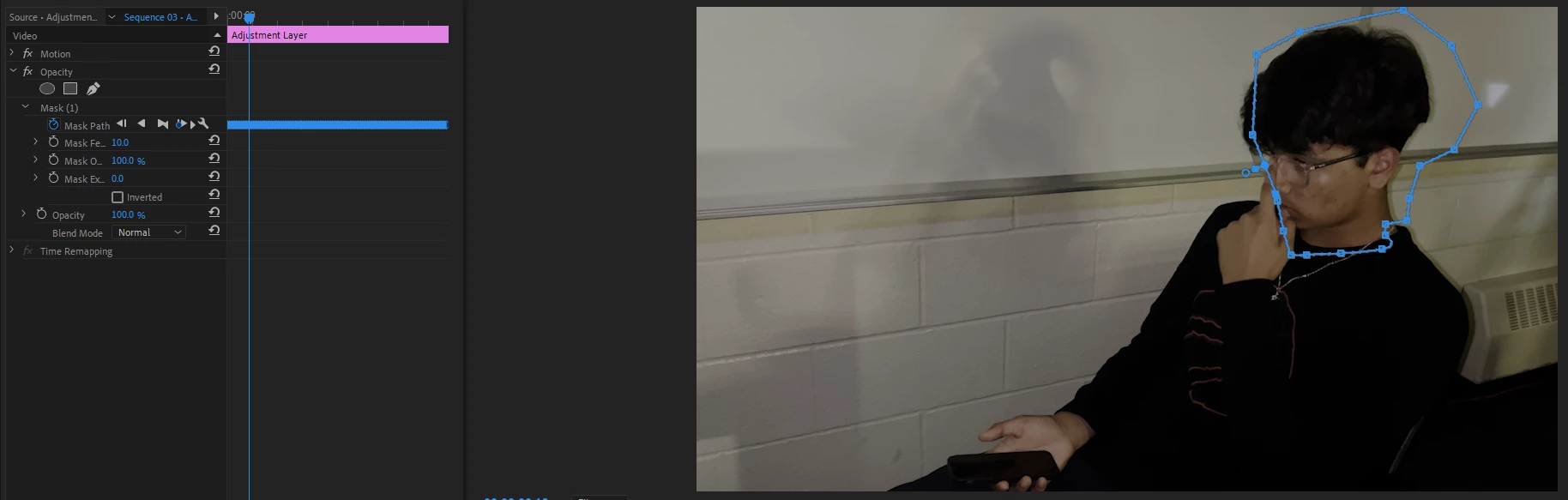
So I frequently use adjustment layers in Premiere, and sometimes I want to mask a clip without masking the original clip itself. So I grab an adjustment layer and open a mask in the adjustment layer's opacity effects. I mask out the person's face or whatever, and because the clip isn't masked on the original clip, the mask doesn't move with the video when I auto-keyframe it. I'm curious if there are other options than just duplicating the clip. In addition to the pictures I posted, I was simply attempting to keyframe this face with an adjustment layer, but it will not move. So any help on how to fix or change this will be greatly appreciated!
 AdChoices