


Juan Cano
Inspiring
November 15, 2022
Question

I made my sequence the wrong size, how can I make it smaller and have the assets in it scale?

  • November 15, 2022
  • 1 reply
  • 1399 views

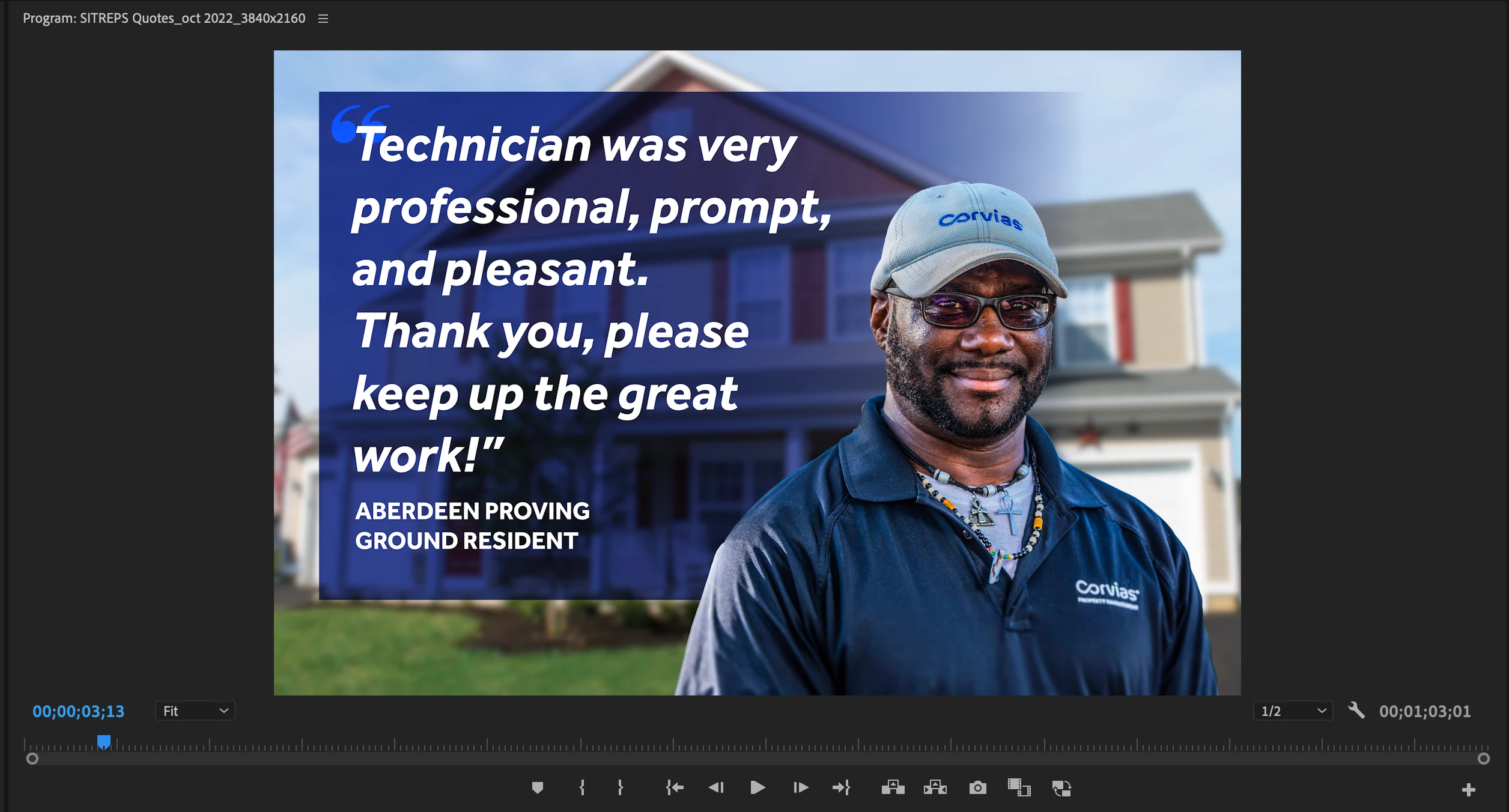
I made a sequence in Premiere, and since it now has a new dialog window when creating a new project, it really threw me off. Anyway, I edited this whole sequence then realized the size is 5625 x 3750 (3:2).


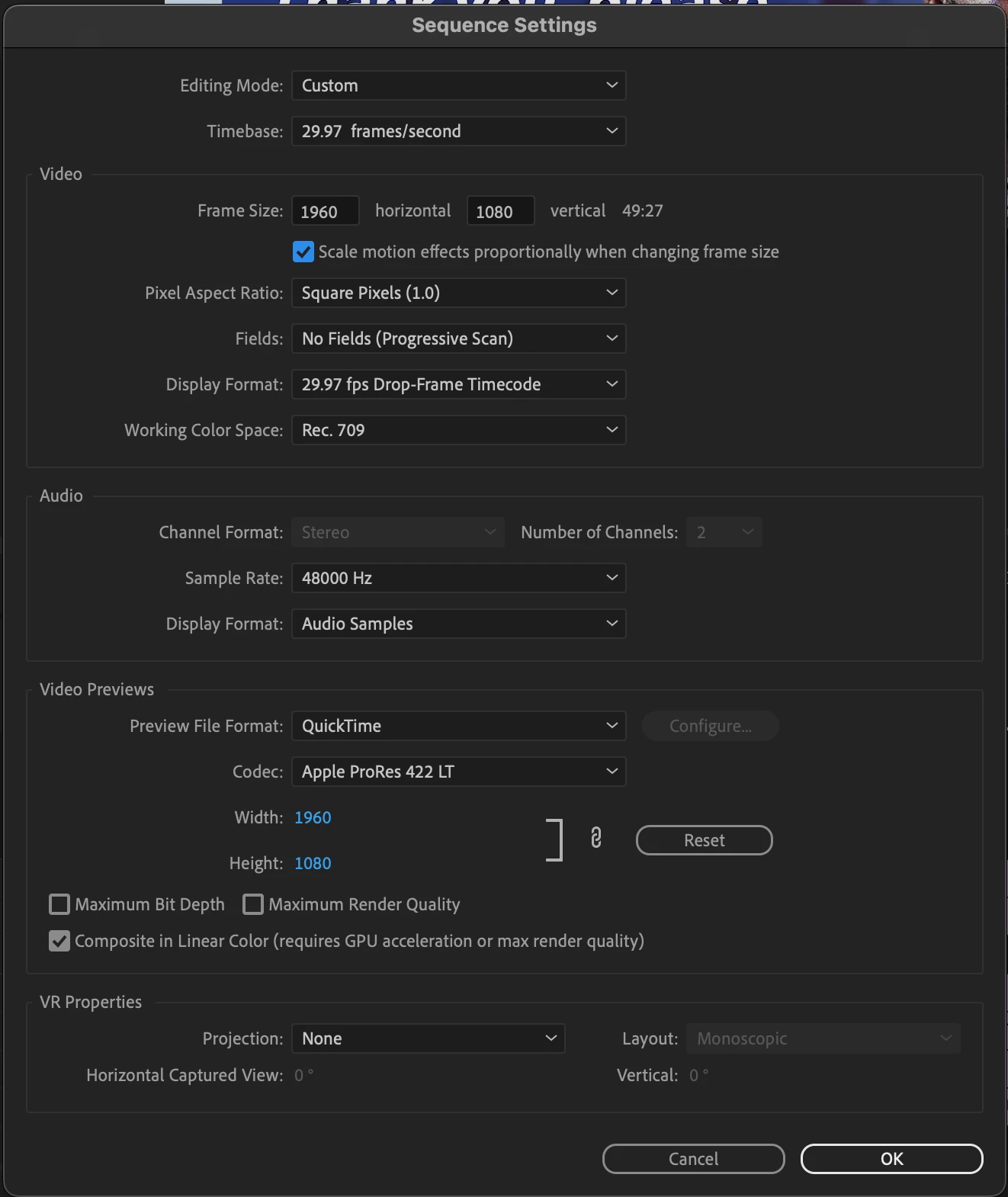
I need it to be a 16:9 proportion, and also smaller, 1960x1080.


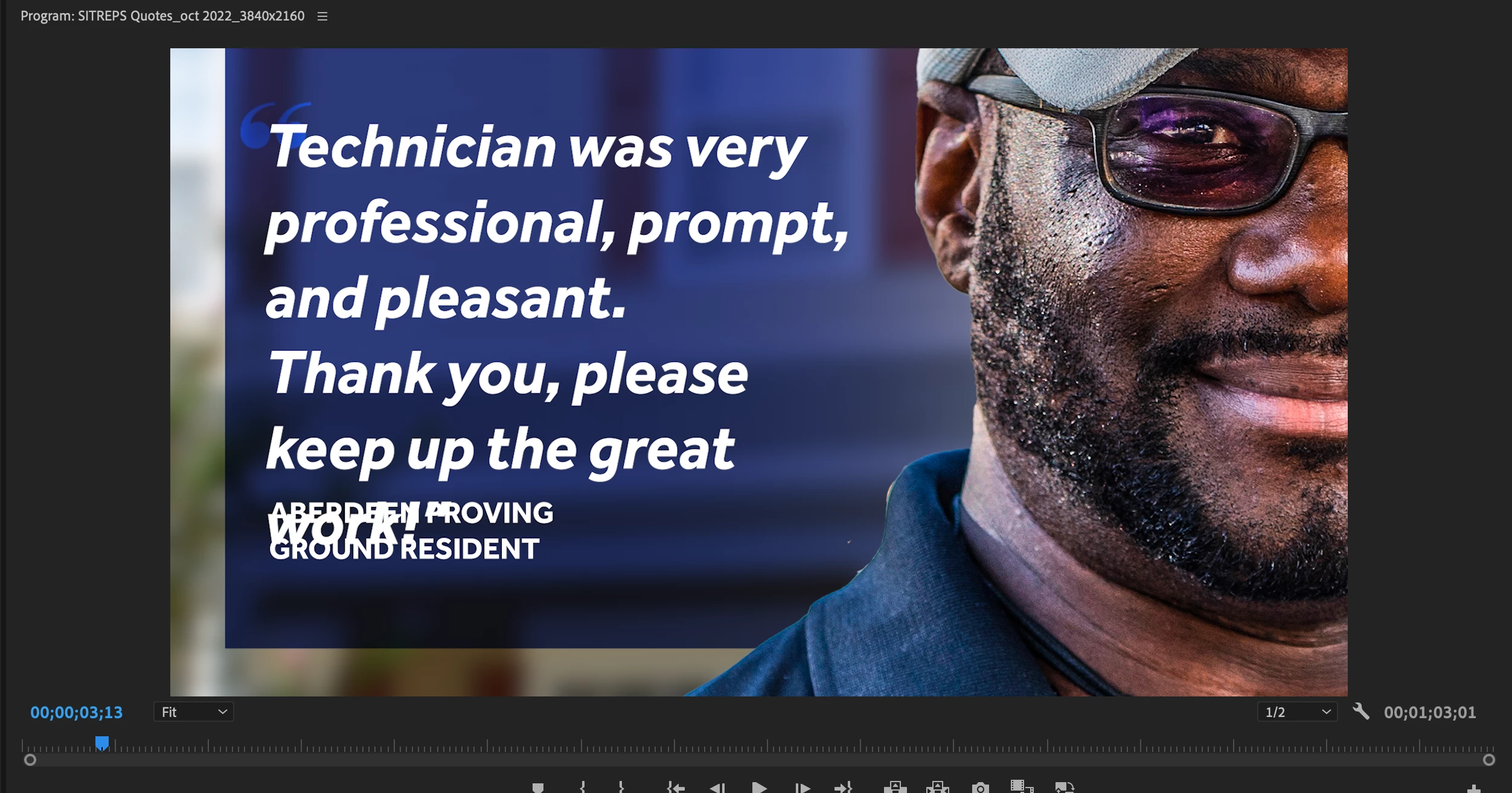
I understand how to change the size of the Sequence. Unfortunately when I do this, all the assets in the timeline don't scale down, they stay the same size, which is huge. Is there a setting I am missing so they reduce in size along with the sequence? It will be a drag to resize everything in it. See screenshots. Thanks!
This topic has been closed for replies.

1 reply

Community Expert
November 15, 2022

There is no way to do it directly, you can keep that sequence and create a new one with the right size, this way you may nest parts of the old sequence and use it in the new one, but it completely depends on how you build your first sequence and the complexity of it.

Be aware that 1960x1080 is NOT 16:9, it should be 1920x1080.

Juan Cano
Juan CanoAuthor
Inspiring
November 15, 2022

Yes, 1920x1080, sorry. Still on my first coffee. So it won't resize it by itself, sigh. That seems like a useful thing to have? 


Thanks.

Ishan Y
Community Manager
Community Manager
November 15, 2022

Hey Juan,

You can give Auto Reframe a shot and see if that works for your case. Here's how. Let us know if it helps.