
Isolating Voices from a Six Channel Audio Video
Hi all,
I'm slowly transitioning from Vegas to Premiere, and so far am finding it quite intuitive save for a couple of functions I have in Vegas that I don't quite know how to do in Adobe. Currently, I'm trying to figure out how to isolate the vocals from other background noise in Premiere.
I have a six channel audio mp4 file. In Vegas, as soon as I plop it in the timeline, all six channels are very clearly visible and separate form each other, as shown in this screencap.
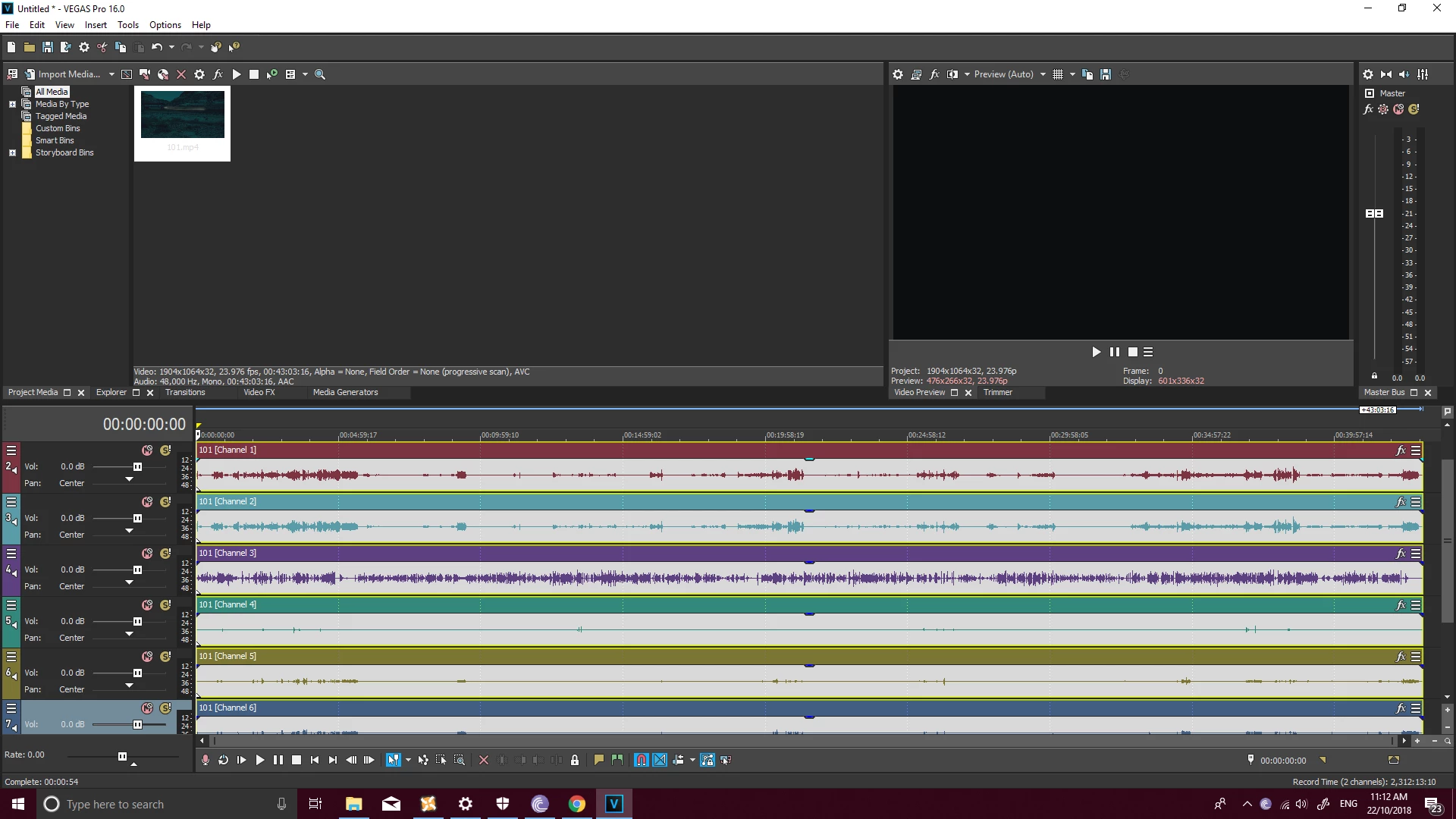
One of the channels is predominantly vocals. It isn't 100% perfect, but simply ungrouping all the channels deleting every channel except for the third (the vocal heavy track) removes pretty much 95% of everything except vocals. Loading the same file into Premiere, I see only one audio track containing all the vocals and background sounds, and I really don't have a clue how to go around separating them.
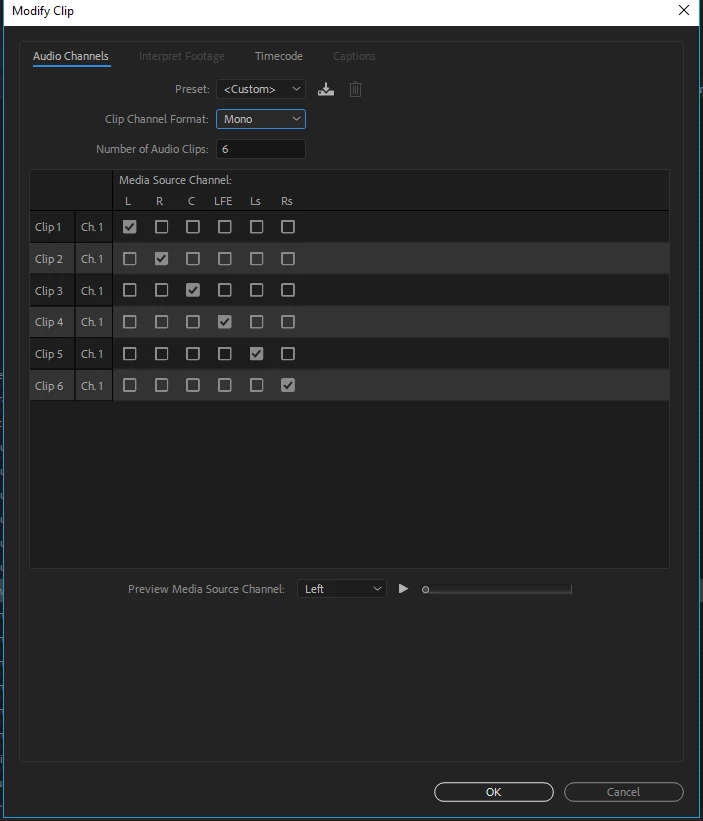
Does Premiere have the ability to do this, or something similar to it? There is the alternative of isolating the sound in Vegas first but as the clip is long I would prefer not to have to render it multiple times.
Cheers,
Lawrence
 AdChoices