


Issue with MXF in Premiere
Hello,
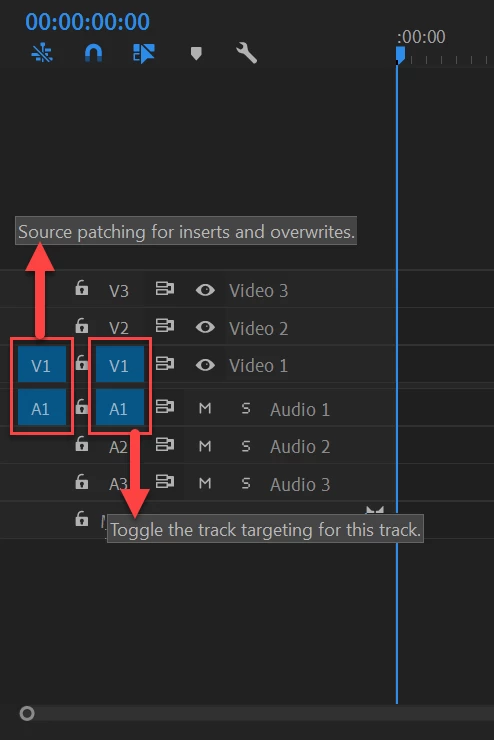
I am returning to Premiere after years in other platforms. I am having an issue regarding MXF files in a project. Specifically, I can import a MXF with no problem; I can see and hear the MXF file in the source window; but when I try to drag it into the sequence, only the audio will come across. What am I doing wrong? I am able to bring .MOV and .R3D files into the sequence with no problem.
Dean Walker
File Path: D:\Media\Video\ADA Playground\943_0156.MXF
Type: MXF
File Size: 84.47 MB
Image Size: 1920 x 1080
Frame Rate: 29.97
Source Audio Format: 48000 Hz - 24 bit - 8 channels
Project Audio Format: 48000 Hz - 32 bit floating point - 8 channels
Total Duration: 00;00;11;22
Pixel Aspect Ratio: 1.0
Alpha: None
MXF File details:
Wrapper type: MXF OP1a (type: SingleItem SinglePackage MultiTrack Stream Internal)
File generated by: Sony, Mem (1.00)
MPEG-2 422 Long-GOP
 AdChoices