


Linking file path to project location, is it possible?
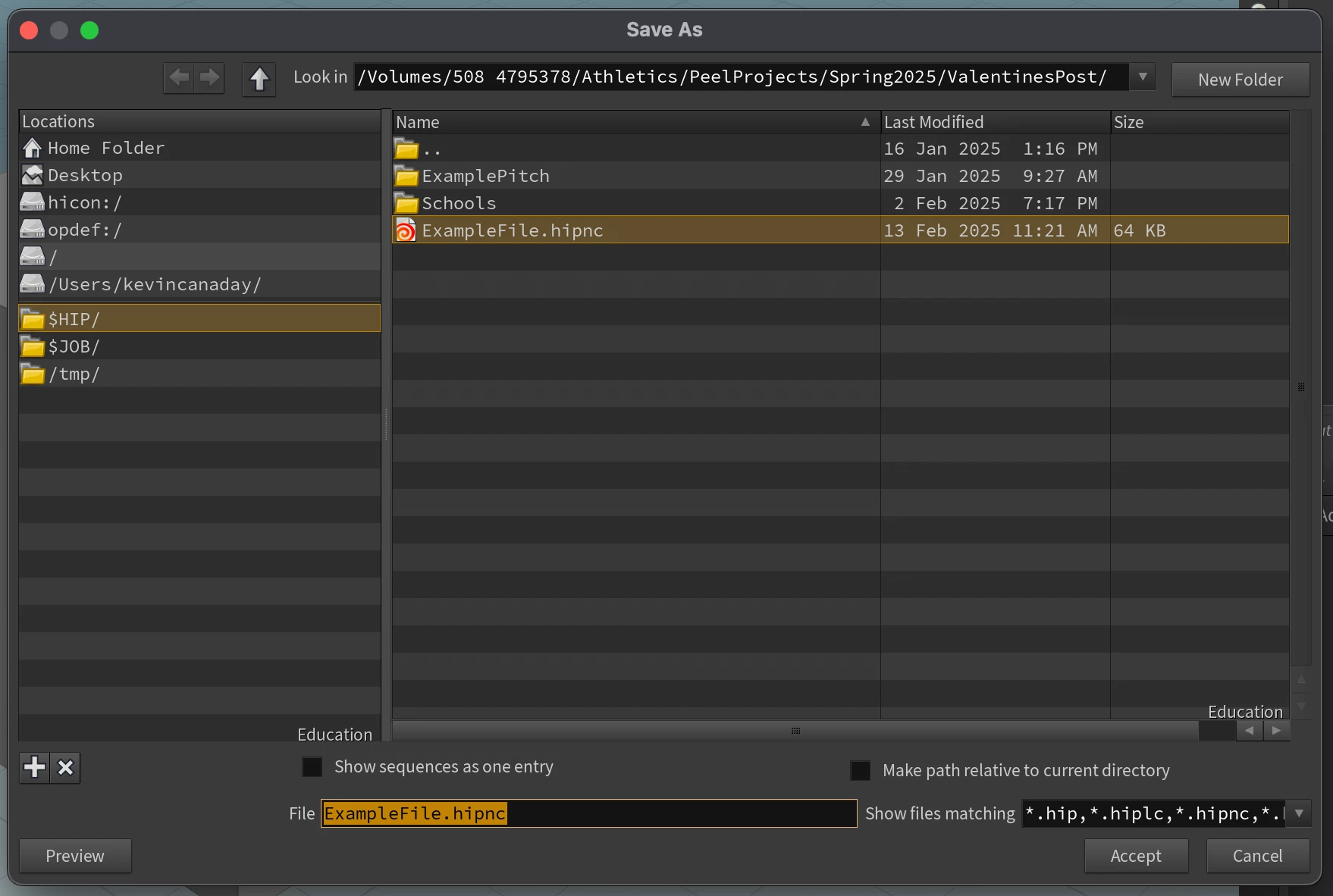
Ever since I started working more professionally with other artists I have noticed in industry standard softwares they link their paths to assets based off the project location. In SideFX's Houdini this is how most files are imported and saved.
*Image below*
For example, If I have a project with the file path, Volumes/Desktop/Project Folder/v001/ProjectName.hip and my folder with the footage file path is, Volumes/Desktop/Project Folder/v001/Footage/FootageFile.mp4
If; $HIP = Volumes/Desktop/Project Folder/v001/
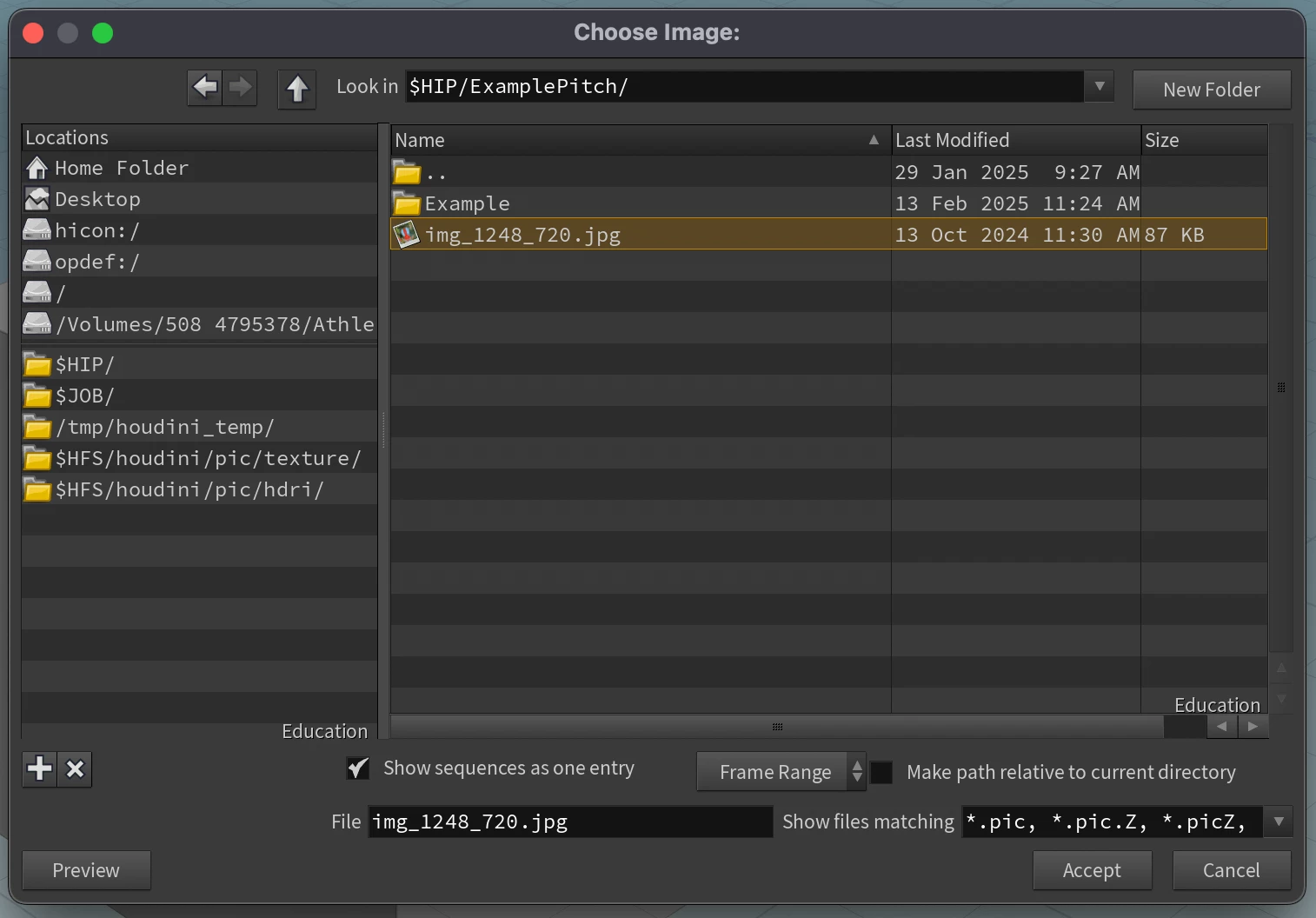
and the footage folder is in the same place as the project file, just like algebra I can notate it as,
$HIP/Footage/FootageFile.mp4
$HIP/ + Footage/FootageFile.mp4 = Volumes/Desktop/Project Folder/v001/Footage/FootageFile.mp4
*Image Below*
Is this possible for PPro? It would make it a lot easier as the person downloading it wouldnt have to relink the files regardless of location with the condition of the file path steming from the project location.
 AdChoices