


Lumetri Color: Possible to "Fill holes" in green screen using color adjustments and HSL secondary?
Hello, friends - This is an issue I've been hoping to figure out for a long time!
First of all, I'm using a green screen at home. It's not perfect, but, I think it will be viable if I'm better at the color editing. I'll soon invest in better backlighting, but would like to see if anybody's got a trick for working with these clips in the meantime. I'll attach some still images so you can see the result I'm getting.
I spent a lot of time learning to work with non-perfect green screens with YouTube tutorials. The best trick I've found is to use Lumetri Color's "HSL secondary" controls. I'm able to select the green backgroung, and smooth out the shadows by reducing contrast, boosting saturation, and playing with a bunch of controls to get a better quality green screen backdrop that I'm sitting in front of.
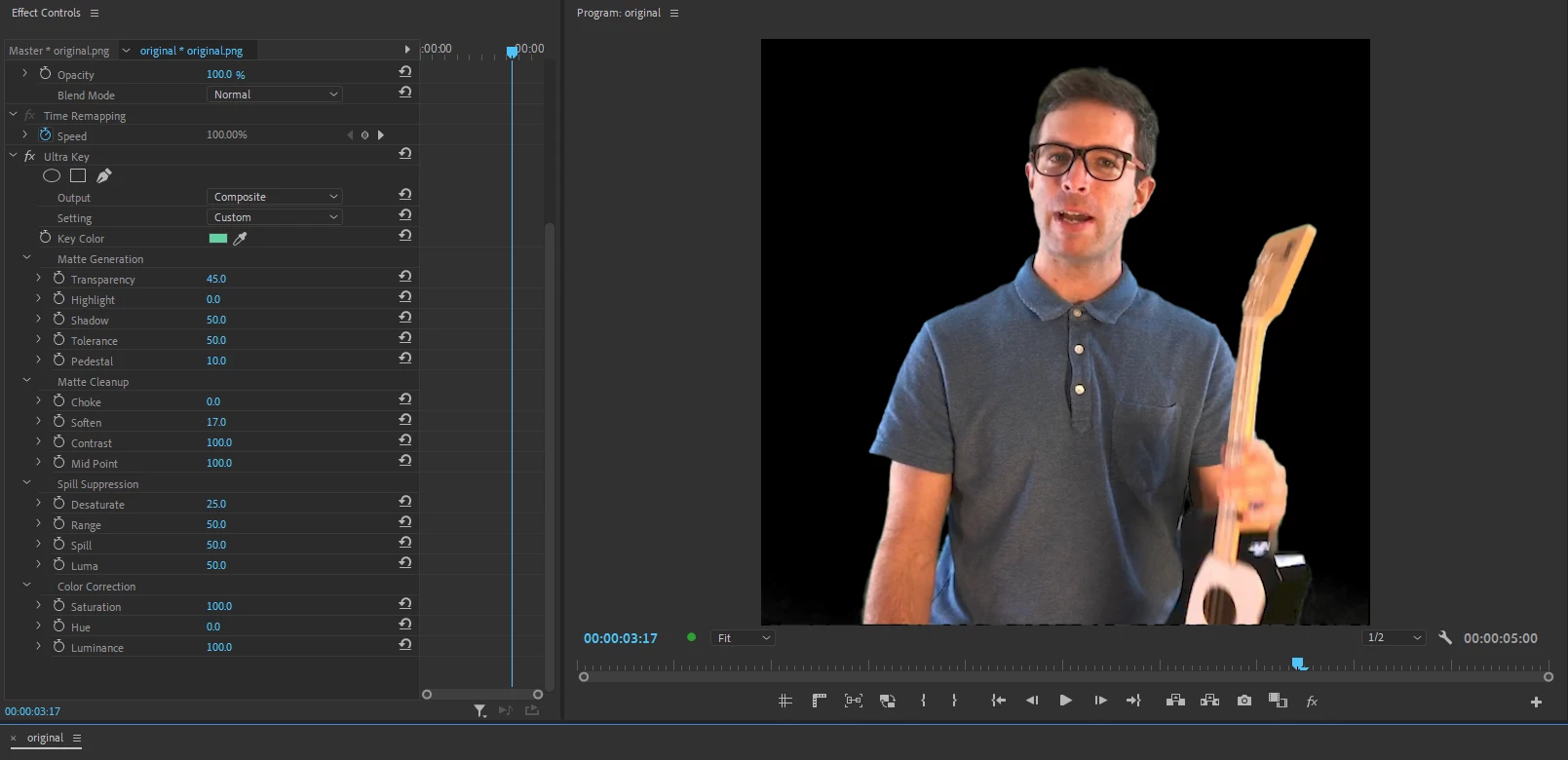
From there, Ultra Key is usually able to get a pretty great result right away.
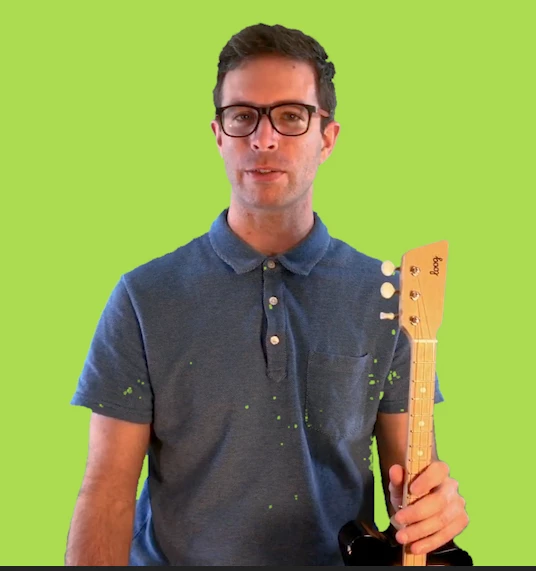
For the clip below, I'm getting some sparkly dots on the front of my shirt. I belive these are from shadows on my shirt (probably better front-lighting would help this?). They are very small dots, and I haven't figured out how to set the controls right to get rid of the dots without wrecking my nice greenscreen background.
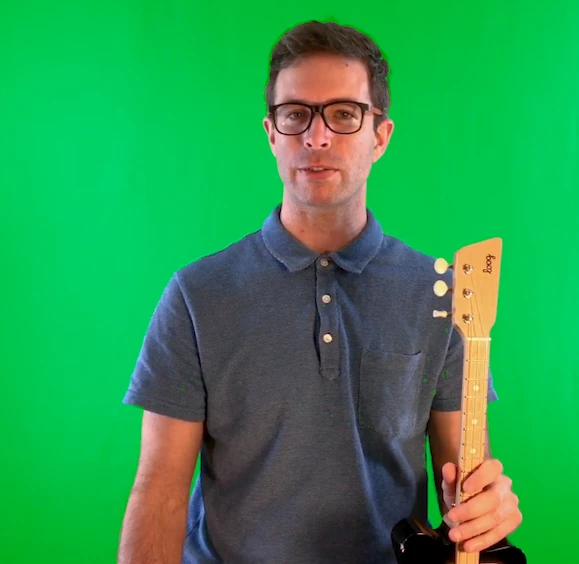
Here is how the clip looks when I'm just using Lumetri HSL secondary:
And here it is when I apply ultra key to put a color matte in the background:
Previously, I used Final Cut Pro, and when doing similar work, I'd use a slider called "Fill holes" to automatically fill in tiny dots like these. But, that was with using the keying effect, not a color effect.
If Lumetri color had a similar feature, I think that would fix this clip, but I'm not sure if something like that exists. OR, if Ultra Key had a sort of "Fill holes" feature, I could maybe do less color editing on the background.
So... I'm not sure what to try next, and if any tools or strategies come to your mind, I'd love to hear! Obviously, the best thing is to get better lighting so I'm not working with crappy clips, but would like to have this editing skill if I ever need it.
Thanks, and I hope your projects are going well!
 AdChoices