


Match audio to original source without changing placement of video track?
I been trying to figure this out but I can't find a solution anywhere. I'm trying to figure out how to automatically align audio track #3 to the audio track #1. I've tried using the synchronize feature, but the it shifts the video track with internal sound to match the 3rd audio track which I don't want as I have done edits already. I know I can just manually align it but because I have so many edits made, it will take some time. Is there anywhere I can synchronize the audio where as the original Video and Audio are not the ones being moved to match, but rather having Audio #3 moving.
I'm sorry if it's confusing.
Before Sync :
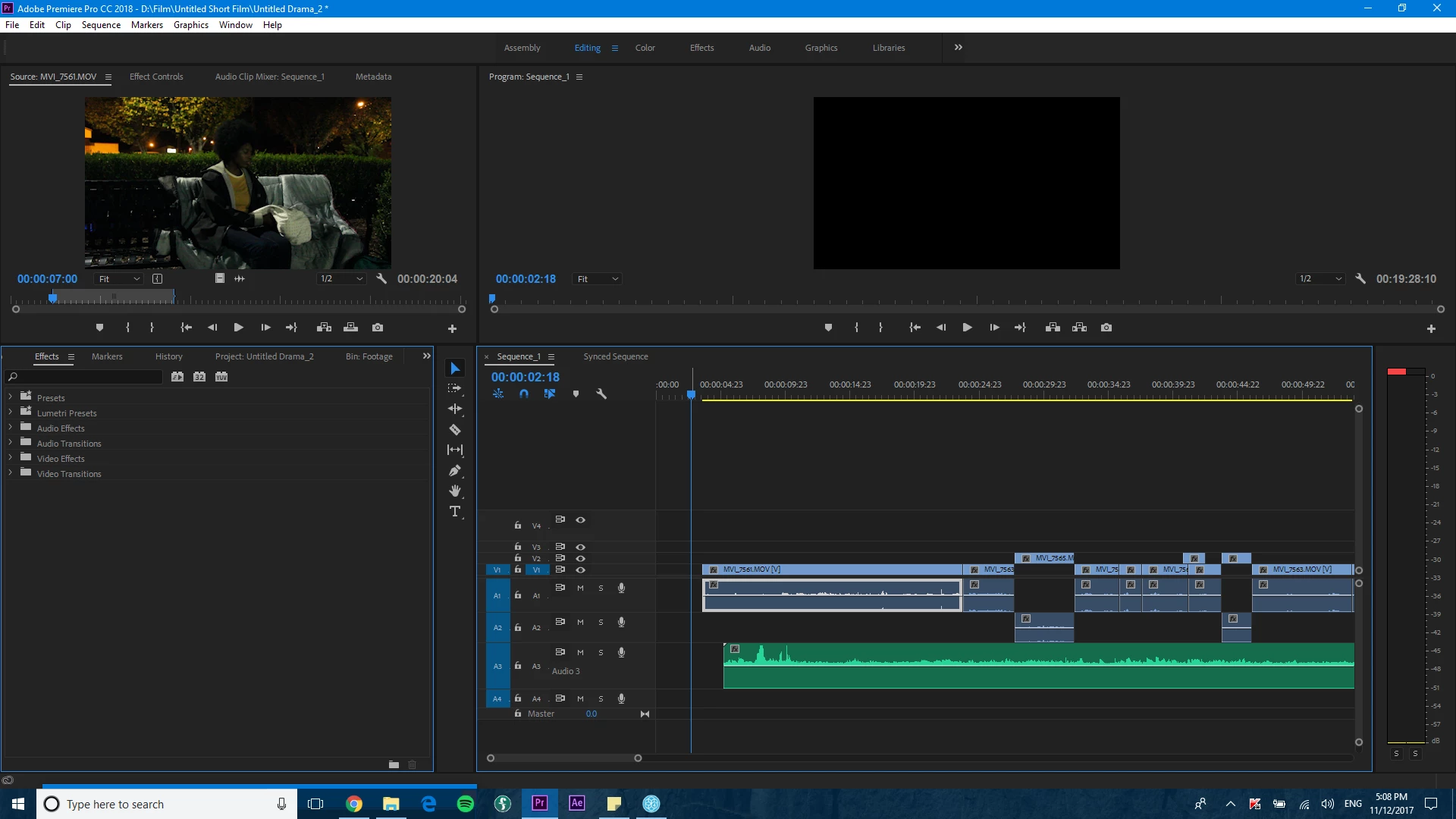
After Sync: If you notice, the video track shifted along with the audio which messed up two cuts. Can Audio track #3 be the one moving to match the visuals?

 AdChoices