


.mp4 files produced from Premiere Pro will not work on Samsung S9 - wrong codec?
In brief: I have produced an .mp4 video (timelapse with no audio, in 4x5 crop so an odd shape) file using Premiere Pro. It works perfectly on PC.
When I transfer it to my Samsung S9 phone it will not work: grey screen, won't play. I tried various transfer methods.
I had this problem intermittently over the past few months: I work-around I had was to upload the .mp4 (from Premiere Pro), into Photoshop, save again as .mp4 via Export >> Render Video, and although the file size was 3-4x that worked fine on my phone. This however now produces a file which (on the phone) is not a 4x5 crop and so is useless.
From all the research I have done it seems likely one of the codecs used in the .mp4 is not supported by my phone. I have tried every setting in the Export diaglog box and without success. Different file types often won't allow the 4x5 crop so are a no-go.
Can anyone help me find a solution or work-around? I would be most grateful!
Info:
Premiere Pro version: 14.0
Photoshop version 21.1.2
File size: 2942 x 3676 px, at 25fps
Export settings:
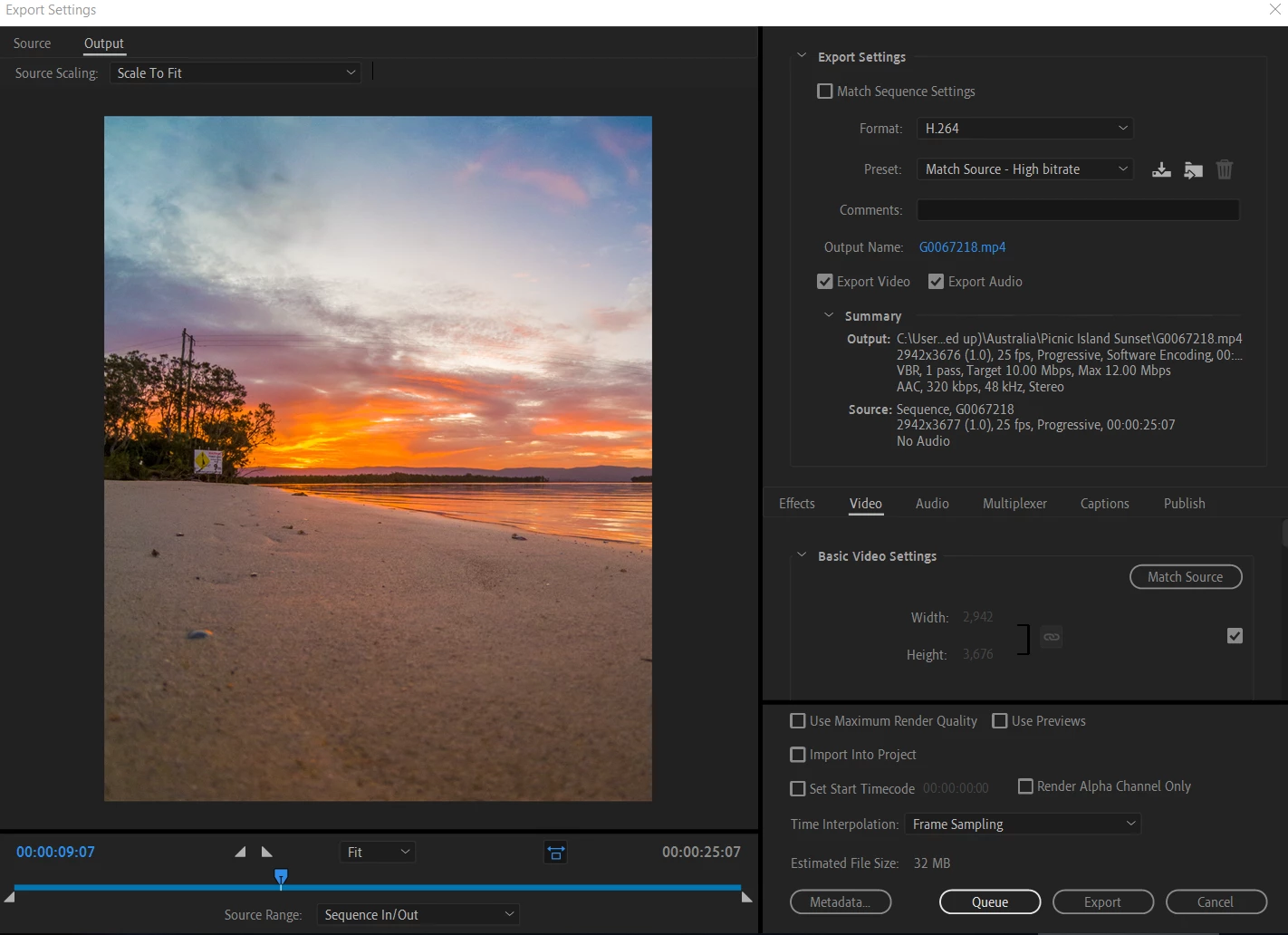
Samsung S9 running Android Version 10
Thanks in advance!
 AdChoices