/t5/premiere-pro-discussions/multi-camera-not-all-cameras-visible/td-p/11624450Nov 25, 2020
Nov 25, 2020
Copy link to clipboard
Copied
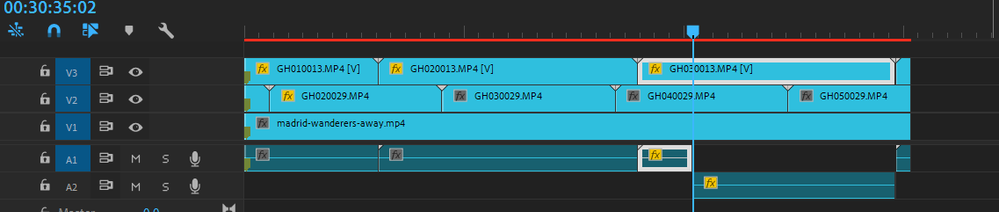
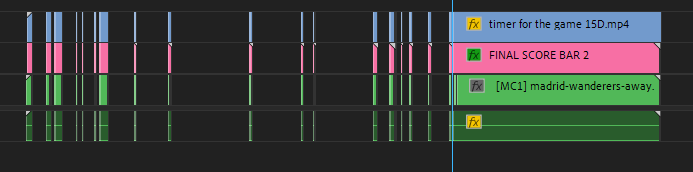
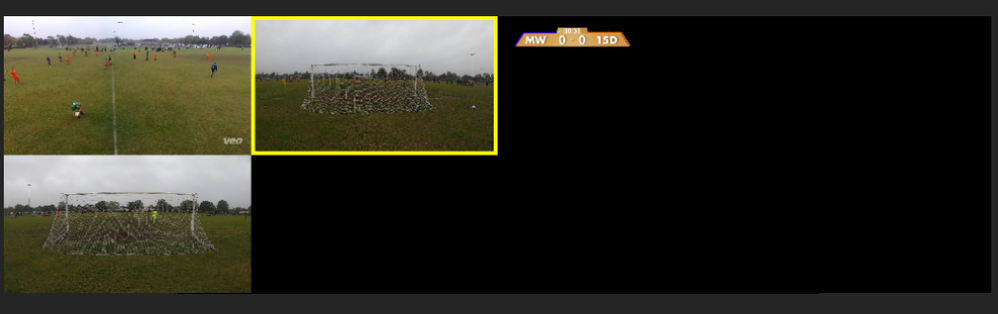
Using multi-cam to edit football video, two of the cameras suddenly went blank, after I cut one of the audio tracks and put it in another track (because it showed a red line and nothing else worked). I have all the cameras selected in the multi-cam nested sequence.
/t5/premiere-pro-discussions/multi-camera-not-all-cameras-visible/m-p/11624474#M313243Nov 25, 2020
Nov 25, 2020
Copy link to clipboard
Copied
LATEST
So it works now, although I closed Premiere once and loaded again and then it didn't work, now I did it again and now it works, I'm guessing it was just my computer's fault.






 2
Replies
2
Replies


 AdChoices