



New Sequence From Clip Not Centered From Original
I have a 4k clip on a 4k sequence. I've added an overlay that shows a 1920x1080 border in the middle of the video. The idea I have is to pan/zoom the 4k clip so that I get exactly what I want to show within the 1080 border, which never moves and always stays in the center of the frame. I wasn't sure if this would work so I made a simple example to test it out. I moved my 4k clip so that its top left corner matched the top left corner of my 1080 border. I then panned the video down to the bottom right corner. Played the clip, and it looked good. I then created a new 1080 sequence and copied the clip into it. The video pans from top left to bottom right as expected, but both corners are offset leaving a good amount of the video offscreen even though I set the 1080 border to the exact corners. Examples below.
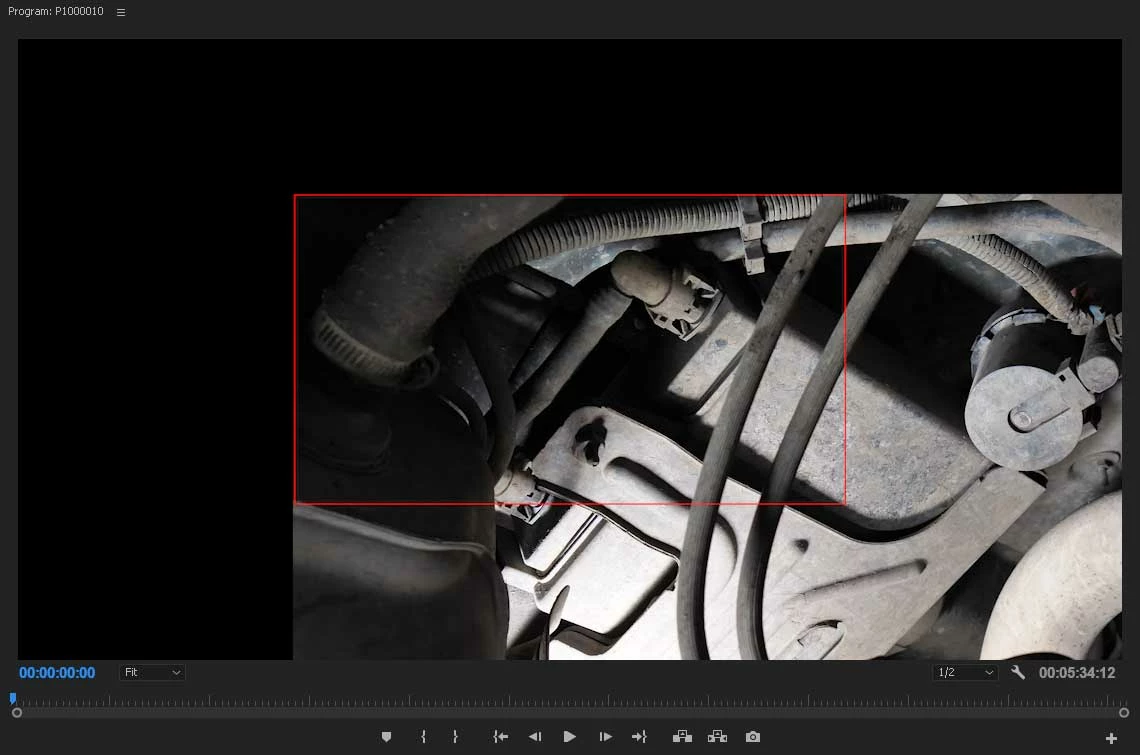
Here is the 4k clip with 1080 border at the top left.
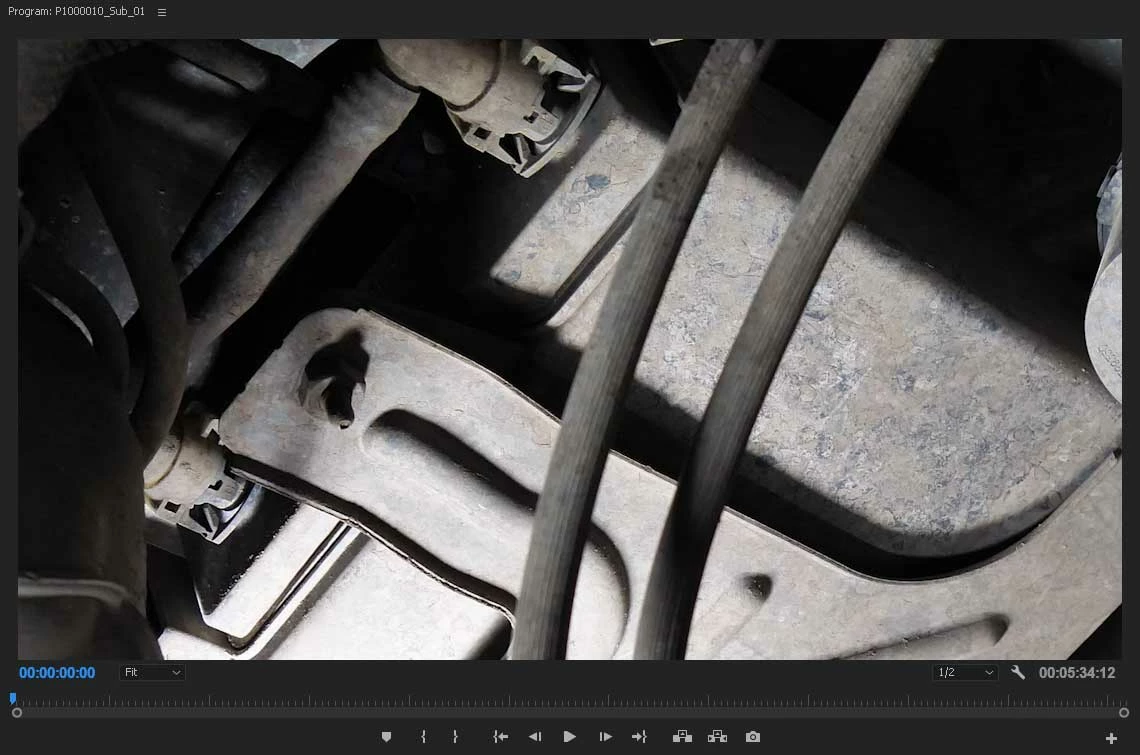
Here is the 1080 sequence with what should be the same framing as whats in the red border above, but clearly it is not.
What am I missing? Is there another feature in Premiere that does what I'm trying to do? I just want to crop into my 4k footage, but still see what it outside the frame for editing purposes.
 AdChoices