


Question
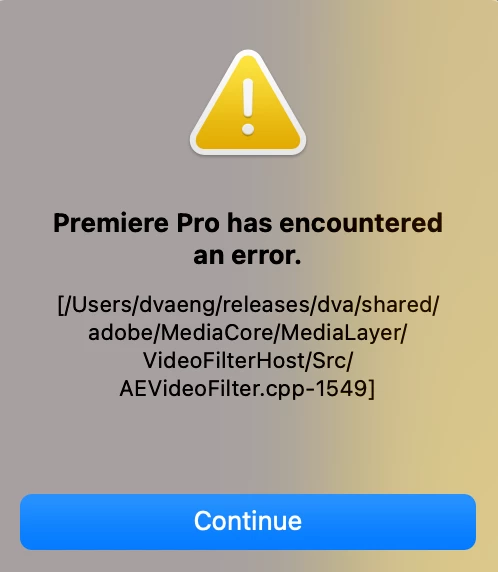
Odd error message for Premeire Pro after updating late 2015 iMac to Big Sur 11.5.2 and PP to 15.4.1
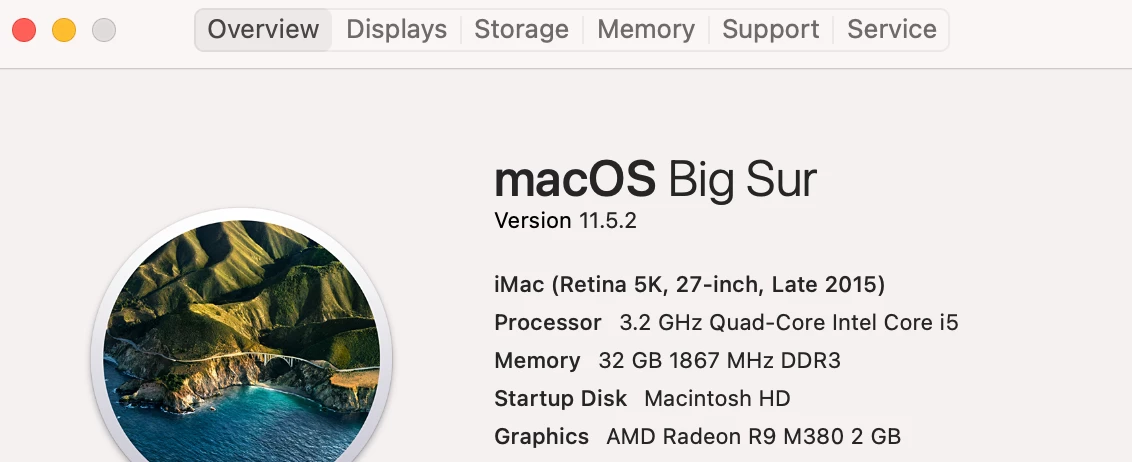
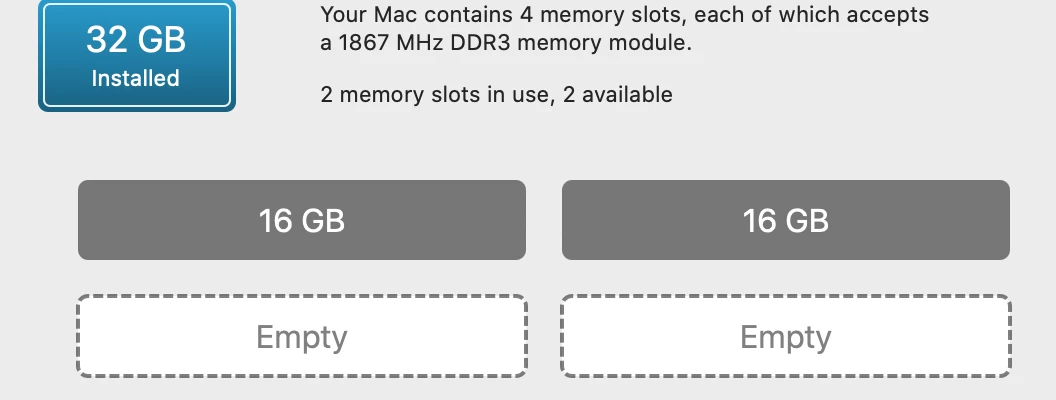
I recently updated my Premeire Pro software to the latest v 15.4.1, and the most recent MAC OS. While working on a project I had created in an earlier version of PP, I would get an odd message. I am attaching files beneath this message, as well as the specs on my computer.
This error happened wit a new project as well. My username is not dveng, as shown in the pathway in the error message, and I hope some here has an idea of which direftion to point me to.
Thank You.
 AdChoices