


Open captions keep disappearing from my project!
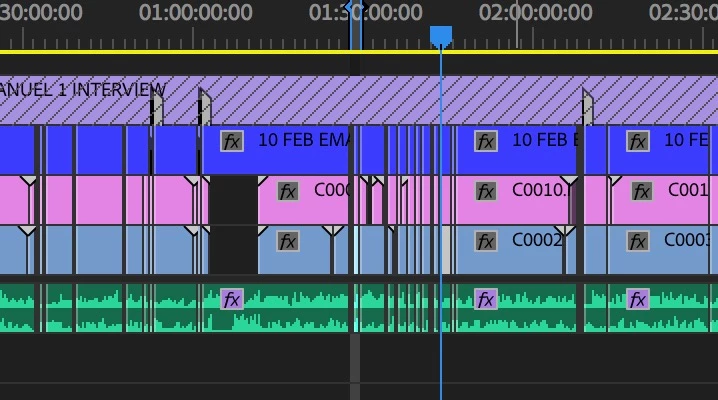
So, while editing a long timeline today I quit, opened and came back to notice that a huge chunk of captions was missing. I had put the raw footage and sound and a caption track together on one sequence, did the captions for it, then cut little bites from that sequence and placed them on a new sequence. When I opened it back up it looked like this. Formerly those big gaps were ALL FULL.
The sequence I added the caption track to and subsequently cut bits from (Caption track is in blue):
An overview of how much captions I lost:
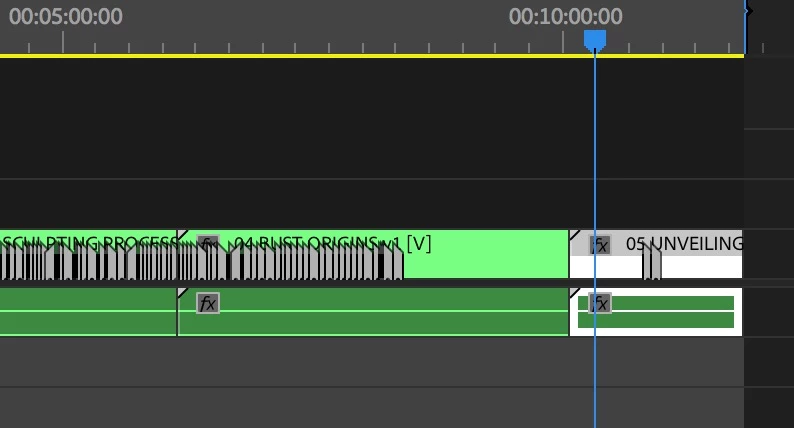
That was alarming. But okay, I thought maybe I accidentally forgot to save, deleted or wiped over them when I was adjusting a new caption.
So I painstakingly added back in all the ones that were missing, and this time I MADE A COPY of the caption track in the Project browser and labelled it 'caption backup'. Then I saved my work, then I exited. There's no way they can disappear now... right?
WRONG.
When I opened back up the project, everything I had put back in AND MORE had disappeared. I tried placing the 'caption backup' file onto the timeline, but it was still missing the exact same captions.
I checked all the Auto-Save files which were made just 10, 20 and 30 minutes before this calamity occurred, and they're all missing the same captions too.
What am I doing wrong? To be doing such time intensive and time-critical work on a platform this unstable and unreliable is just CRAZY.
EDIT: I have since tried creating a test caption, saving the project again, and sure enough, when I open it back up, it's gone.
EDIT 2: I then tried exporting the track as an .srt and checking that the new captions (which will then disappear from Premiere once I quit) are in there in TextEdit, and they are. Interestingly though, when I import that same .srt file into a new Premiere project, the captions in question will not show.
 AdChoices