

Answered
PRemiere CS6 - hand
Info: VHS Recorder to Adobe Premiere via Grabster AV400
How do I remove the saw teeth, and why do they come?
Is there anything in the "capture" function to be set differently?
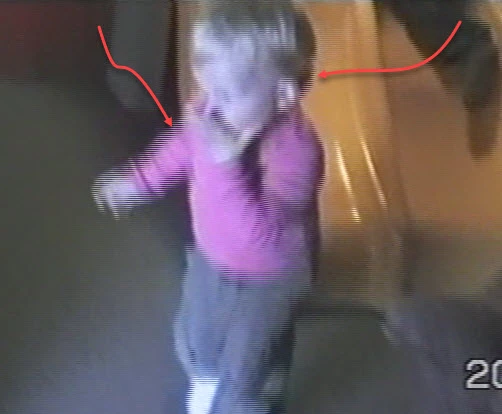

Info: VHS Recorder to Adobe Premiere via Grabster AV400
How do I remove the saw teeth, and why do they come?
Is there anything in the "capture" function to be set differently?
I have find out what you ask fore ;-)
Here is the screendump from "MediaInfo" and two of the files in my project.
Hope you still have time to help me.
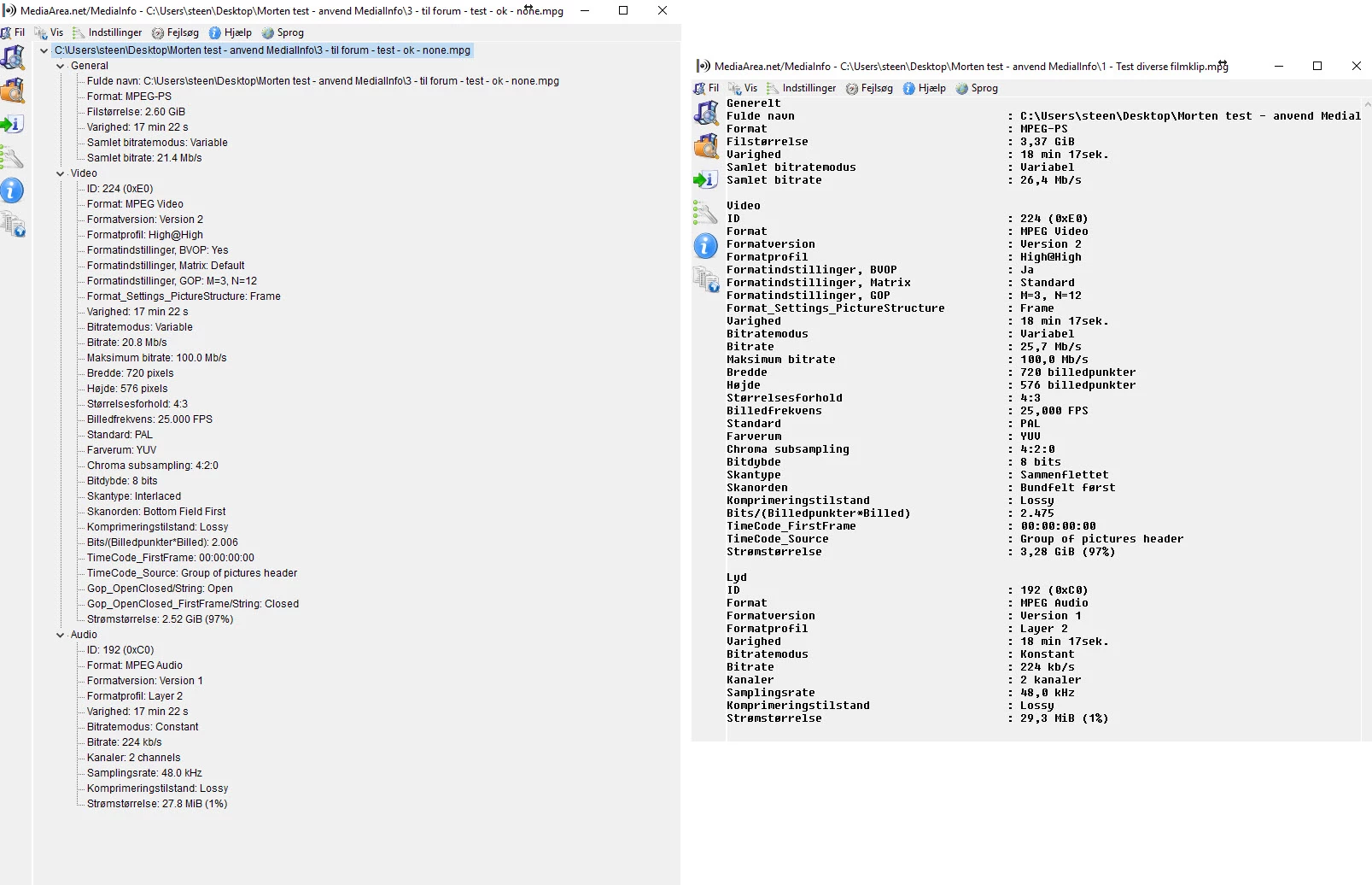
You set up a PAL DV Standard 48 khz in Premiere (this is 4:3 same as footage in mediainfo)
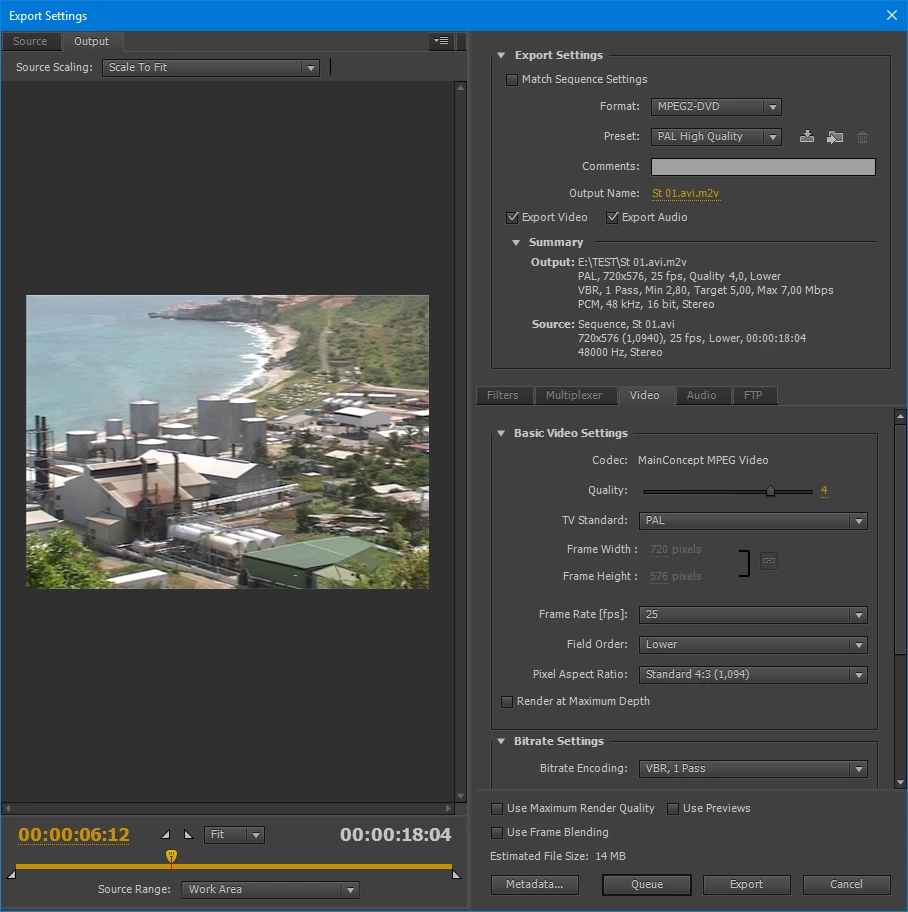
For DVD or Bluray you export to
mpeg2-dvd with PAL High Quality preset (you can tweak the bitrate a bit)
This will give you 4 files.
The audio (wav) and video (m2v) file you import into Encore.
If you want to play the videofile in VLC set VLC to deinterlace.
You only check Max Render Quality if you dont have MPE hardware.
Already have an account? Login
Enter your E-mail address. We'll send you an e-mail with instructions to reset your password.
 AdChoices