이 주제는 답변이 닫혔습니다.
최고의 답변: ravenise

I will check the auto-save folder and see if there are any viable backups!


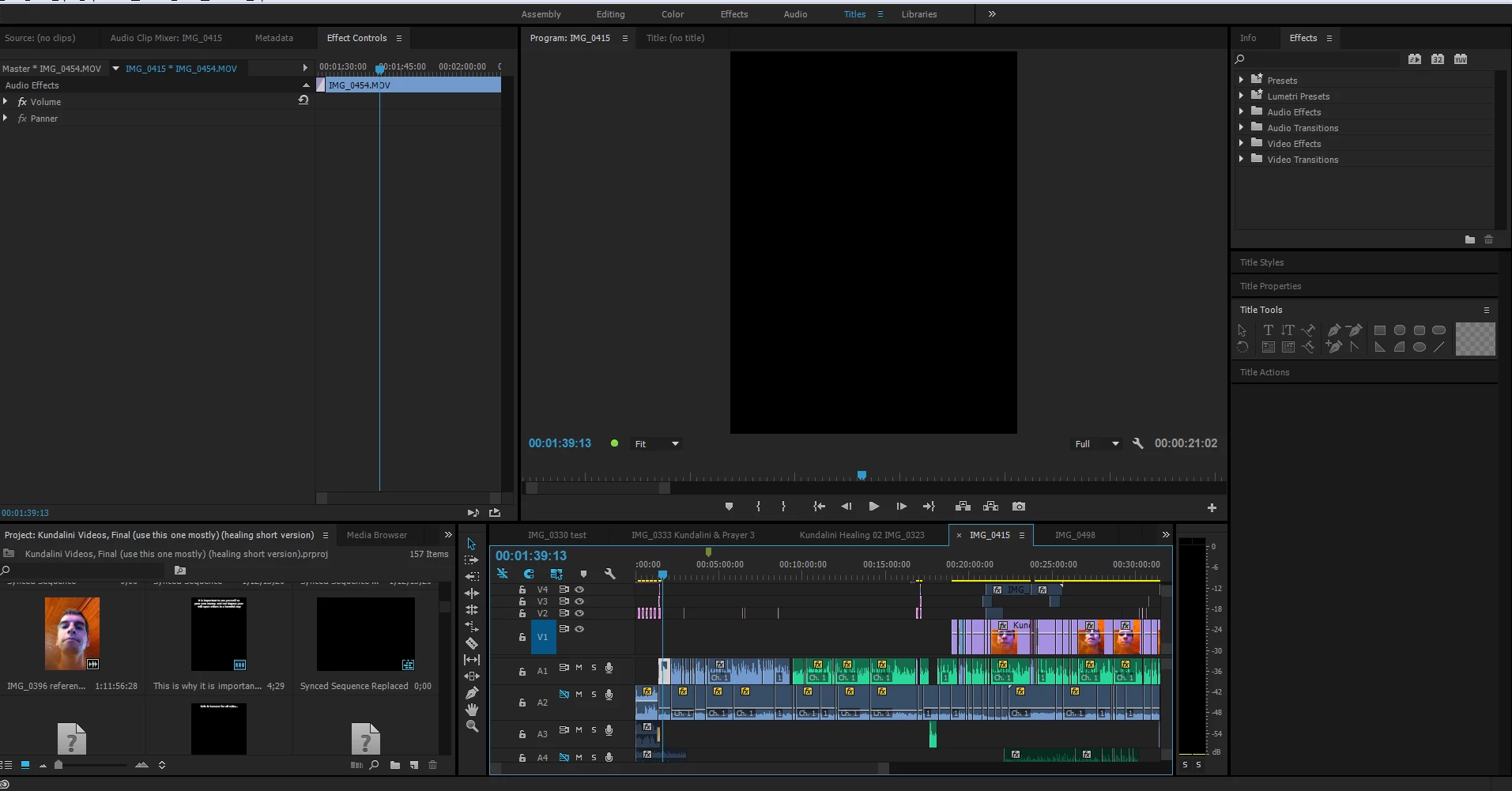
Okay, the previous auto save has all the videos. Premeire Pro crashed, then restored a corrupted copy of the timeline.

2 답변

Jogen
Inspiring
April 27, 2017

With "matchframe" you get the way back to your footage with all your In and Outs.

Go to the beginning of your audio clip, highlight it, look at menu -> clip -> matchframe (or use your shortcut, mine is "f")

and the video will be shown up in source viewer.

Just insert video only - done!

ravenise작성자
Inspiring
April 28, 2017

Thank you Jogen. I did this, there is a mark in and out point set in the source viewer, however dragging the video over, it appears longer in the timeline than the audio segment.  is there a way to define only what is within the in and outs or must this be done manually after dragging?

ravenise작성자
Inspiring
April 28, 2017

Ok I see it can be defined by setting the in and out points in the timeline... unfortunately it appears on some clips only the audio is able to be transferred onto the timeline, even video where with audio embedded. The video will not transfer.

ravenise작성자
Inspiring
April 27, 2017

it should be as easy as dragging and dropping from the audio file! There should be a backup stored somewhere in the project file.  This sucks!

ravenise작성자
Inspiring
April 27, 2017

some of the audio files were encoded separately from the video tracks to begin with!

ravenise작성자답변
Inspiring
April 27, 2017

I will check the auto-save folder and see if there are any viable backups!


Okay, the previous auto save has all the videos. Premeire Pro crashed, then restored a corrupted copy of the timeline.