Participant
November 23, 2022
Question

Premiere Export WAY darker than program monitor

  • November 23, 2022
  • 4 replies
  • 678 views

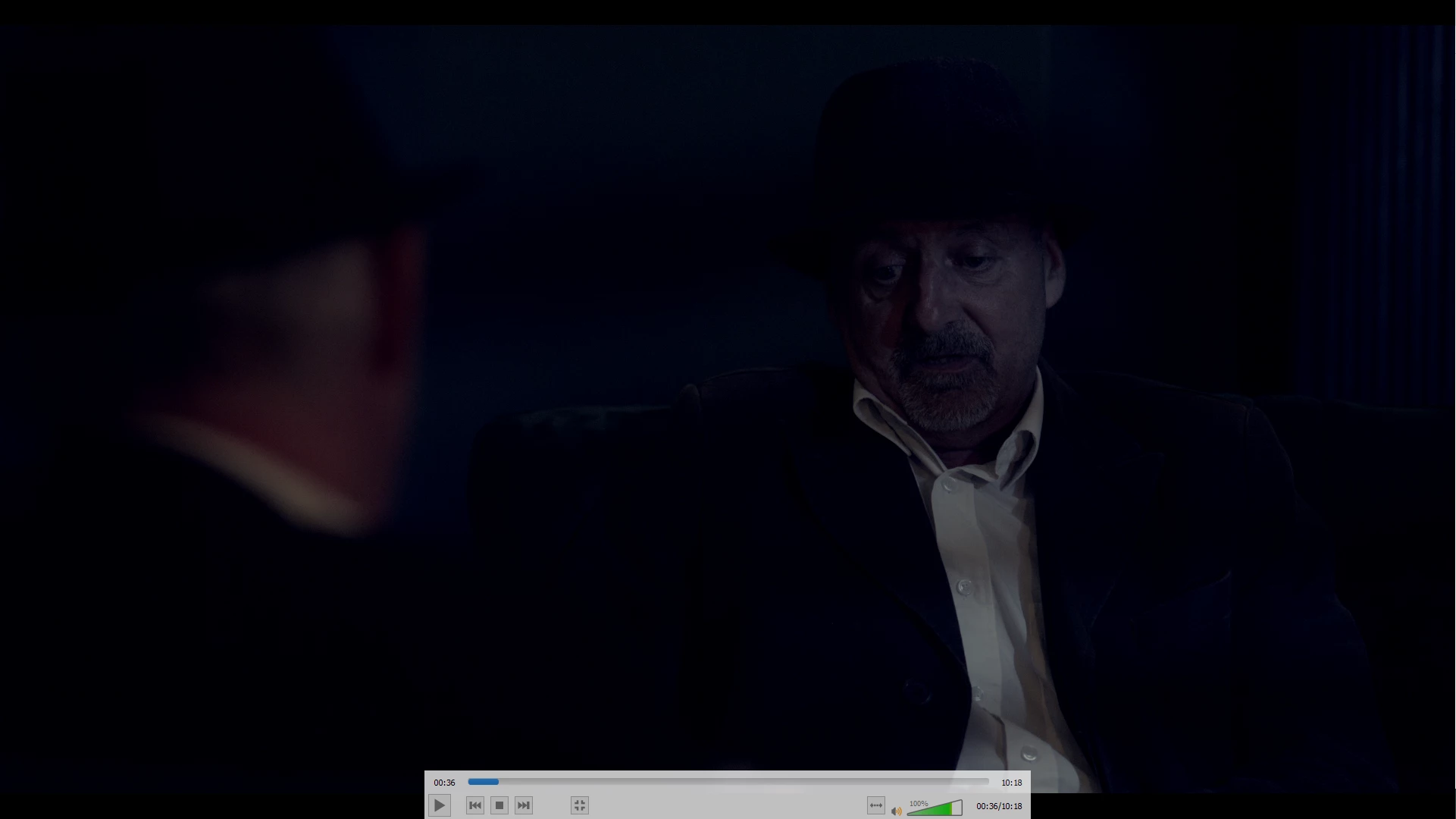
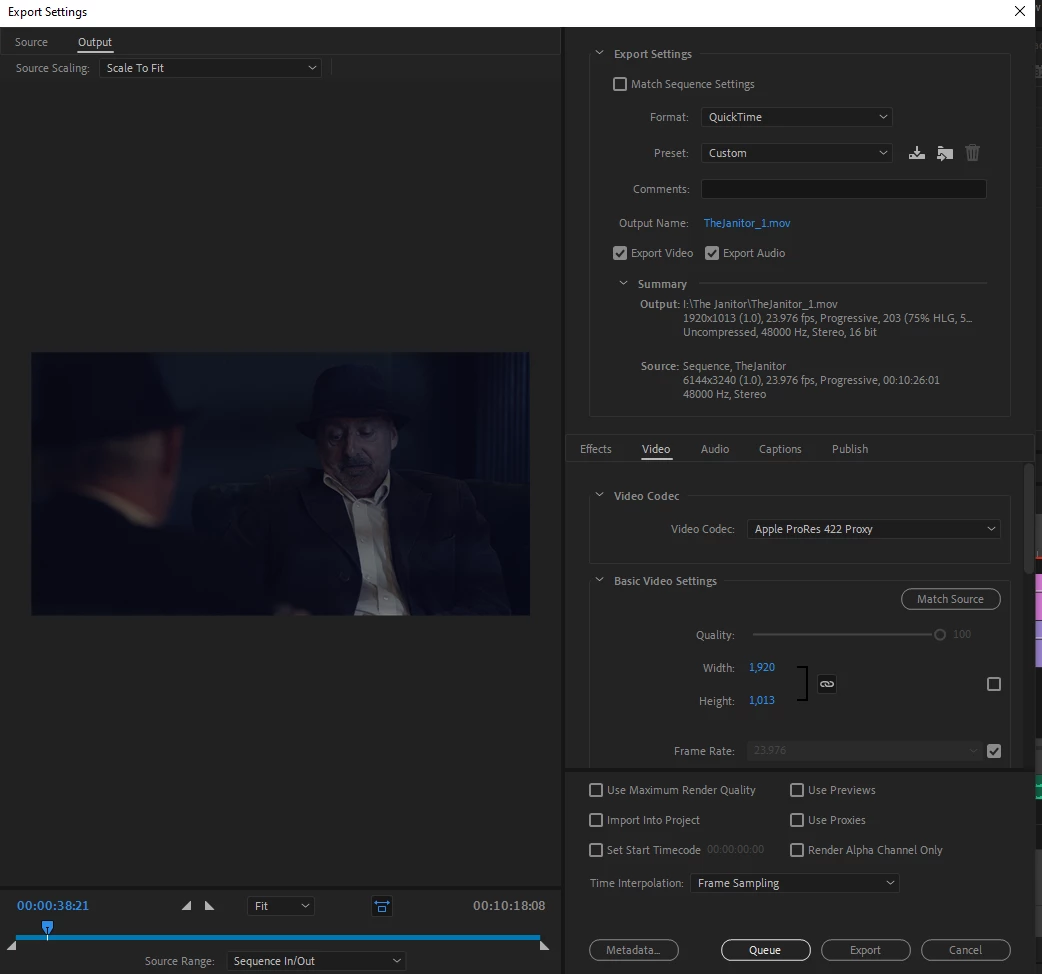
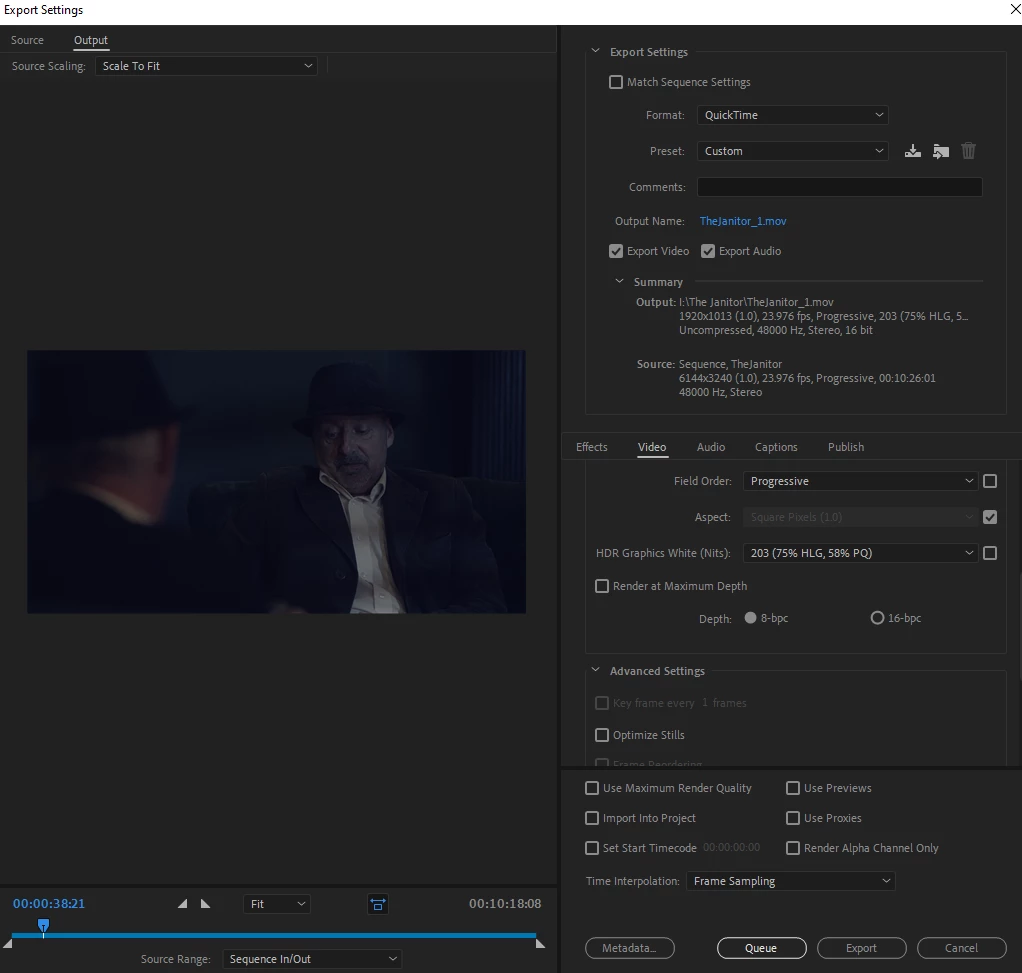
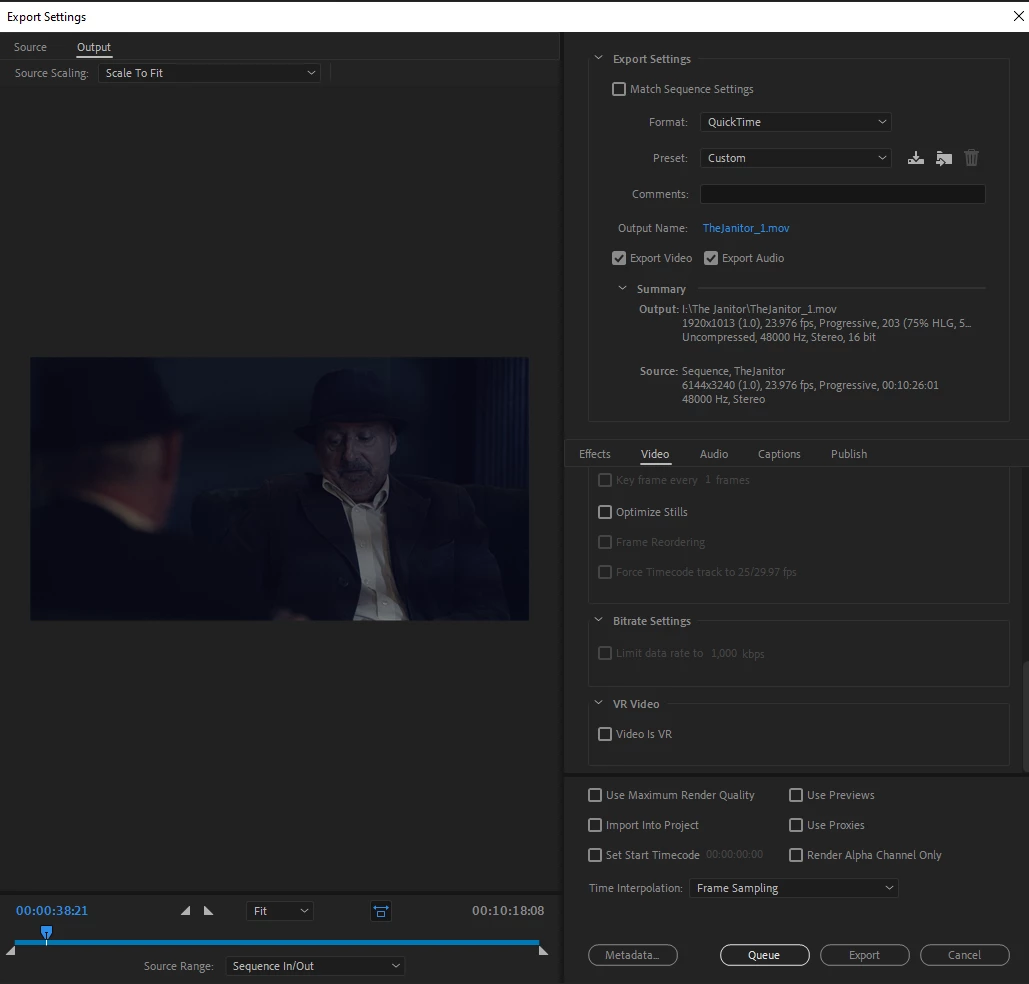
Hi! I've attached screenshots for reference. 


When rendering, it does not appear darker in the render preview. It's only once finished and opening in a media player that you can see that enourmous difference. 


This is making it impossible to attempt to do even a temp grade or render out a rough cut because it comes out so dark you can't see much at all. 


Why? My render settings all appear normal, how can i just render a video to look how it does on the program monitor but it comes out like I've lowered the exposure by 5 in lumetri or something. 
This topic has been closed for replies.

4 replies

Kevin-Monahan
Community Manager
Community Manager
November 23, 2022

I see that now. Thank You. I hope we can fix this issue with settings or updates. Have you updated your GPU drivers lately? More info on your system would help. 🙂


I inspected your export settings and noticed a lot of scaling going on. When scaling occurs on export, the GPU is engaged in Mercury Playback Engine processing. To troubleshoot, you may want to try exporting a few seconds of the sequence with hardware decoding off. Try another pass with Software Only engaged for Project Settings > General. 

Another thing to try is to turn off "Composite in Linear Color" in Sequence Settings.  

Kevin Monahan - Sr. Community and Engagement Strategist – Adobe Pro Video and Audio
Participant
December 1, 2022

I'll try all the above and get back to the post with results. 


As for system information: 

Nvidia GTX 1060 3GB 

Intel i5 6500 3.2 ghz Quad Core 

16GB ddr4 RAM 

Winndows 10. 

Ann Bens
Community Expert
Community Expert
December 1, 2022

Best is not to use odd numbers in framesizes: 1013.

Use a number able to divide by 4. (e.g. 1012).

Participant
November 23, 2022

Heya, this export is running through VLC (as seen in screenshot)

Kevin-Monahan
Community Manager
Community Manager
November 23, 2022

Hi,

Thanks for the screenshots. Much appreciated! The Premiere Pro team could please use more info about your system and the steps to reproduce this error. Can you fill out the bug report template and paste it here? How do I write a bug?


Filling out the bug report template using that format helps the team immensely. 


Also, beware of using "player apps" for evaluating color, especially QuickTime. You might try evaluating the video using the same apps and screens where the client will likely view the footage. Use VLC, if you are going to try a player app.


I hope we can assist.


Thank You,

Kevin

Kevin Monahan - Sr. Community and Engagement Strategist – Adobe Pro Video and Audio
Participant
November 23, 2022

For more info the footage is 6K native RED footage. I'm trying to just render out to a lower quality for the rough cut. The program monitor screenshot is of the LQProxy inside of Premiere. No, it does not suddenly get darker if i turn off proxies.