mujeebahmed
Participating Frequently
September 14, 2019
Question

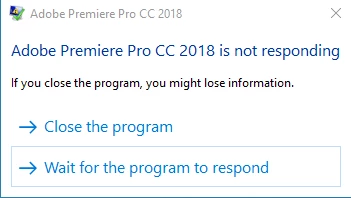
Premiere Freezing at Rendering, Encoding, The GPU Stop Working

  • September 14, 2019
  • 1 reply
  • 2318 views

Hello everyone, myself Mujeeb.

This is so wierd issue as title says all
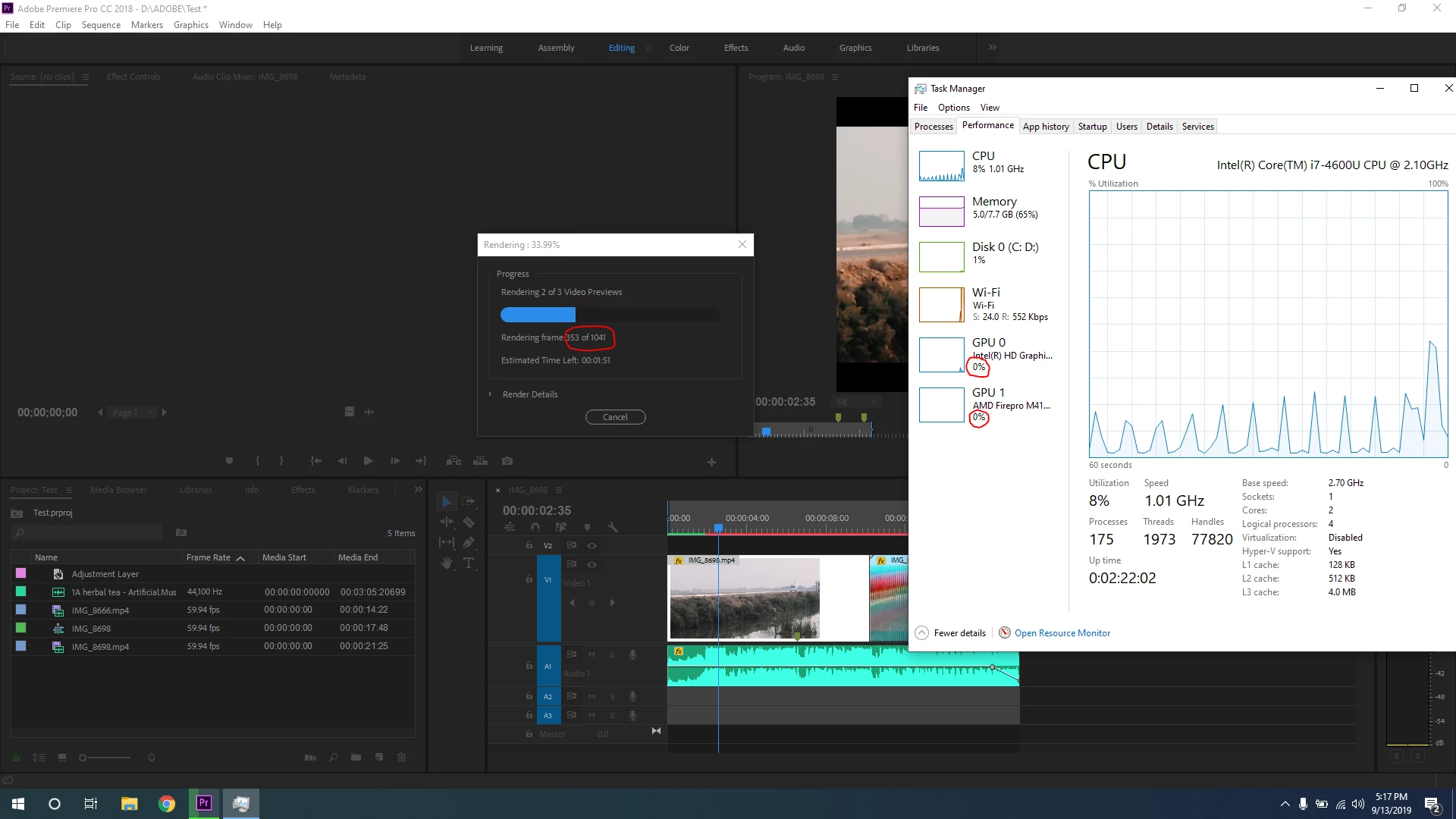
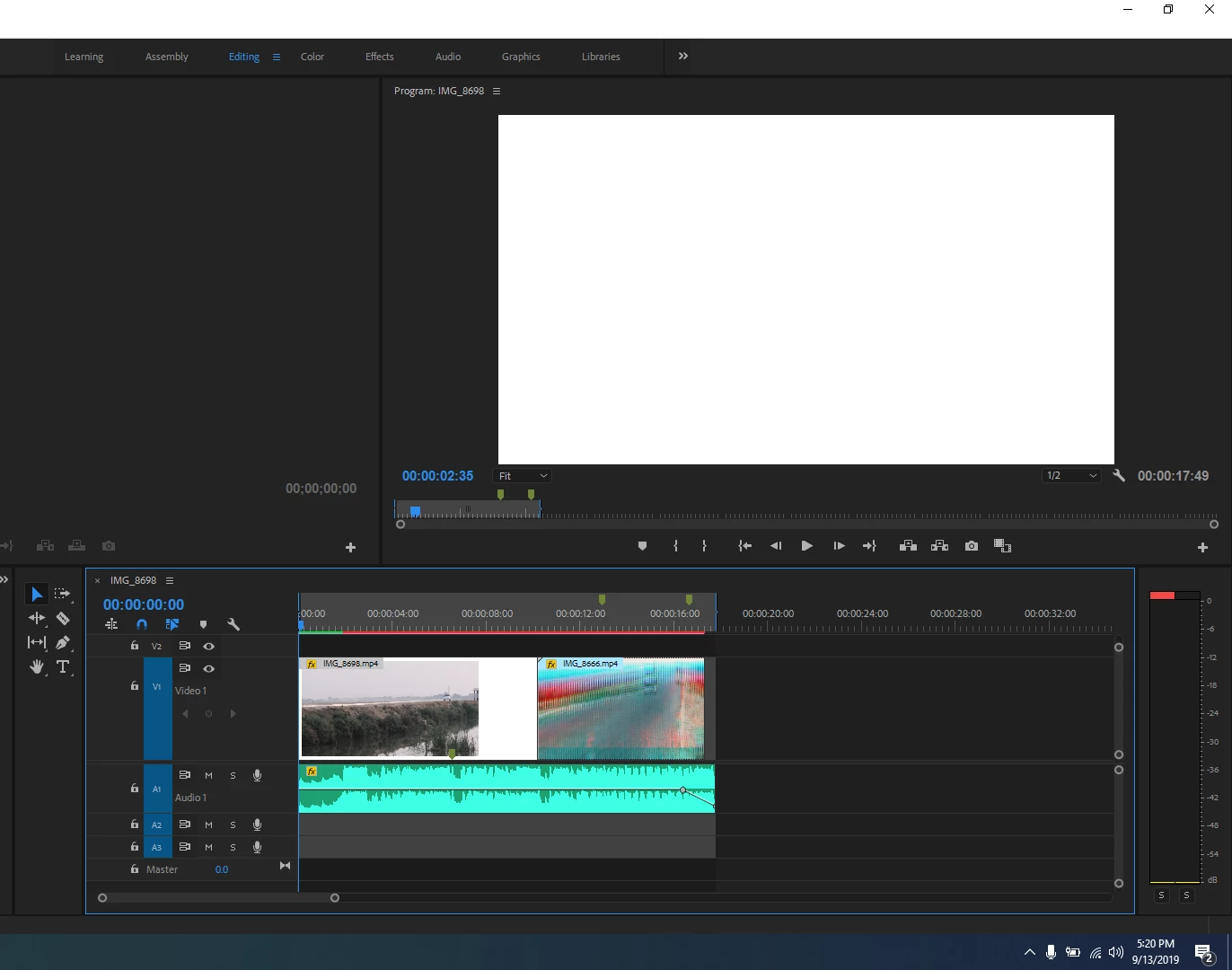

I bought Laptop a month ago, i was doing editing and everything were working Fine. later i had to update some drivers and wanted to optimize my GPU1 (AMD) for rendering so i edited some files in regestry, after that all was working fine and later i rendered the same video (which previously i edited, rendered and Encoded) i saw that issue.


What i did after this?

I reinstalled new Window, cleaned all the partitions and reinstall the Adobe and updated all the drivers but after all that i am facing the same issue

This topic has been closed for replies.

1 reply

Christian.Z
Adobe Expert
September 14, 2019

what effects do youy have on that clip? Can you please give us a full detailed description of your system specs? 

mujeebahmed
Participating Frequently
September 14, 2019

ehm i just used lut for colorgrade and slow motion with "Time Remapping & Optical Flow" as i said everything were working fine the same project, the same editing! i were able to render and encode them but after i did some settings this happened.


Well configurations are: 
CPU: Intel Core i7-4600U - 
GPU: Intel HD 4400 (Mobile 1.0/1.1 GHz) + AMD M4100 Firepro GL
SSD: 128GB 
RAM:  8GB - 51.6%
MBD: HP ZBook 14

Christian.Z
Adobe Expert
September 14, 2019

First off, and i'm sorry for saying this since i'm sure that's not what you want to hear, your system is well below minimum requirements for Premiere.

What might work, but not for long, is manually clearing your cache files. Other than that, I strongly suggest an upgrade.