This topic has been closed for replies.

2 replies

Shivangi_Gupta
Community Manager
Community Manager
February 13, 2019

Hi manuelsamachado,

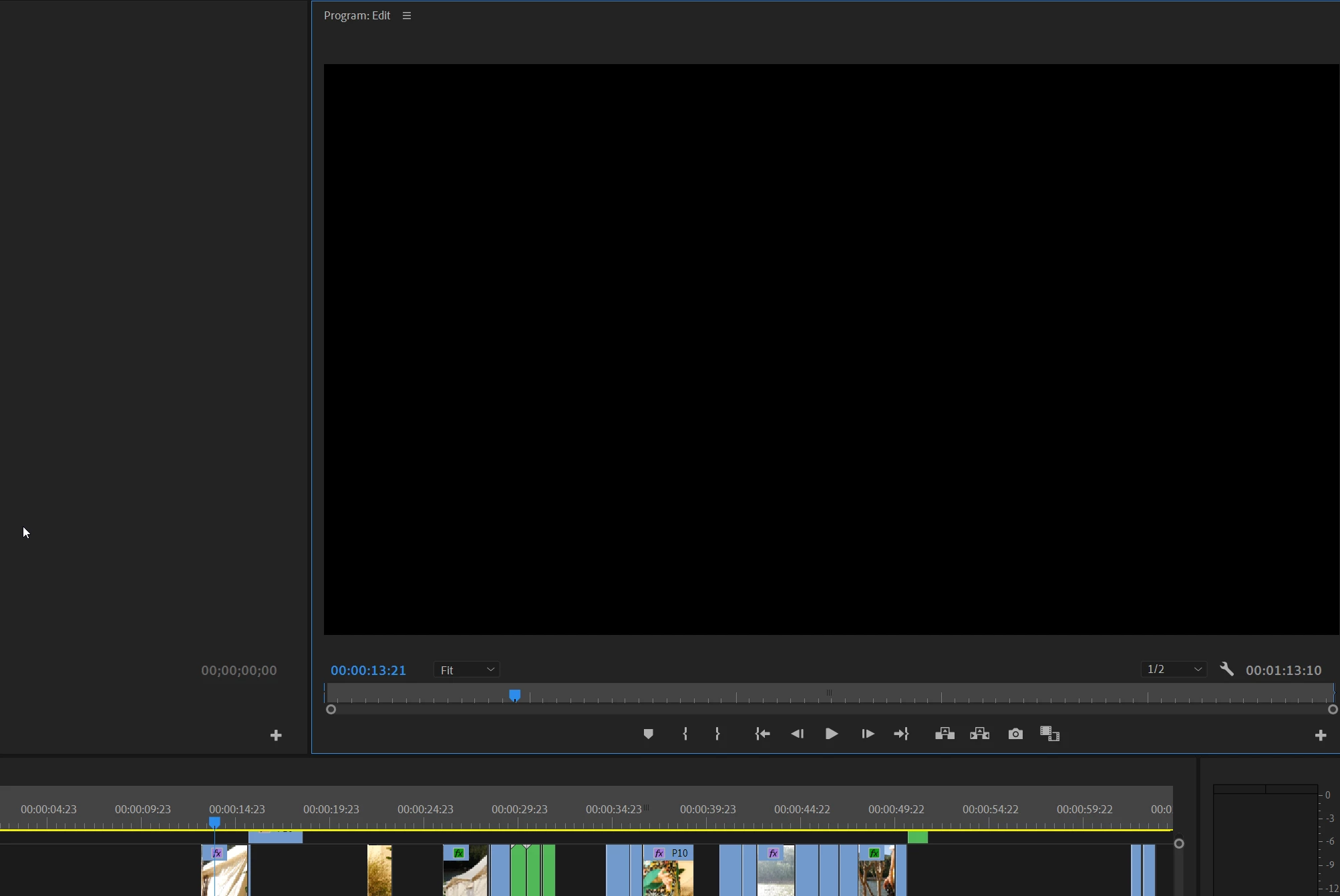
Preview related issues happen usually because of the graphics card. We'll need information about your computer like OS,RAM, GPU etc.  to check which video renderer is being used for generating the previews. Also, did any of the suggestions provided by Peru Bob help? If not, please check if you have enabled safe margins in the program monitor? There were few issues reported by users getting a black preview on Program monitor only when the safe margins are enabled.

Let us know if that is the case here.

Thanks,

Shivangi

manuelsamachado
Participant
February 13, 2019

Hi Shivangi!

I tried what @Peru Bob said but nothing changed.. I do not have safe margins on.

My computer specs:

Intel i7 9700K

2x GTX 980

16GB DDR4 Ram

Best regards,

Manuel

Peru Bob
Community Expert
Community Expert
February 14, 2019

Please use the free MediaInfo and post a screenshot the properties of your media in tree view:

MediaInfo

Peru Bob
Community Expert
Community Expert
February 13, 2019

Try resetting the preferences:

FAQ: How to reset preferences in Premiere Pro?

If that doesn't work, try resetting the Workspaces:

Reset a workspace

Reset the current workspace to return to its original, saved layout of panels.

  1. Do one of the following:
    • Click the Workspace menu icon and select Reset to Saved Layout.
    • Choose Window > Workspace > Reset to Saved Layout.

from here:

https://helpx.adobe.com/premiere-pro/using/workspaces.html

If that doesn’t work ,try updating or rolling back your graphics driver directly from the video card manufacturer’s site.

If that doesn't work, see here:

FAQ: What information should I provide when asking a question on this forum?