
Inspiring
October 24, 2024
Question

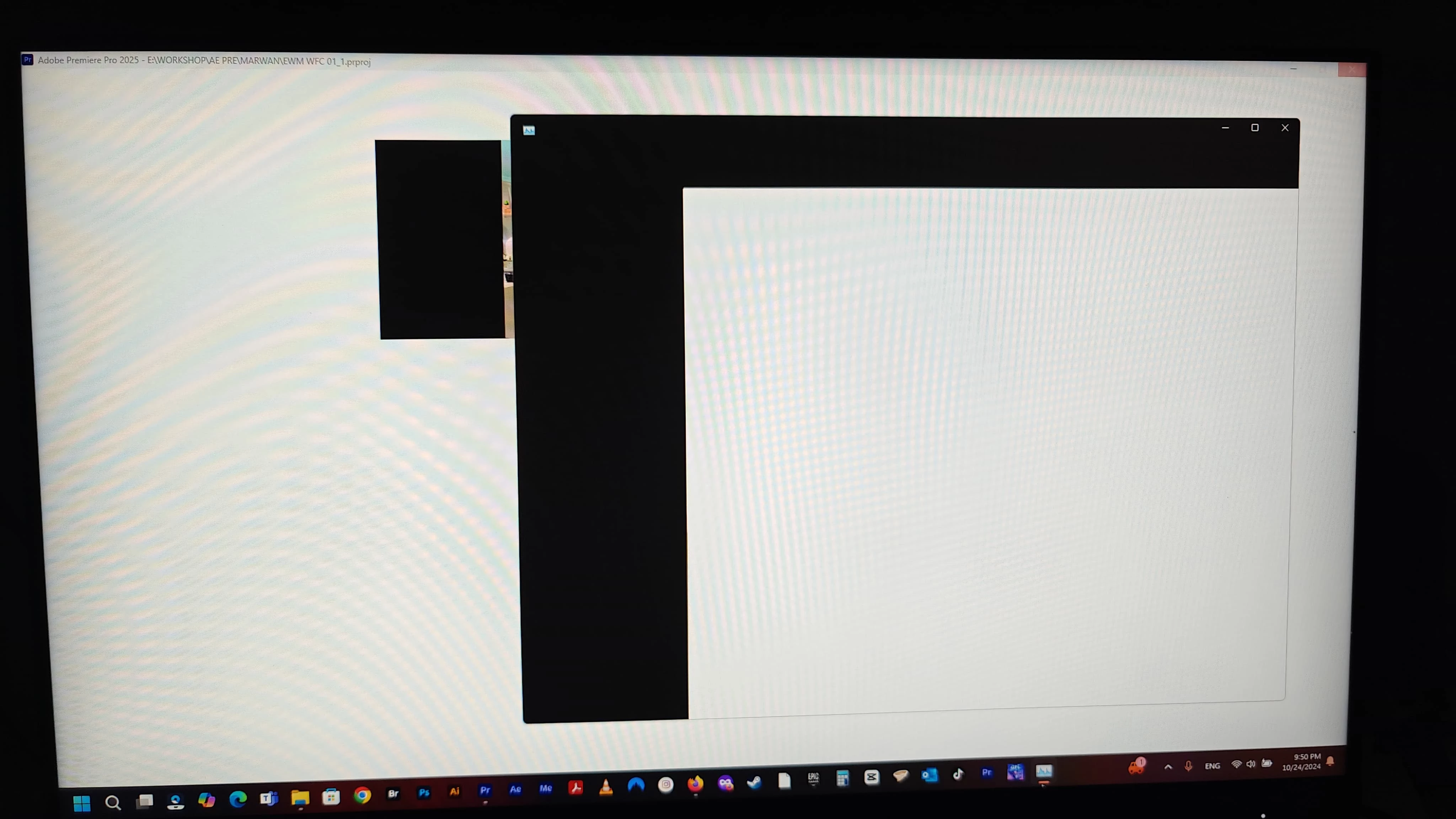
Premiere Pro Crashing

  • October 24, 2024
  • 1 reply
  • 614 views

Hey (insert person or Ai entity here)

I am still having full crashes and sometimes freezing my entire PC since I updated to Premiere Pro 2025 a few days ago. I have projects I have been working on for a while and some new projects which are all very light and just a few minutes.

Auto Transcription is turned off. When can we expect a working fix? Because at the moment it'll seem there are no actual solutions to this.
 

This topic has been closed for replies.

1 reply

jamieclarke
Community Manager
Community Manager
October 24, 2024

Hi @SGG CREATIVE - Sorry you are having crashing issues, can you please provide more information see How do I write a bug report?

Inspiring
October 24, 2024

PC 64GBRAM (50 allocated to Premiere Pro), Nvidia Geforce 3060, 2TB SSD, AMD Ryzen 7 5800H.
Premiere Pro 25 (PP25) recently updated.
PP25 opens as designed but crashes immediately after a project of any kind is opened. Sometimes it gives an error massage "Premiere Pro is running low on virtual memory" and then freezes, other times it just freezes the entire PC and I am forced to "Force" restart.

jamieclarke
Community Manager
Community Manager
October 24, 2024

HI @SGG CREATIVE - Do you have any plug ins installed or have used tourbox, logitech software?  Have you tried holding down "Shift" while opening premiere and select all of the checkboxes?  just be sure to back up your preferences before resetting them.


Do you have the studio driver for your graphics card installed?