



Question
Premiere Pro Guided Workflow: Import Footage
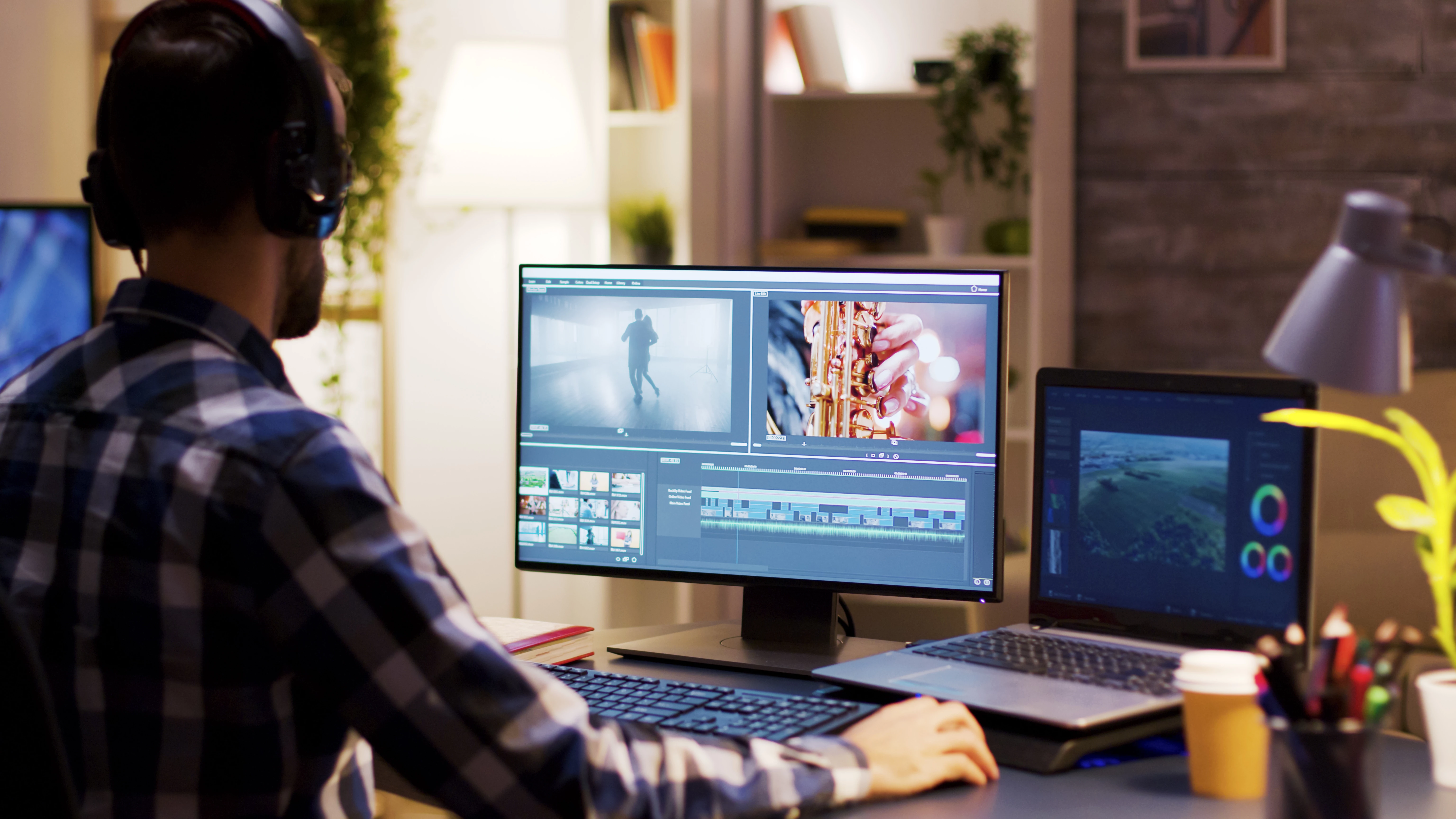 Now that you're set-up, you can import footage. However, before importing footage into Premiere Pro, it is very important to determine your camera formats before importing. Each source has its own issues.
Please make a note of your format before importing.
- Camera Format I: consumer or prosumer camcorder: Importing standard video files
- Camera Format II: cinema camera: Importing video files from file-based cameras
- Mobile devices or screen captured files: Importing VFR video files from screen captures, etc.
How to Import Footage
by chinfat
By importing using the proper steps for your format, you are ensuring that you have a better experience when organizing and editing the footage.
Troubleshooting: Common problems with importing footage.
 AdChoices