imagearkansas
Participant
January 14, 2022
Question

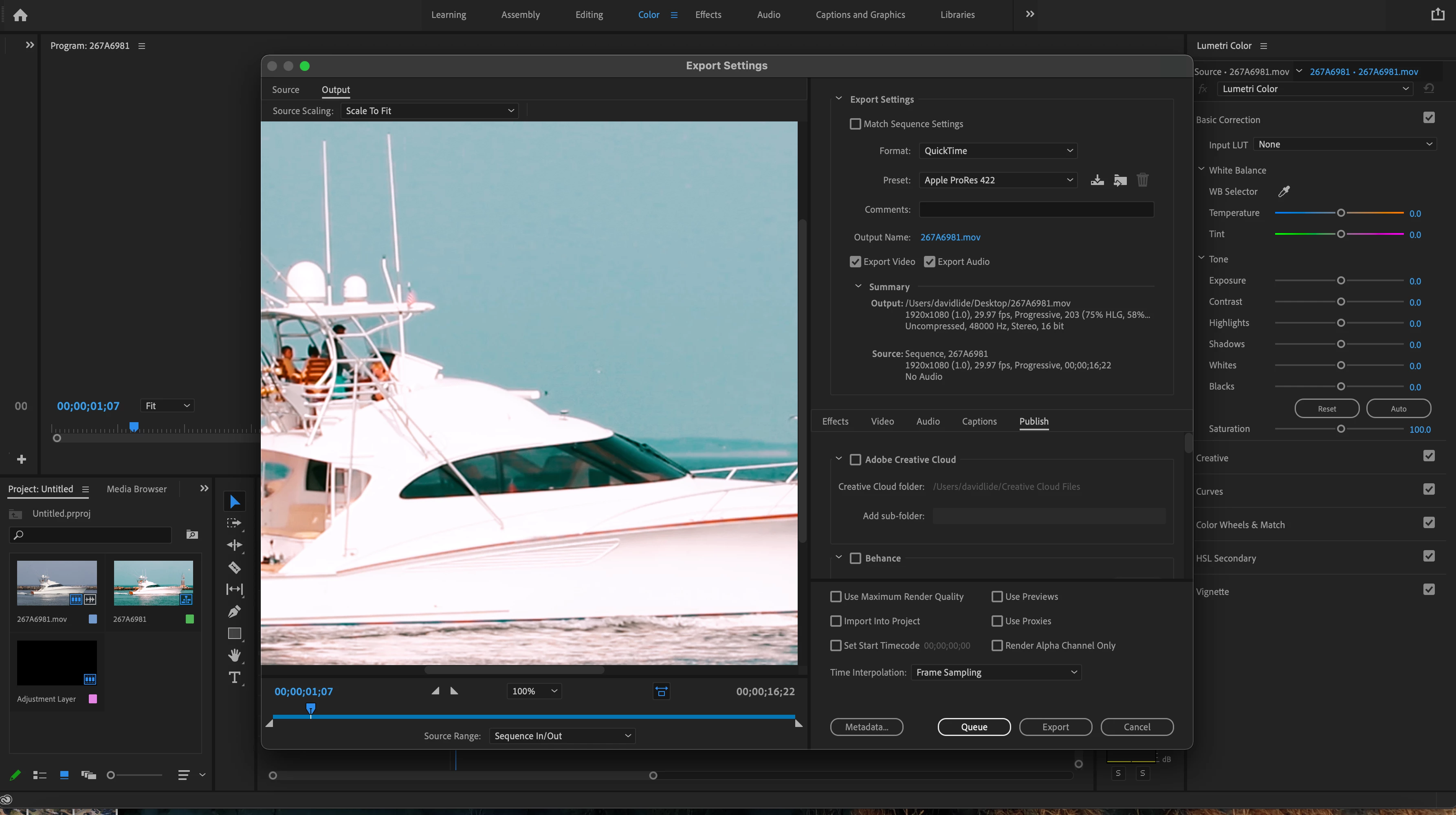
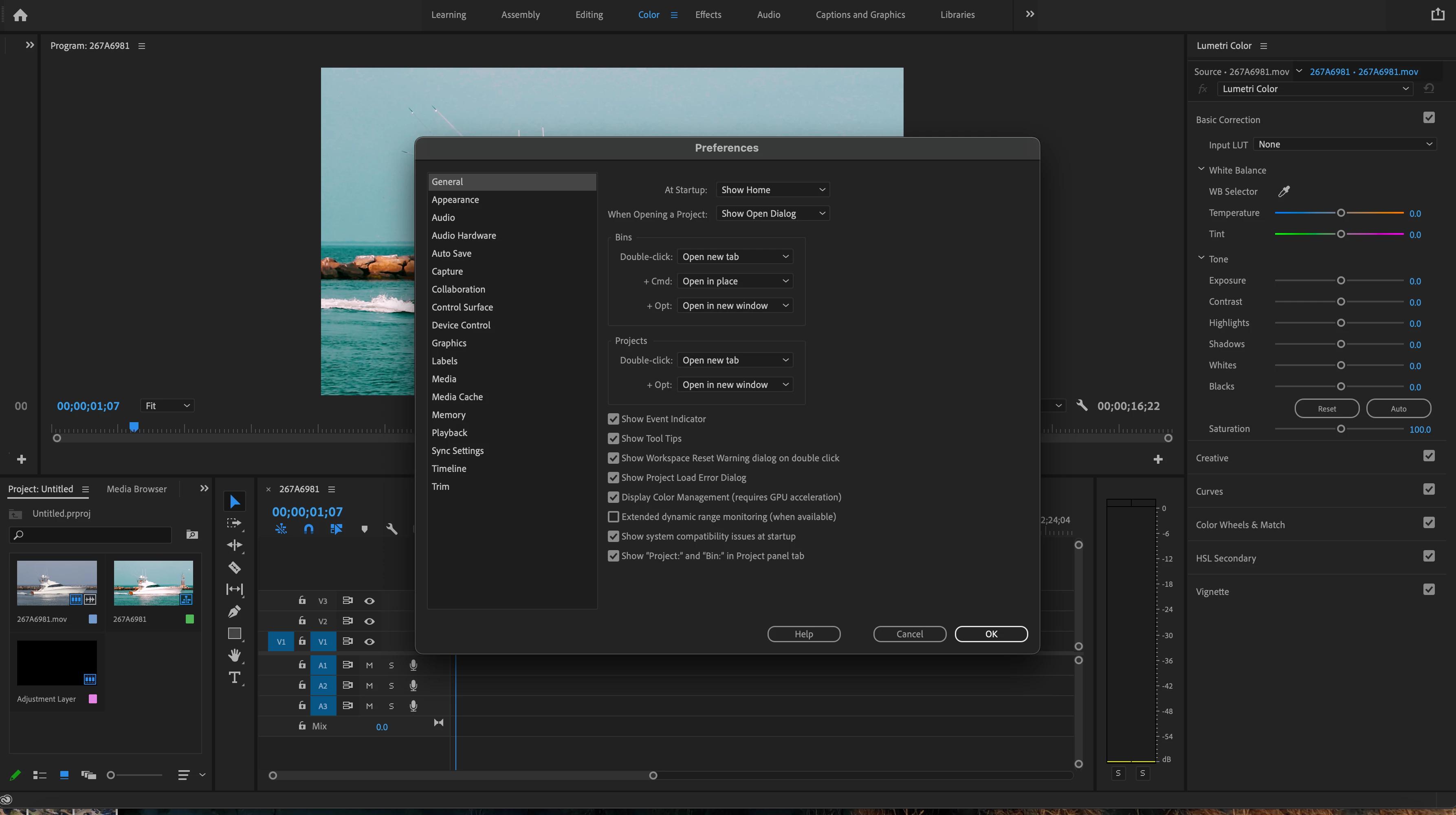
Premiere pro is not exporting color, lighting and settings correctly.

  • January 14, 2022
  • 1 reply
  • 129 views

I am using a Model Name: MacBook Pro 16 inch mid 2019 fully updated

  Model Identifier: MacBookPro16,1

  Processor Name: 8-Core Intel Core i9

  Processor Speed: 2.3 GHz

  Number of Processors: 1

  Total Number of Cores: 8

  L2 Cache (per Core): 256 KB

  L3 Cache: 16 MB

  Hyper-Threading Technology: Enabled

  Memory: 16 GB

  System Firmware Version: 1715.40.15.0.0 (iBridge: 19.16.10549.0.0,0)

  OS Loader Version: 540.40.4~45

I am having an issues when exporting the footage where my video ether looks blown out or darker than the edit in premier pro. 



This topic has been closed for replies.

1 reply

R Neil Haugen
Legend
January 14, 2022

There are a couple unrelated things that could be going on here. The first of course is the unfortunate choice by Apple to mis-apply Rec.709 standards in their ColorSync color managment utility. This doth make things look different outside of Premiere from how they look inside Premiere.


The other issue it could be is there are MASSIVE changes in Premiere's underlying color 'engine', and the default behaviors with different formats/codecs for the Pr2022 versions. For instance, most iPhone files these days are by default shot in HLG, an HDR form. They used to be simply transformed to Rec.709 in Pr2021. Pr2022 leaves them as HLG, HDR files.


And even if you use Lumetri controls to bring them 'down' to within Rec.709 use, the export will be blown out.


HLG files must be reset in the Project panel, using the Modify/Interpret Footage color management controls to override the file to Rec.709, then used on a Rec.709 sequence. And they'll export properly.


And actually, it treats some log-encoded media this way even though it is assumed Rec.709 by the camera. As all HDR media by nature is encoded in log format. So it mis-interprets some log-encoded Rec.709 clips as if they are meant to be HLG.


SO ... is youre media HLG? Is it log-encoded but meant to be Rec.709?


And .. .if reimported back into Premiere, does it look correct within Premiere?


Neil

Everyone's mileage always varies ...