
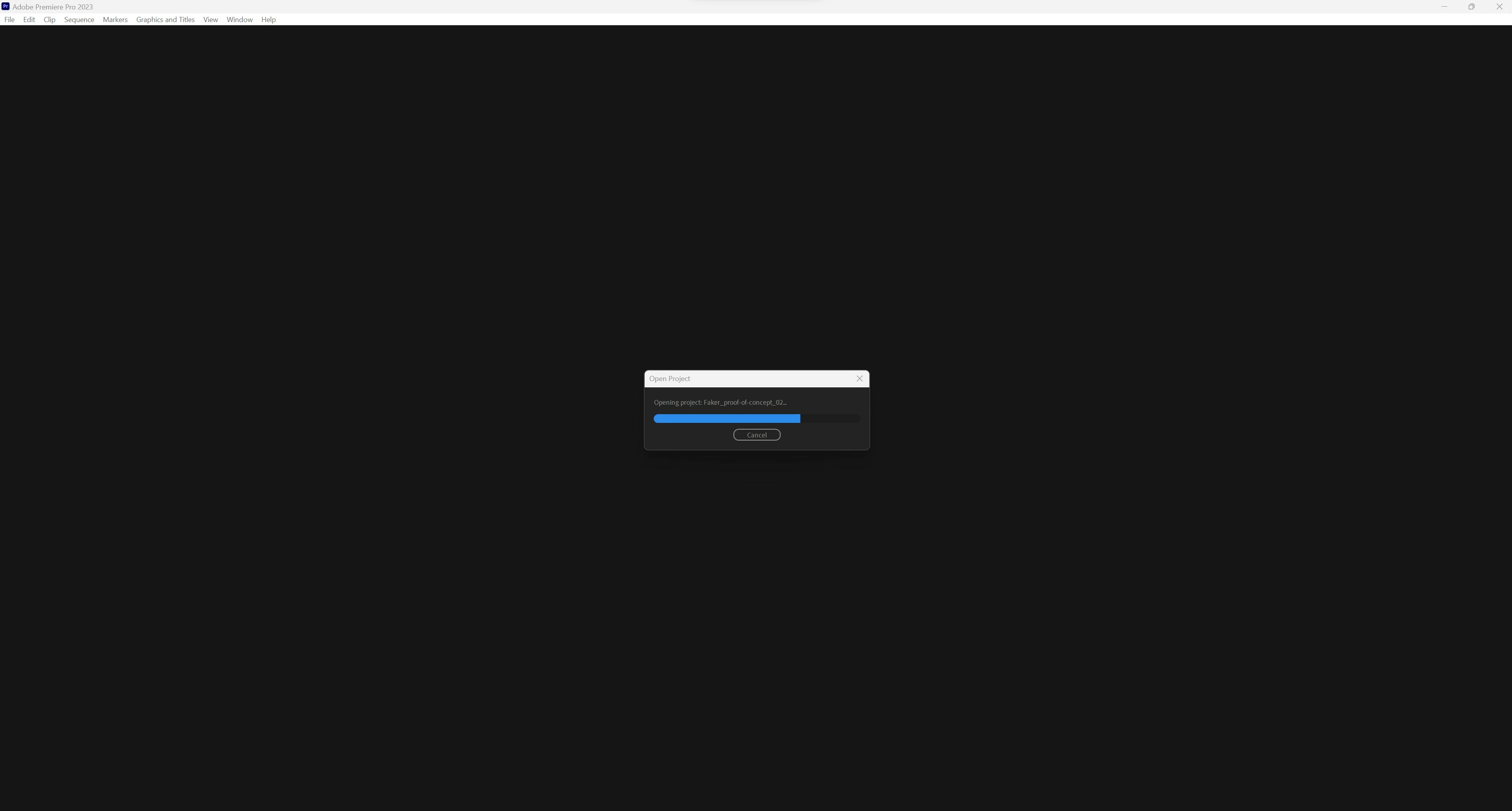
Premiere Pro stuck on "opening project" loading screen when opening project on Windows
Hi,
I have a Premiere Pro project, that I've been working on for the last couple of days, which now can no longer be opened. When opening the file premiere is stuck in the "opening project" loading screen at approximately 70%. I've been patient and on my task manager I can see that Premiere Pro is operating at 0% when stuck, so it stops working somehow.
I've tried several solutions/workarounds, including deleting chache, deleting preferences, reinstalling premiere, updating graphic drivers, disabling plugins, creating a new project and importing sequences from old project (stuck at "loading project", no sequences show up), opening old auto-save files (same issue), trying opening in different premiere pro versions (23.0-23.6).
Other projects open fine.
I've recently moved the project over from a NAS to an external hard drive (Seagate Expansion HDD SCSI Disk Device) and since then I've had the problem.
I am somehow able to open the project on a Mac no problem - but all 3 Windows PC's in my office present the same issue, so it seems to be a Win problem and not that I'm working off of a external hard drive. I've held a backup copy of the premiere project on my built-in-SSD but that is also not working.
I'm working in Premiere Pro 23.6 with ARRI footage and use proxies created in Premiere, use Soundly Pro for sound effects but no third party plug-ins are used on the footage, no Dynamic links to AE, no heavy grade (just the built-in Alexa LUT), nothing that would feel like it could 'overload' the project or something - and as mentioned; it opens fine on Mac.
Hope someone can help.
PC specs:
Windows 11 Pro (OS build 22621.2134)
Processor: AMD Ryzen 9 3900X 12-Core Processor 3.80 GHz
Installed RAM 64,0 GB
System type 64-bit operating system, x64-based processor
C-drive: GIGABYTE GP-ASM2NE6100TTTD
NVIDIA GeForce RTX 3070 - Driver version 536.99
 AdChoices