


New Participant
September 5, 2021
Answered

Problem to import MP4 vertical videos

  • September 5, 2021
  • 1 reply
  • 1329 views

Hello all,


I am trying to import several videos that I have recorded with my phone vertically, but Adobe Premiere Pro does not recognise them and shows the error "The file has no audio or video streams". I have tried with other videos recorded with my phone horizontally and there is no problem to import them.


File type: .mp4

Resolution: 1920x1080, 30 fps


Anyone could tell me how to solve this strange issue?
This topic has been closed for replies.
Correct answer Simonacuu

Got it! Which version of Premiere Pro are you using? (Help > About Premiere Pro)


I can import that clip in Premiere Pro 15.4.1 on Windows 10. When Premiere Pro behaves like this, trashing the Preferences often does wonders: FAQ: How to reset (trash) preferences in Premiere


I was using 9.0. I have updated it now to the 2021 version and I can import the videos without problem... So solved, thanks!

1 reply

Averdahl
Community Expert
September 5, 2021

It seems that the file/s are corrupted. Can you view those files in another players such as VLC?

SimonacuuAuthor
New Participant
September 5, 2021

No, they are not corrupted. I can view them with VLC or Windows player without any problem. I only have this problem with Premiere Pro.


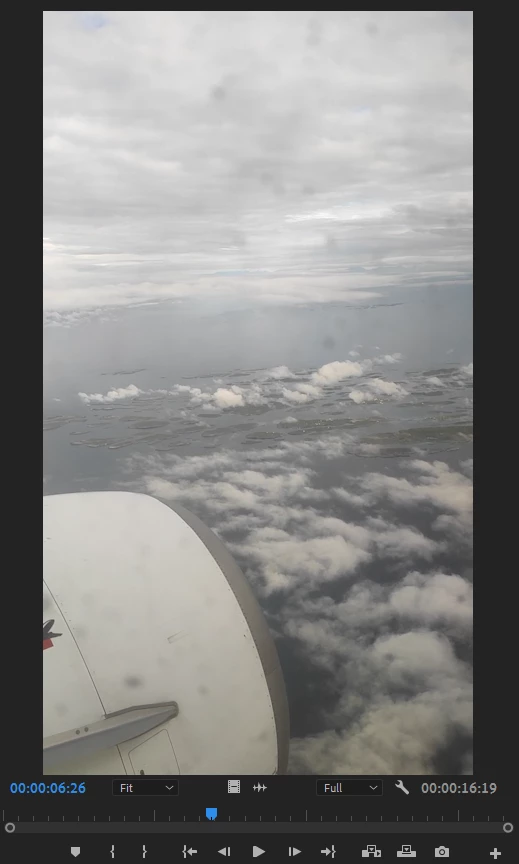
I attach one of the videos where I have the problem as an example. 

Averdahl
Community Expert
September 5, 2021

Got it! Which version of Premiere Pro are you using? (Help > About Premiere Pro)


I can import that clip in Premiere Pro 15.4.1 on Windows 10. When Premiere Pro behaves like this, trashing the Preferences often does wonders: FAQ: How to reset (trash) preferences in Premiere