


"Adobe Premiere Pro could not find any capable video play modules. Please update your video display drivers and try again."
I've tried every possible fix short of physically removing my graphics card...
I'm trying to run the trial version of Premiere Pro CC 2017. I have successfully run After Effects, Creative Cloud(obviously), and Photoshop, but Premiere refuses to start up. Every time I try to run it, it loads for a while and then comes up with the "Adobe Premiere Pro could not find any capable video play modules. Please update your video display drivers and try again." message and then crashes.
I have an NVIDIA GTX 1060 graphics card that I've reinstalled the drivers for at least 4 times.
I am running as admin, I've tried disabling firewalls, I've looked everywhere for an option to disable on-board video (with no luck), and I've even tried to change BIOS settings (which I changed back after it didn't work).
I've tried every possible fix I can find, and I always get the same result...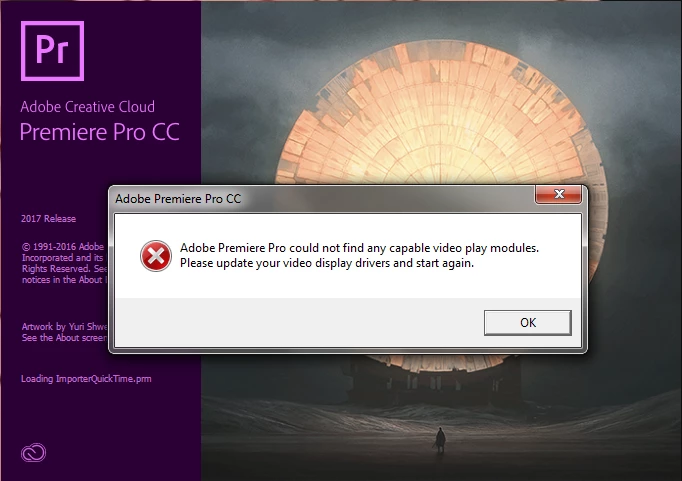
 AdChoices