Participant
September 18, 2023
Question

"Your System Has Run Out Of Application Memory"

  • September 18, 2023
  • 4 replies
  • 7405 views

Hey, I've recently came across an issue trying to open a project that I've been working on for weeks now.

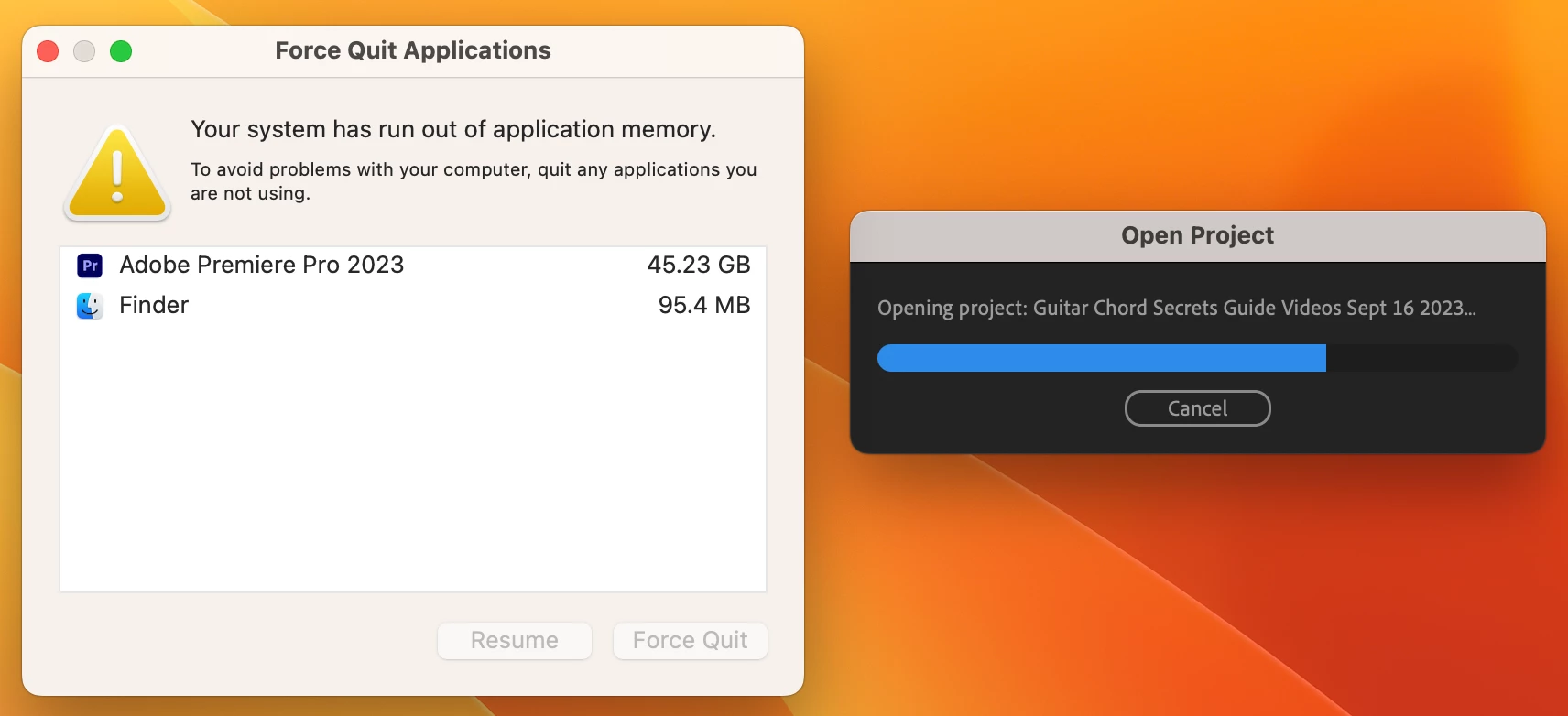
When I try to open the project, the progress bar makes it approximately 3/4 of the way across, and then a message comes up saying "Your system has run out of application memory. I can't get past this stage.

Wondering if anyone here has some ideas that could help with this... I don't want to lose all my work that I've done over the last few weeks.

Here's what I've tried so far:

  • Updated macbook to the newest version
  • Updating premiere pro to the newest version (from 23.4 to 23.6)
  • Converting the project to an older version and opening (from 23.4 to 22)
  • Clearing the premiere pro media cache
  • Using my laptop without the additional external display/monitor
  • Clearing off the desktop of my laptop
  • Opening the project with the audio plugins disabled
  • Creating a new empty project and importing the original project
  • Creating a new empty project and importing sequences from the original project
  • There were no autosaved backups to try opening.


None of these attempts worked.


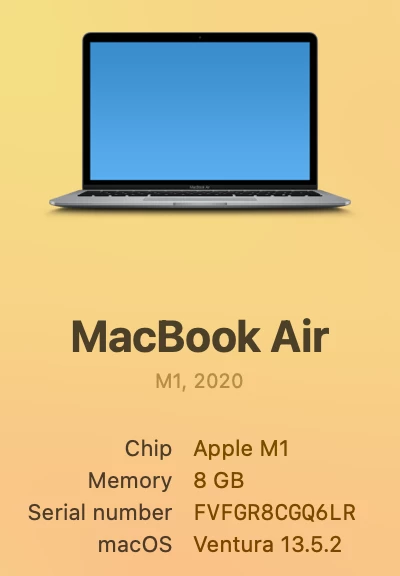
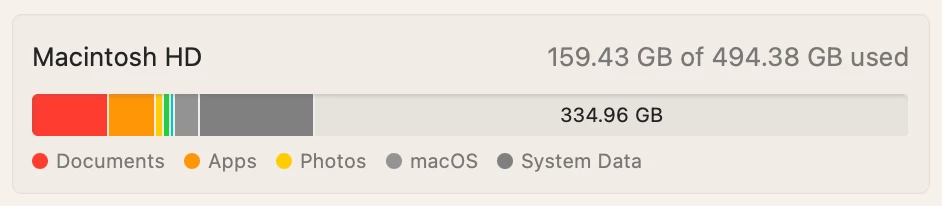
I've included some pictures below to show the error, and more information about my laptop.

Any help would be greatly, greatly appreciated!


4 replies

Known Participant
August 20, 2024

I also just had this happen for the first time. I am building a fairly large project for a documentary, I moved some stuff to a new drive and it is building Peak files and I am transcribing sequences of interviews. I have NEVER had Premiere flood my computers memory like this before and worked on some decently large Premeire projects before. I am on M1Pro Mac with 32GB unified memory. Is this a bug on the latest premiere update? 

Known Participant
August 20, 2024

I seemed to resolve this for now by resetting Premiere preference (using shift key at startup) and moving the cache location to an extranal SSD via highspeed USB-C connection.


The program again flooded the system memory for about 45 seconds while generating peak files and transcribing a new sequences at the start of the process again, at which point my startup disk space started dropping but then it seemingly snapped out of it. Now the  Premiere memory usage in activity monitor seems normal again. I think having enough startup disk space for it to get thru this first phase is important potentially.


The usage spiked again while transcribing and generating peak files, it seems the program hits high usage periods that fluctuate wildly during these processes (I am not really scrubbing or editing just building transcripts and peak files during this time). 


Will keep an eye on it and respond with my findings here if anything else arises. 

Participant
December 4, 2024

Thank you so much for sharing this, I'm going to try this now! I've been running into this same issue. Can hardly edit for 15 minutes before "application memory is full" message. I haven't had this issue ever & I'm using a <1 year old MacBook Pro

Participant
June 26, 2024
Kevin-Monahan
Community Manager
Community Manager
September 19, 2023

Hi @Wade22901579oomd,

Thanks for the info. It sounds like you are having trouble with a corrupt project file. Can you try importing the old project into a new project? Let us know if that works.


Thanks,

Kevin

Kevin Monahan - Sr. Community &amp; Engagement Strategist – Pro Video and Audio
Participant
September 19, 2023

Thanks Kevin. 

I tried importing the whole project and importing just a few sequences but I end up running out of application memory again. Are there any other suggestions on how to import these? 

ajgentile
Participant
April 4, 2024

It's definitely a Premiere issue. My whole team (4 editors) and I started seeing this message this week -- for the first time ever. All of us. We're on Mac Studios w/ 128GB of RAM with Premiere being the only application open. Premiere has a memory leak somewhere. Hopefully we get a fix soon. This bug is killing us.

Participant
September 18, 2023

Here's another screenshot showing the error along with the activity monitor.