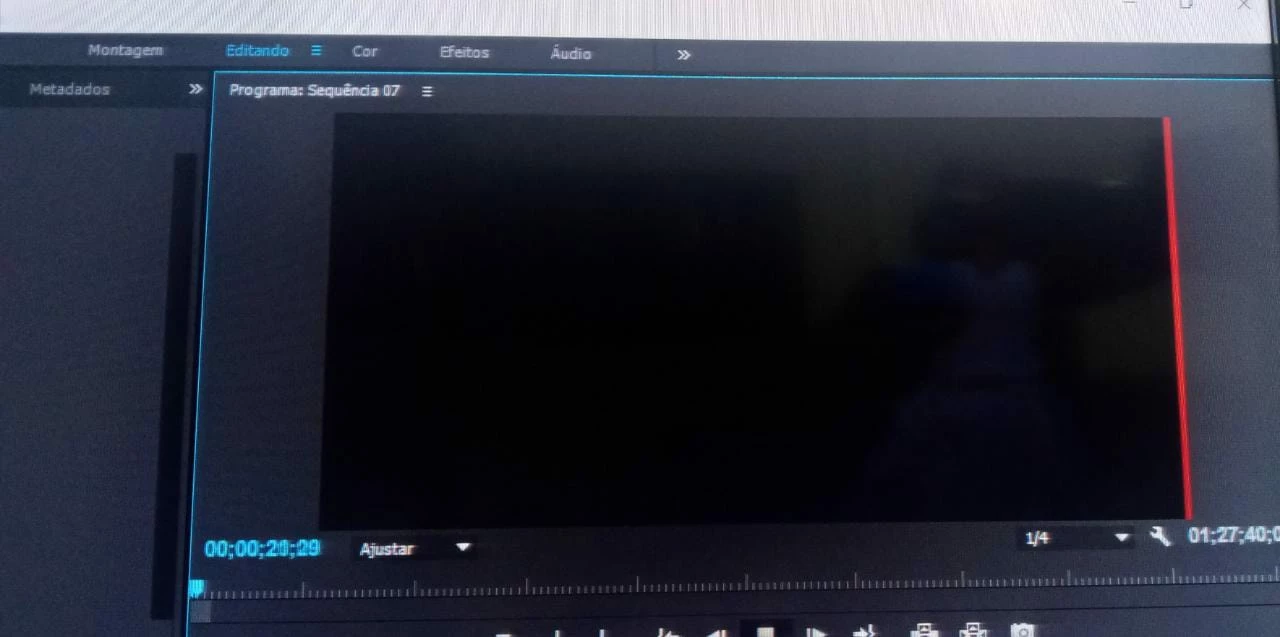
Might be a display glitch. Try changing the resolution of your program window from 1/4 to full and see if it goes away.
Or change the size of your program window - drag the borders of your program window (the blue edges) to change the window size and see if that makes it go away.



 AdChoices