


barthélemytcomtugal
New Participant
January 30, 2018
Question

Serious error has occurred - shut down

  • January 30, 2018
  • 18 replies
  • 46024 views

Hello, this happens frequently. I don't know why and don't know how to fix it . Can someone help me ?

Thank you so much.

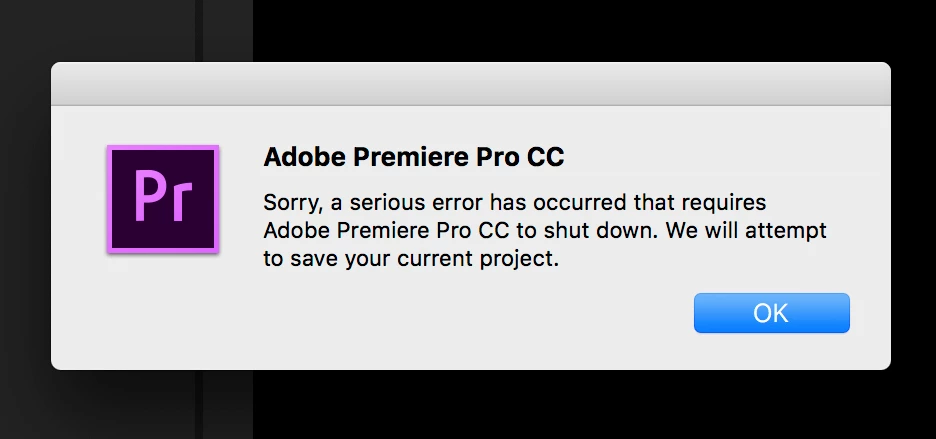
''Sorry, a serious error has occurred that requires Adobe Premiere Pro CC to shut down. We will attempt to save your current project.''
This topic has been closed for replies.

18 replies

Kevin-Monahan
Community Manager
Community Manager
April 30, 2022

Hey Jason, 

Can we have more info so we can help you troubleshoot?


Thanks,

Kevin

Kevin Monahan - Sr. Community & Engagement Strategist – Pro Video and Audio
New Participant
April 30, 2022
I’m happy to help in the interest of improvement, but I just removed the software and purchased Corel VideoStudio. (It worked and as a home user that uses complex videos editing only a few times a year, the “Pay-once” option was far more attractive).

Edition Windows 10 Home
Version 21H1
Installed on ‎4/‎12/‎2021
OS build 19043.1586
Experience Windows Feature Experience Pack 120.2212.4170.0
Processor Intel(R) Core(TM) i9-9900K CPU @ 3.60GHz 3.60 GHz
Installed RAM 32.0 GB


We just signed up for the monthly Adobe Account. Downloaded Premiere. “Serious Error” on program launch and immediate program crash. Tried again. Same result.

Removed Premiere. Removed Adobe ?cloud manager? (can’t remember the name of the app that launches the various Adobe apps). Rebooted. Reinstalled both the Adobe App and Premiere.

Same problem. “Serious Error” and crash on every program launch.

Happy to provide addition details if it helps.

Jason Curtis
604-838-9262
New Participant
April 30, 2022

I have the same error.  Just downloaded the software.  Error.  Removed software, rebooted, and reinstalled.  Same error.  I have never run Premier on this computer before and cannot get the error to clear...

Known Participant
November 14, 2020

Having this problem with Premiere 2020.

Running MacBook  2019.

2.4 GHz 8-Core Intel Core i9

32 GB 2667 MHz DDR4

AMD Radeon Pro 5500M 4 GB

Intel UHD Graphics 630 1536 MB

I have the entire project on the desktop.


Already tried:

resetting preferences.

importing the project into a new project

resetting to saved workspace.

Erasing Media Cache.

Opening older auto saved project.

Project works for few minutes and then crashes.


Please let me know, if you have any other solutions.

New Participant
September 24, 2019

Maybe you can try to add new administrator account on your windows. 

hope it'll can solve y'all problem. That's work for me 🙂

New Participant
September 24, 2019

this worked out for me just go to your sequence setting, in (Video Rendering and Playback / Rendered) change those settings and then try to export it again.


lsheldonRS
Known Participant
January 10, 2019

This is happening to me. I rolled back Premiere to 13.0.1 and it worked for 7 hours without crashing...now it's back to crashing every 5 minutes.

I've tried everything. All the cache deletion / Preference trashing / reinstalling / importing into new project / Playback 'software only'

etc etc etc etc etc.

Just Panasonic Varicam LT AVC-Intra footage in timeline

Mac Mojave latest (was working fine until 13.0.2 Pr before the new year)

My coworker is not getting crashes and they are on Sierra (not High Sierra).

It's completely random crashing. I can't see a pattern.

I'm edit for a living, so I can't do my work right now while I'm scanning the forums trying every damn thing I see. Is this a known problem or one specific to my variables?

Thanks.

Peru Bob
Community Expert
Community Expert
January 11, 2019
lsheldonRS
Known Participant
January 11, 2019

It says 'Our customer care agents will be right back'. Has done for the last few hours.

Though I did try to phone them today. i was on hold for an hour and then the guy accidentally hung up on me.

Will try your suggestion for video queue tomorrow. See if I have better luck.

TalkMotion
Inspiring
November 7, 2018

My Fix: purge the cache in AE, and manually delete the files in the: "Media Cache" & "Media Cache Files" folders for premiere pro.

This fix may be something you need to repeat until an update addresses it, but it's working for me.

Things being used in my project:
• AE live link
• Proxies (made through premiere pro) toggled on
• Very large media file sizes


My Machine:

mac pro with all softwares up to date, including OS

Orf
Known Participant
January 9, 2019

This did not solve the problem for me.

Inspiring
October 30, 2018

I've had the same problem since upgrading to Premiere Pro V13.1 and posted the problem in this other thread https://forums.adobe.com/message/10684084#10684084 You can see the screen shots and that the crash occurs in Workspaces Effects and Graphics and I was testing it using Adobe's tutorial.  I listed my specs, which as you can see, is a new iMac Pro professional level being a 14 core and the best GPU one could spec.  Haven't updated GPU drivers, being a beginner probably don't know how to safely.  However, as I point out in the other thread, I submitted complete crash reports to Adobe with all the related data as well as my contain email.  Today I did have someone from Adobe contact me and I will PM him since I was unclear as to his post.  Never had, as I point out in the other thread, this crash occur in V12.1.2.  Highly unstable situation that has cost me a great deal of downtime.

Orf
Known Participant
January 9, 2019

Same here. Did you ever find a fix?

New Participant
October 13, 2018

Ok, so I had this same exact problem. What the problem was for me is that there was a clip that became corrupted or something, so that every time I tried playing it back, it would crash. So I tried pretty much all of the above fixes, none of them worked. My problem was fixed by simply deleting the clips. It was unfortunate cause I had spent a good amount of time on this one clip (maybe that's why it got corrupted), but it works fine now.

New Participant
October 30, 2018

Please by any chance my friend, I am currently going through this same issue on a major project of mine please how would I delete that bad file because this happend after I added a clip, is there a safe mode I can enter that adobe won’t crash in and shut down?

ad42691294
New Participant
August 7, 2018

Hi - I had the same thing happen to me over and over again, very frustrating! Finally found something that helped today: changing the Video Rendering and Playback setting in Premiere to 'metal' [or 'software only'] instead of 'GPU Acceleration (CUDA)'. So far, it's been working normally all day... This guy's YouTube video explains it (+ gives some other tips): How To Stop Premiere Pro From Crashing | Tutorial - YouTube

Hope this helps!

Ani