Participant
May 12, 2022
Answered

Shots overexposed by exporting

  • May 12, 2022
  • 4 replies
  • 22858 views

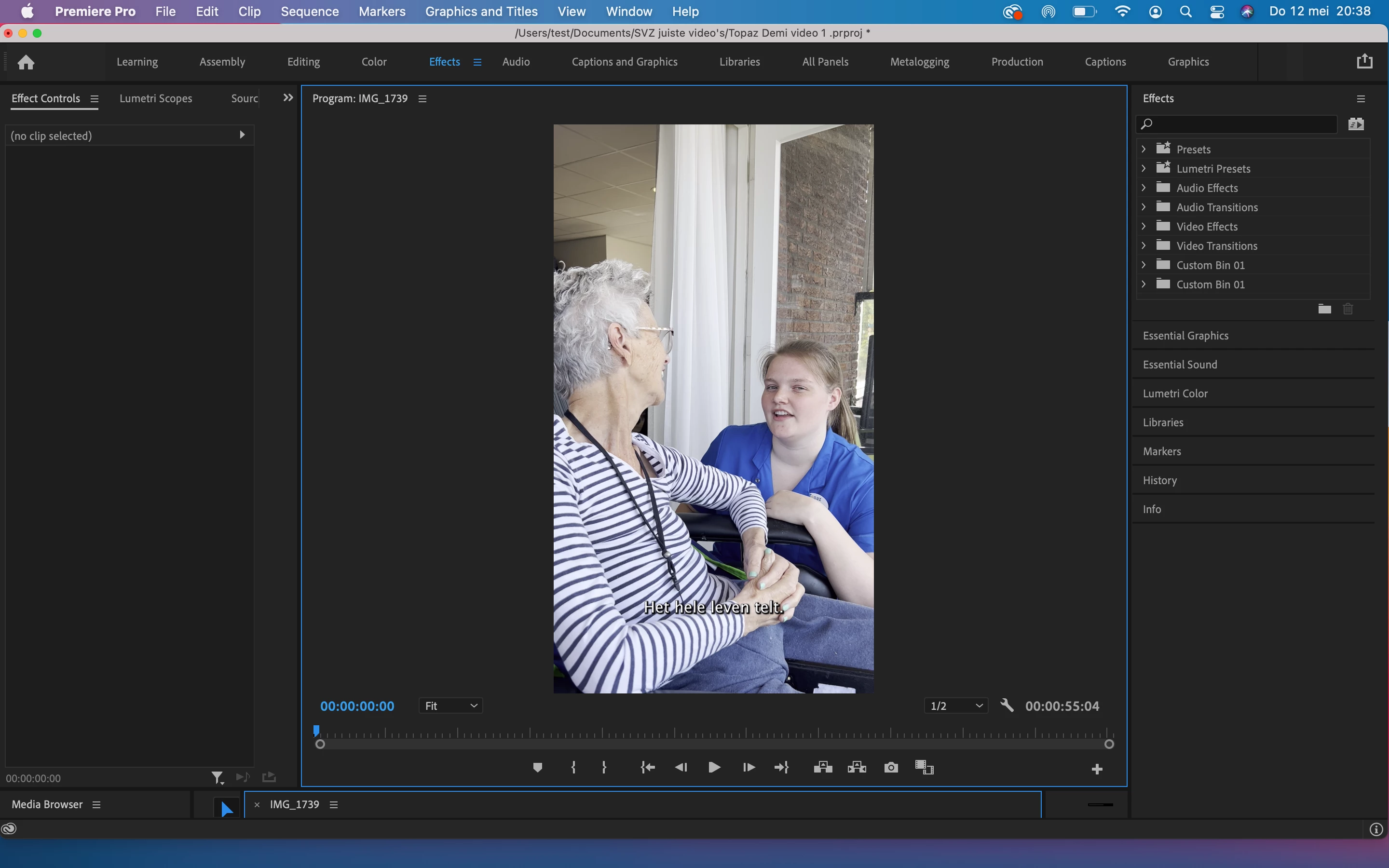
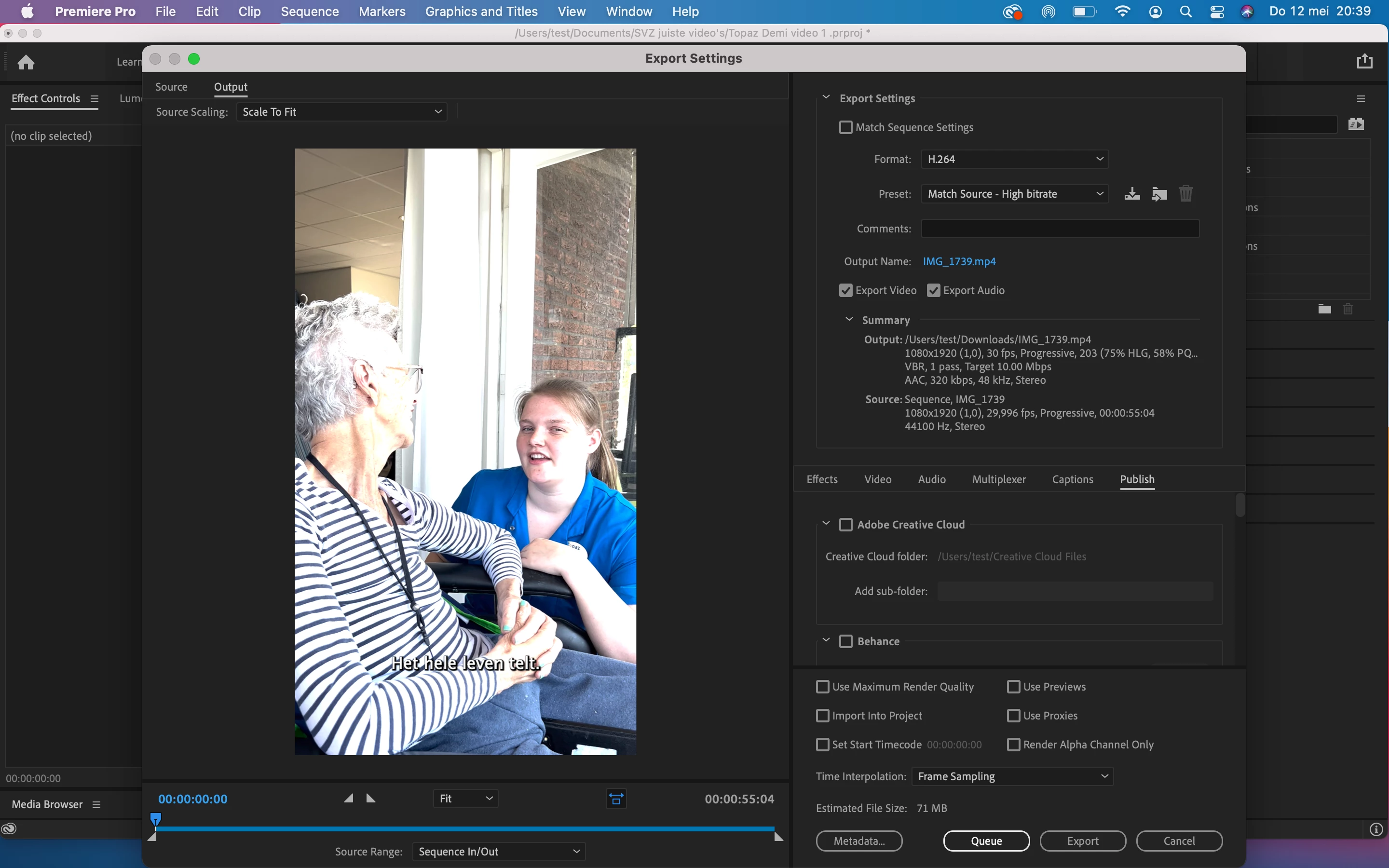
when i try to export my video the images are suddenly overexposed. In the editing part the images are good. Anyone an idea how to solve this? See pictures

4 replies

alexandern20013185
Participant
March 20, 2023

I had this same exact issue. You need to go to sequence settings and make sure "working color space" is set to rec 709. You may have to re-do your color grading after setting it as the pictures are now overexposed on the timeline. But this way the picture won't overexpose after export. 

Participant
April 5, 2023

Thanks brother it works 

Ann Bens
Community Expert
Ann BensCommunity ExpertCorrect answer
Community Expert
May 12, 2022
R Neil Haugen
Legend
May 12, 2022

Short story:


The phone is set to shooting HLG, an HDR form. Even bringing the highs down with Lumetri controls on an SDR/Rec.709 timeline so they look fine will get ignored on export.


So ... go to the project panel. Select one or more clips. Right-click/Modify/Interpret Footage.


Go to the bottom, to the new color management controls. Set the Override option to Rec.709.


And maybe ... set your phone to shoot SDR/Rec.709 files to avoid the hassle.


Neil

Everyone's mileage always varies ...
Participant
June 13, 2022

Hi Neil, 

Thanks for the reply. I've tried everything you said, but there still is no difference..  Do you have some other tips? Thank you in advance!  

Ann Bens
Community Expert
Community Expert
October 9, 2022

I am more than happy to provide you with the clip for you to check on one of your rigs.  

https://drive.google.com/file/d/1jfodwfeP04T72SWrSj7c9DFt54beVGkL/view?usp=sharing 


As I am experiencing it, every clip I upload from an iPhone, GoPro, and Insta360 go2 shows a rec. 709 colorspace with full range. I wonder is there a way to export "full range" rec. 709?


Apologies for the file size, I didn't want to modify it before sending it.


I tried your clip: nothing is over exposed. On import nor on export.

Its a standard mp4 quicktime clip 709 color.

Turn off color managment in the Preferences.

Which player are you using to view the clip outside Premiere?