


Shuttle settings for Shuttle Pro V2 in Premiere Pro
Hello, can you help me with setting of my shuttle ring on shuttle pro v2?
When I play video and start moving with shuttle ring, video speed up/slow down (depends on direction and how much I moved with ring) and then, when i move shuttle ring to default position, video keeps playing in normal speed.
When I have my video stopped and start moving with shuttle ring and video speed up/slow down (depends on direction and how much I moved with ring).
But when I move shuttle ring to default position, my video starts play on opposite direction than I moved my shuttle ring (If I move to right, my video starts play backwards in normal speed/If I move to left, my video starts play forward in normal speed)
Is there any way to set that after I move shuttle ring to it's default position, my video will be at same state (playing/stopped) as before I moved with shuttle ring?
Thanks so much for any help 🙂
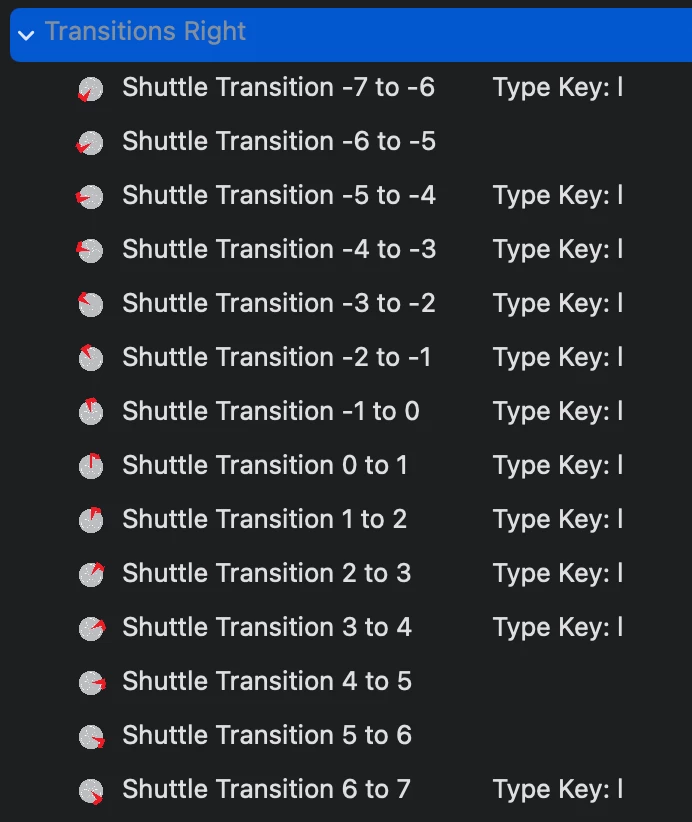
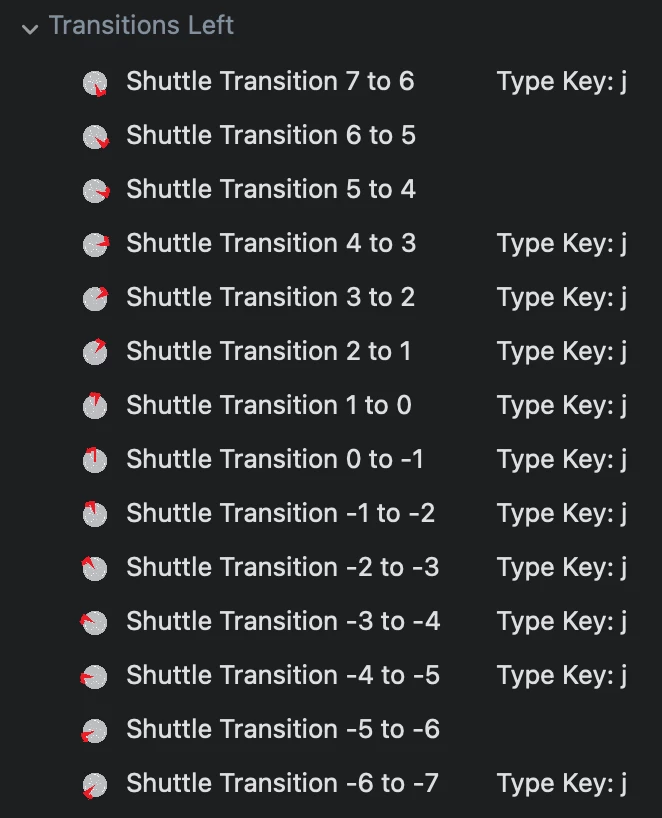
my current settings:
 AdChoices