
Slow, Curser spins, Freezes up, screen goes black
I've been a Adobe Premiere user for years. It wasn't until recently when I updated to Premiere Pro 2021, that it has been an absolute nightmare. It randomly freezes, and both monitors go black. I have to wait until my right monitor comes back inorder to end the process using the task manager. I have updated my NVIDIA driver to 'Studio' version - as I've read on other forums, but nothing seems to work for me unless I use Premiere Pro 2020. However, since I've already began editing in 2021, the 2020 version can't open old versions. I have clients waiting on their videos and it's been extremely overwhelming. Can anybody help?
This time when it crashed, so did this page... Glad that this post was autosaved. 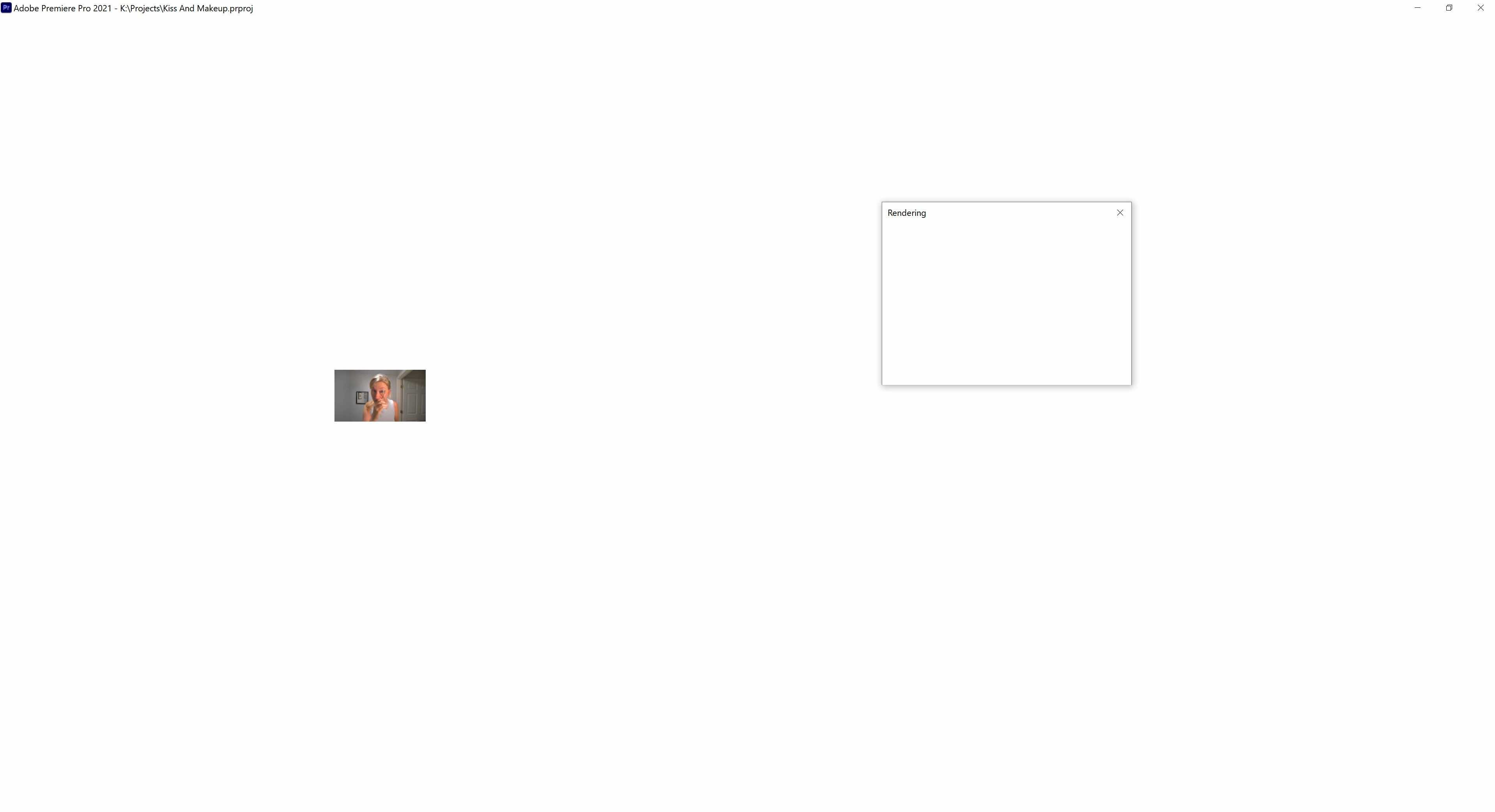

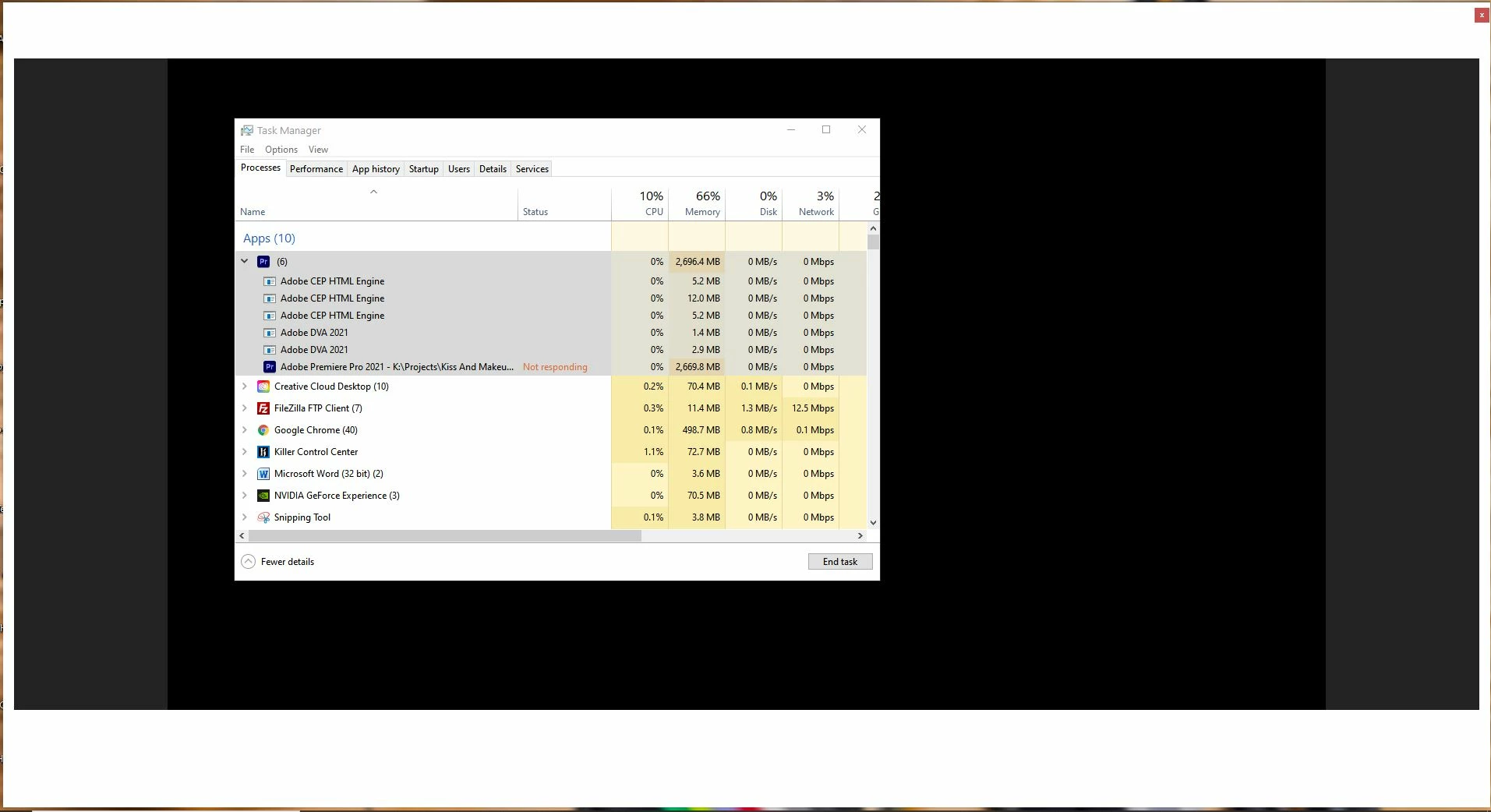
Tried getting some screenshots. There's usually an error, but it didn't show it this time...
 AdChoices