


Inspiring
March 26, 2021
Answered
Sound not playing in sequence. Looking for troubleshooting tips.
- March 26, 2021
- 2 replies
- 1226 views
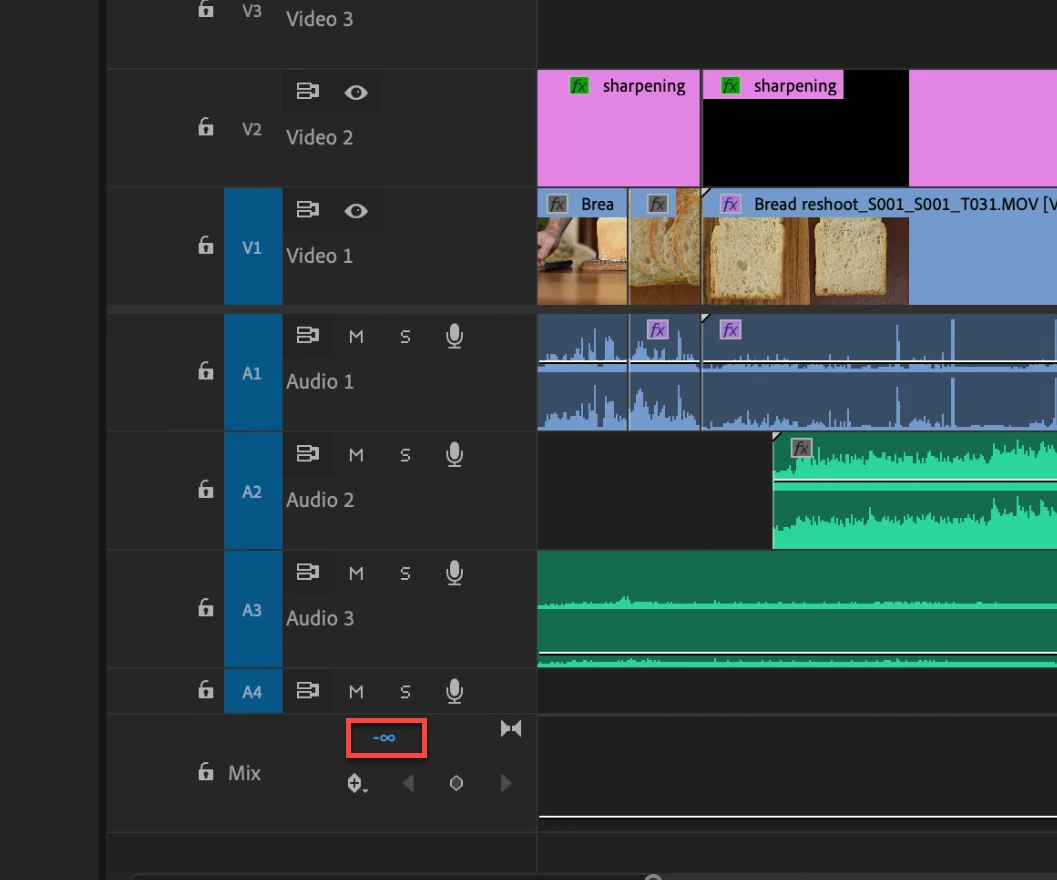
I was moving music around and my fingers slipped and I knocked something and I don't know what so that the sound for this particular sequence no longer OUTPUTS. I can see in the audio pane the sound is just fine. I've opened up other sequences and their output is unaffected
Nothing is muted.
The Audio Track Mixer is showing sound but the audio monitor in the Timeline is not.
I restarted and reset the preferences (which, unfortunatly, deleted the History).
How can I get the sound back?
 AdChoices