


Answered
Still PNG images are blurry in my project
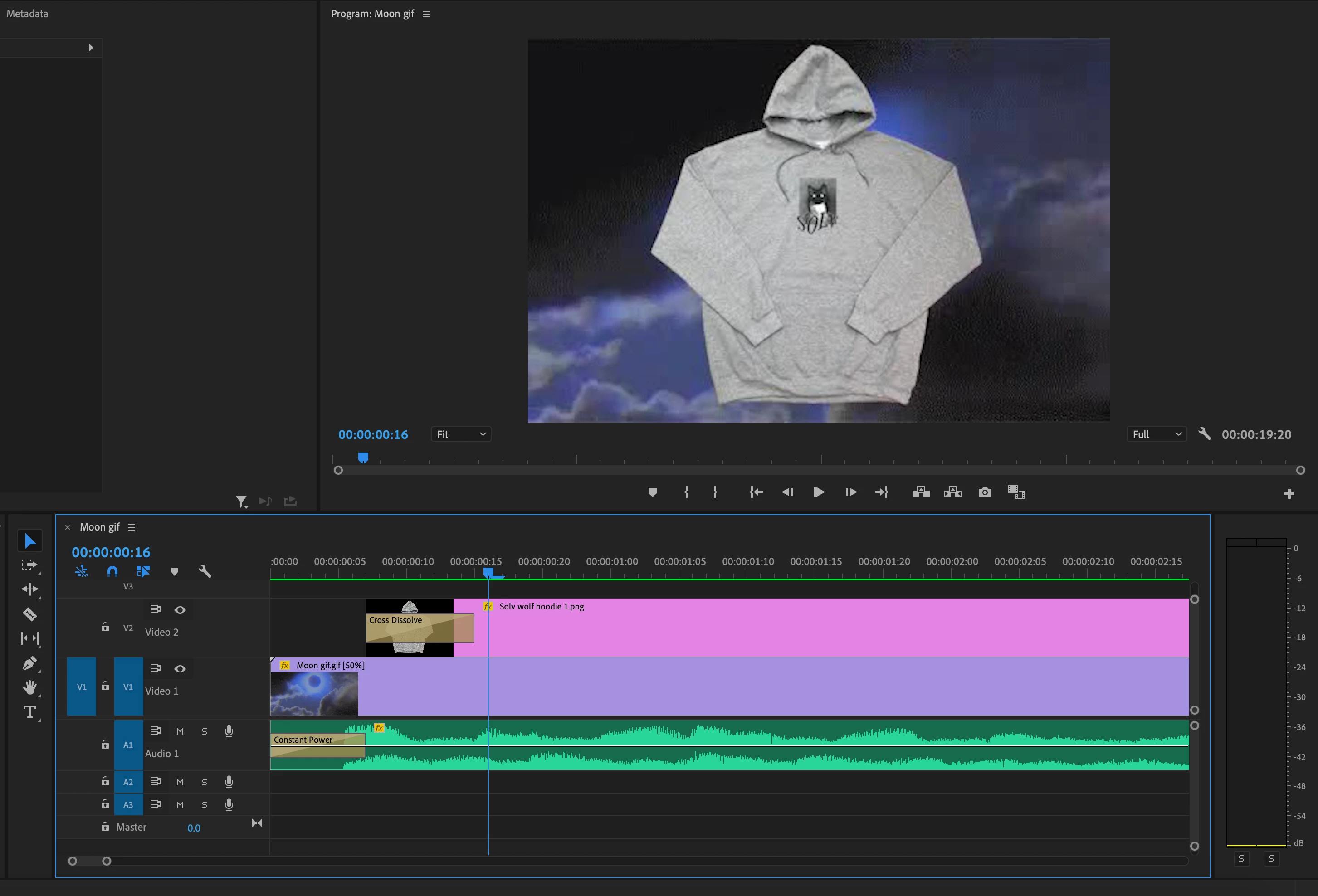
I'm working on a project that has still PNG images over the top of moving visuals. The PNG images in Photo Preview are high quality and have no problems, but as soon as I add the images to the project timeline they are incredibly zoomed in on. I change the size of the images to fit the project frame and they become horribly blurry and low quality.
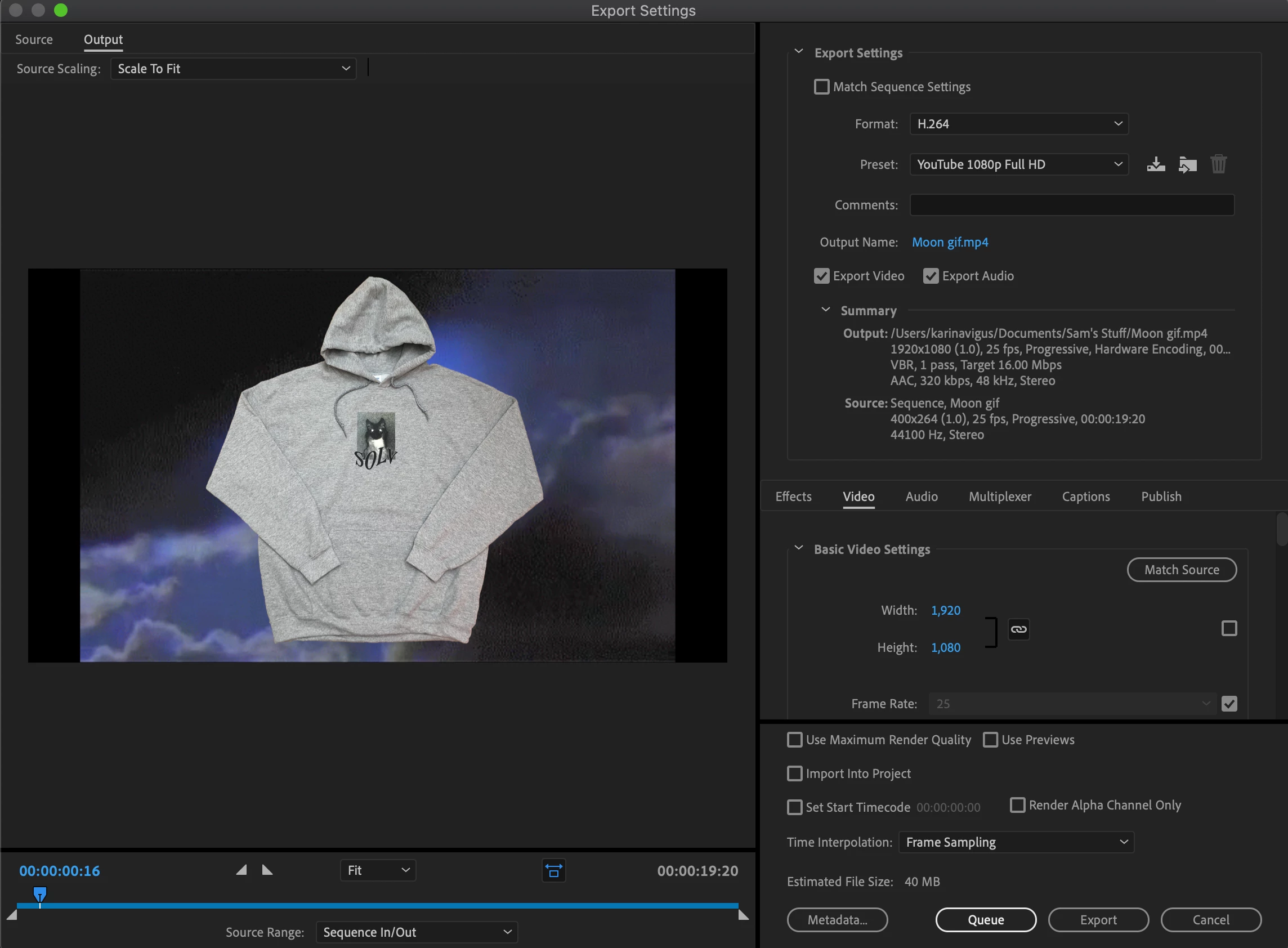
In my settings, High Quality Playback is checked. I have rendered the project over and over and it makes no difference. When I export the project, the preview image before exporting shows one of the PNG images in high quality, but when I export the project the images come out blurry like they were in the timeline. I'm lost, if anyone knows what Premiere Pro is doing please help 😞
 AdChoices