
Strange Glitch in Premiere color grading on PC
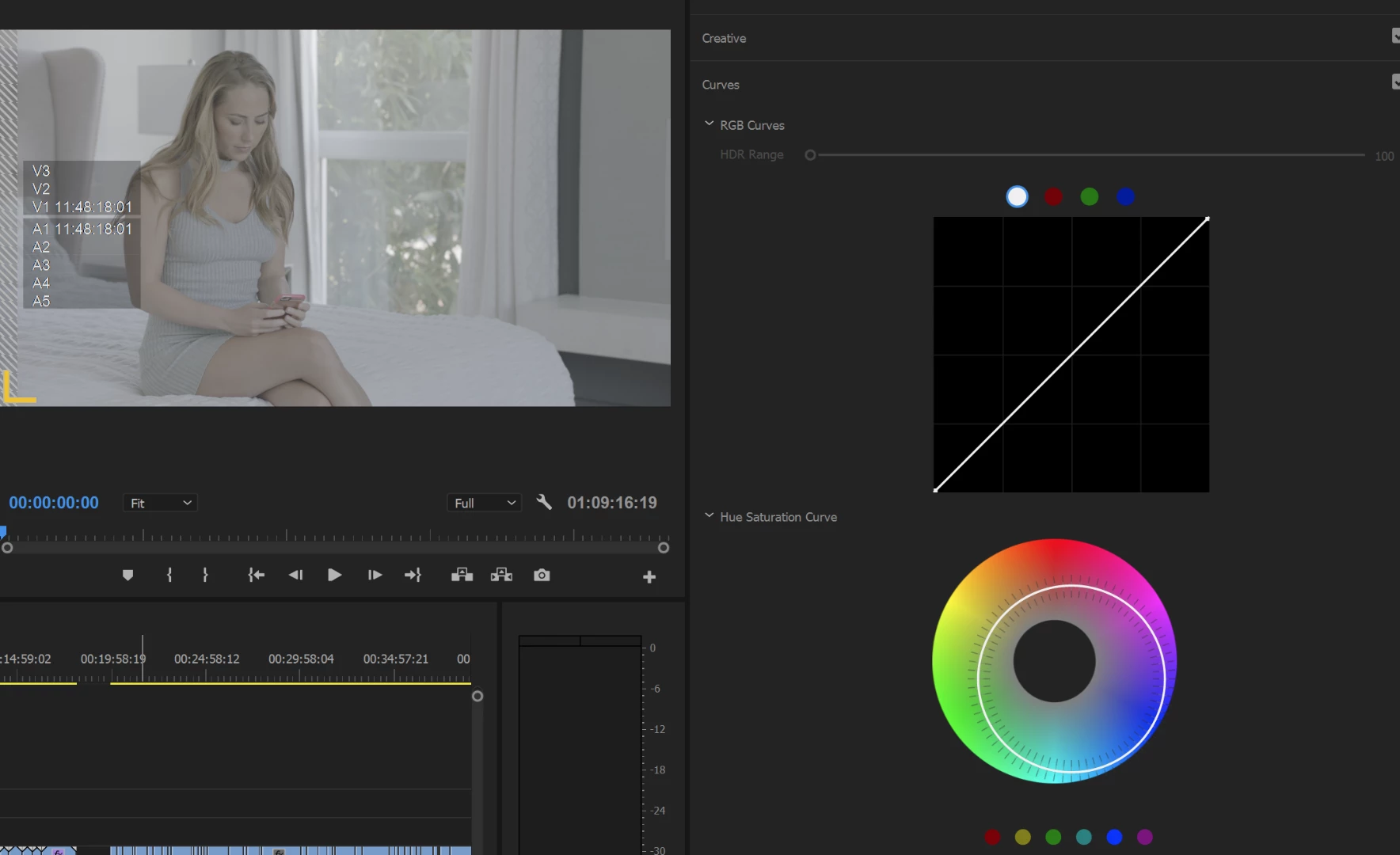
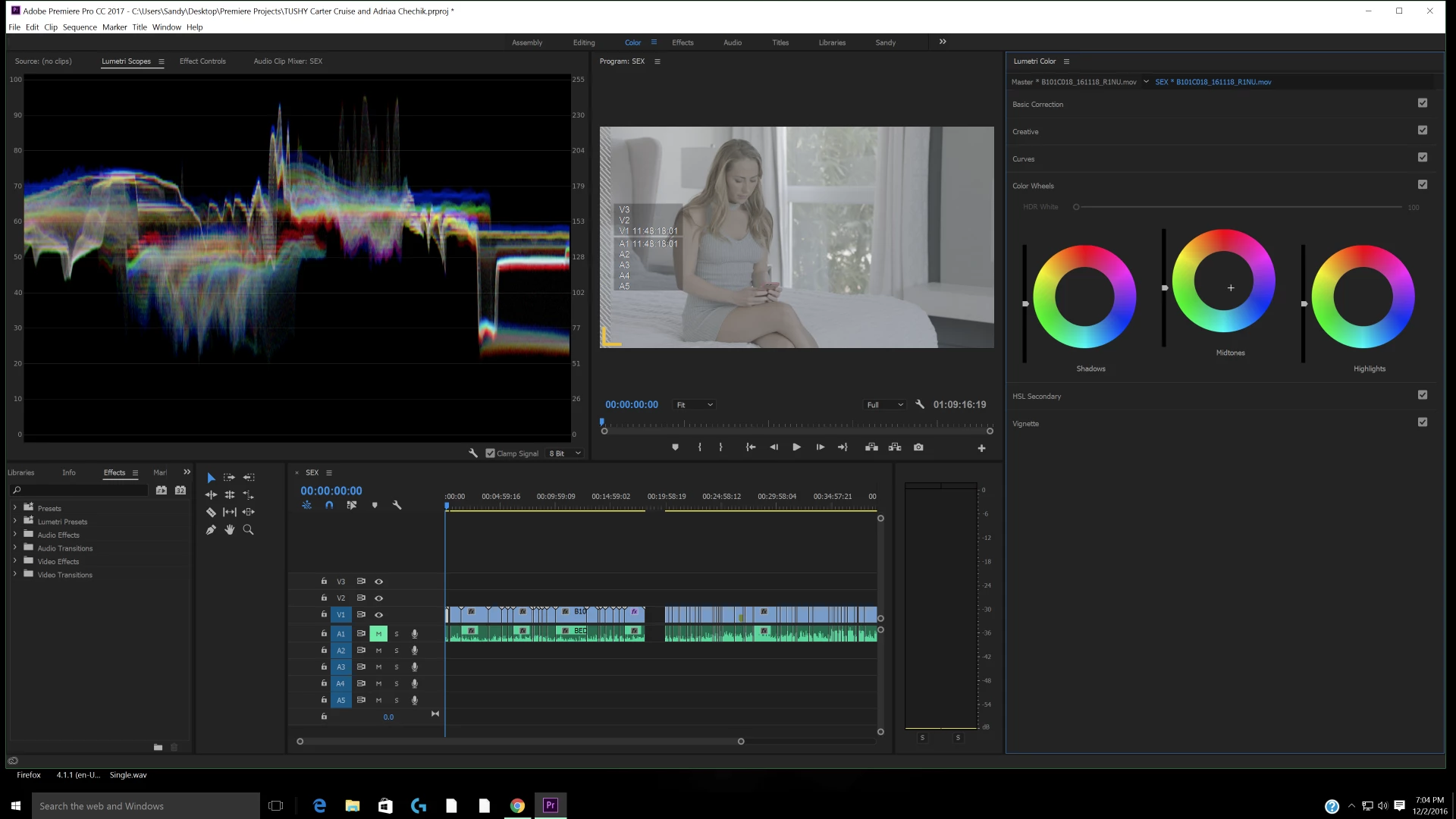 I'm a Premiere user both at work and at home. At work I'm on a trashcan Mac cutting in 4k. At home I'm cutting on a PC with enough firepower to handle 4k (brand new Alienware Area 51). I've notice something vastly different between the two systems where color grading tools are concerned. Everything on the MAC is lined up where it is supposed to be when I apply Lumetri Color to my RAW footage. But when I bring that same footage into my PC, ALL of the color wheels mid points are shifted to the blue and the Hue wheel is also. I'm going to try to attach pictures here to show. When I double click to reset the wheels, they default back to this shifted area as being center when they clearly are not. I've contacted tech support who didn't understand my problem and I've reinstalled Premiere on the PC and it does the same thing. Any ideas?
 AdChoices