


Participant
June 22, 2024
Answered
Text layer not visible in Source Monitor in Production
- June 22, 2024
- 3 replies
- 600 views
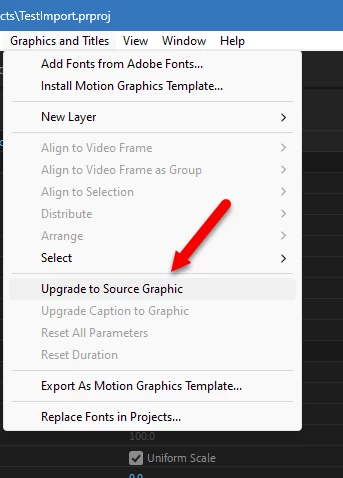
I just started using the Production feature in Premiere Pro to save disk space and de-clutter the workspace. When I am working on a project and create a new layer (weather shape or text layer), I can see them in the timeline, Essential graphics panel, or Effects control panel but I can't see them in my source monitor. I can't seem to find where it is stored. I intent to make a copy of it so I can use it in different projects. I am working in PP 2023.
 AdChoices