


Answered
Transparency mask WITHOUT using "invert"
Is there a way to mark a region to be transparent, WITHOUT using "invert"?
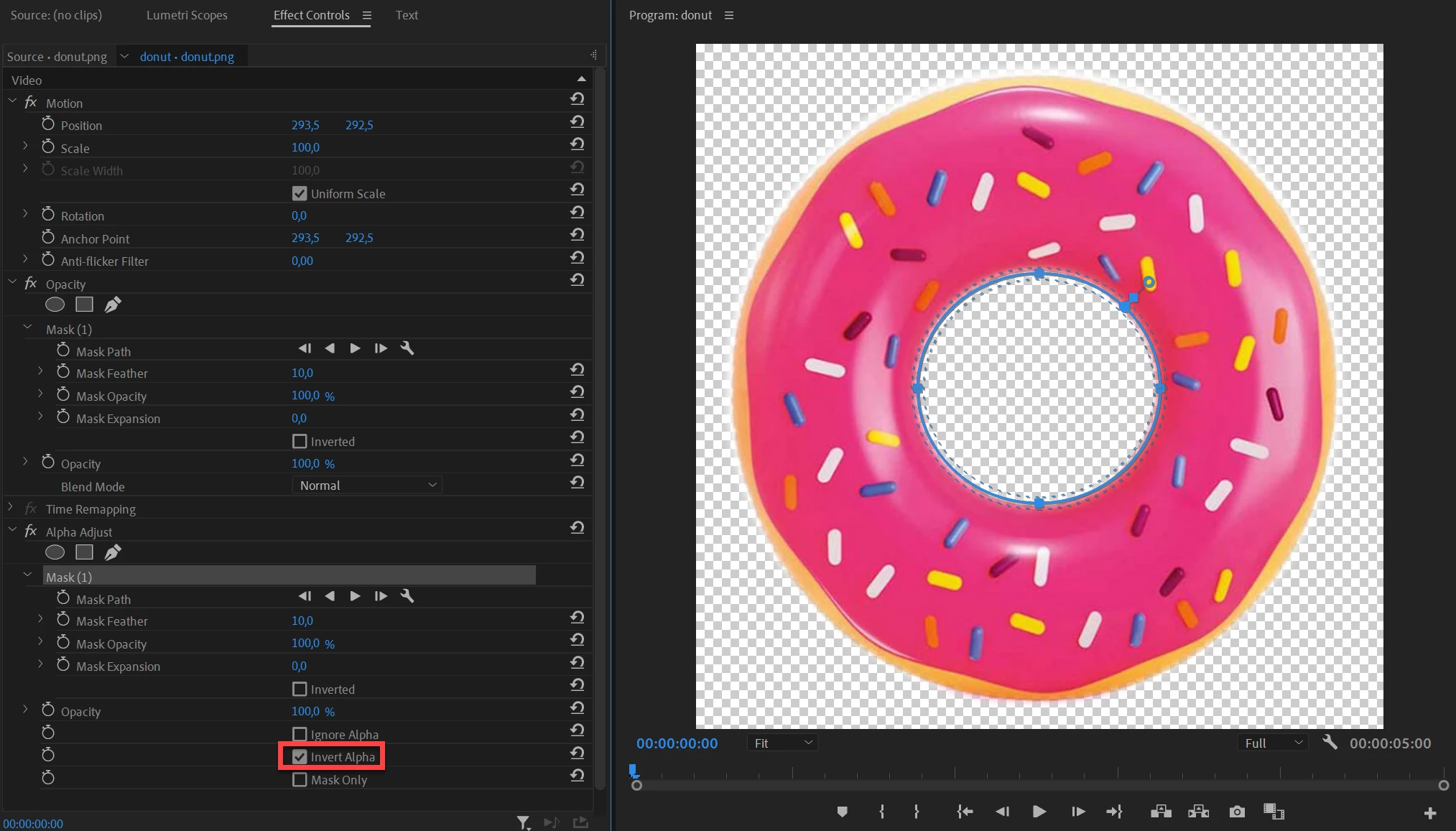
I run into this situation because sometimes I want to mix an opacity-100% mask with an opacity-1% mask in the same frame. Here's an example scenario: suppose you have a picture of a donut. Say you want the background to be transparent AS WELL AS the center to be transparent. I'm not finding it easy to do this.
1. You can remove the background by introducing an opacity mask that covers the donut.
2. How do you remove the center? If I introduce a mask in the center of the donut, and click "inverted", it makes the background around the donut opaque.
 AdChoices