Filmus
Known Participant
February 16, 2024
Answered

Unsupported driver

  • February 16, 2024
  • 1 reply
  • 1300 views

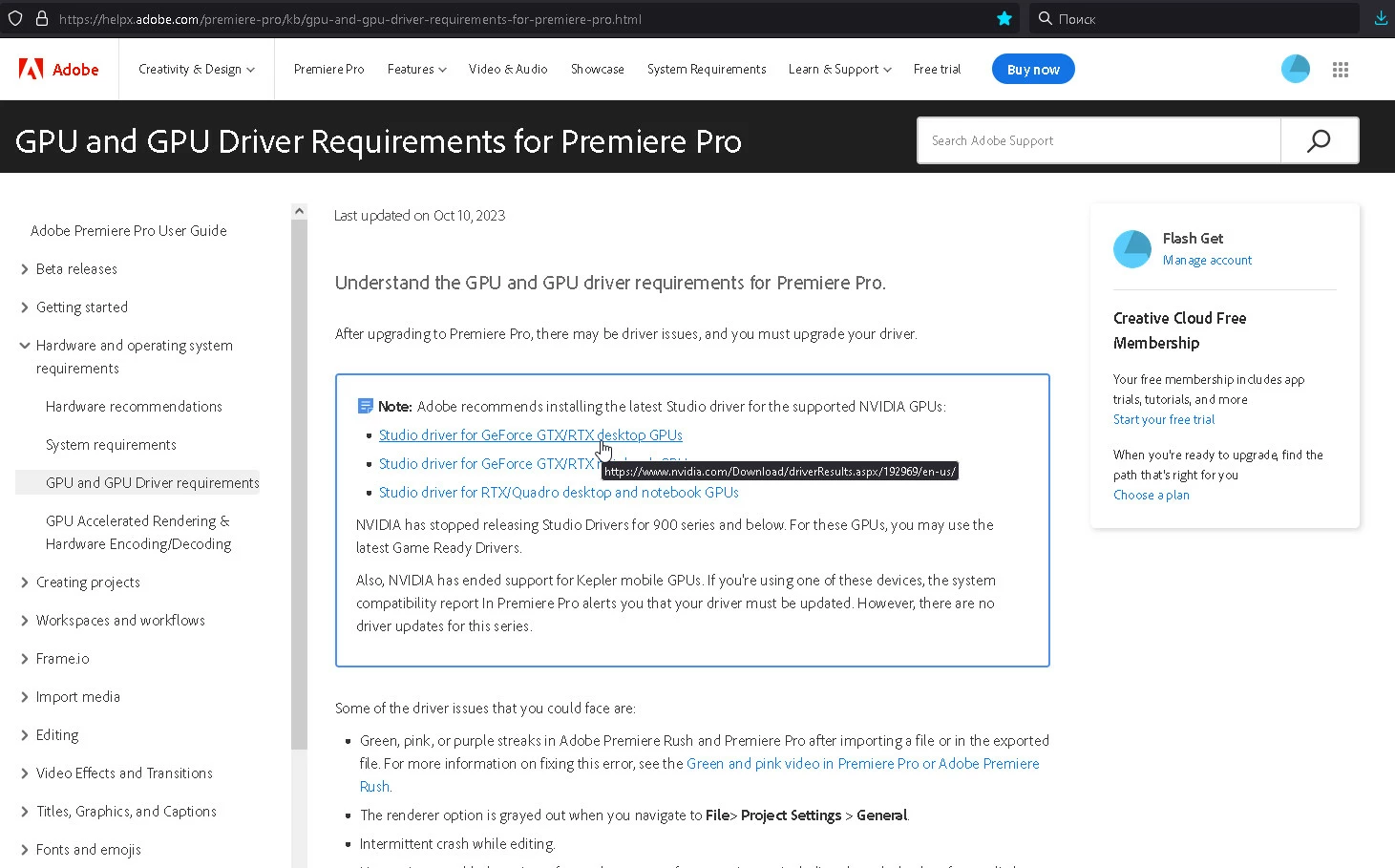
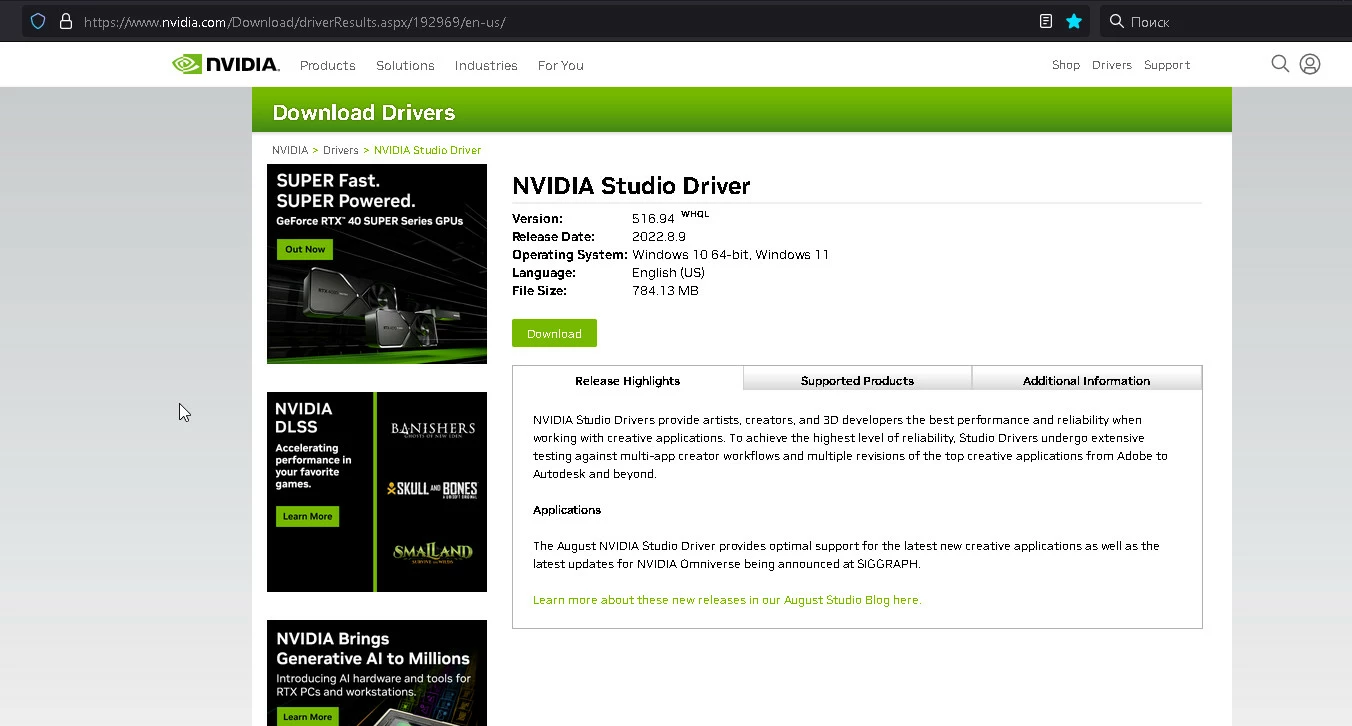
I updated the gpu driver and got a black screen. But before I realized what was going on, I found a recommendation on YouTube to disable Mercury playback. And I wanted to solve the driver problem and went to the GPU and GPU Driver Requirements for Premiere Pro page. There I found a link to the 516.94 driver. I installed the recommended driver and tried to run Premiere. The result is shown in the screenshot. I don't know how surprising a situation can be when a driver recommended by the company is identified as a problem. We get a couple of new versions of the program every year, but no one seems to want to think about testing it on recommended hardware. We are told to update the drivers to the latest ones. But how reasonable is this recommendation when no one has tested how the new driver will manifest itself?
[title edited by mod]

This topic has been closed for replies.
Correct answer Ann Bens

The driver mentioned in the online help is out of date. (2022)

Just update to the latest studio driver: 551.23  WHQL

the online help is always falling behind.

Reported the issue but don't know when it will be fixed.

1 reply

Ann Bens
Ann BensCorrect answer
Adobe Expert
February 16, 2024

The driver mentioned in the online help is out of date. (2022)

Just update to the latest studio driver: 551.23  WHQL

the online help is always falling behind.

Reported the issue but don't know when it will be fixed.

Filmus
FilmusAuthor
Known Participant
February 16, 2024

I recently installed Influx and thought that the problem might be in it, but disabling it did not become a solution. I get a black screen on the XDCAM HD file on the timeline. When rebooting and clearing the cache, it sometimes displayed an image with the GPU turned off, but the encoder refused to do this. I got around this problem by installing the previous version of Premiere Pro 23.6.4 in parallel.
p.s. Why hasn't Adobe made a downgrade mechanism for the project yet? Even the epic Avid allows you to open projects on previous versions. I had to go online to downgrade the project version.

Ann Bens
Adobe Expert
February 16, 2024