


Participant
July 30, 2022
Answered

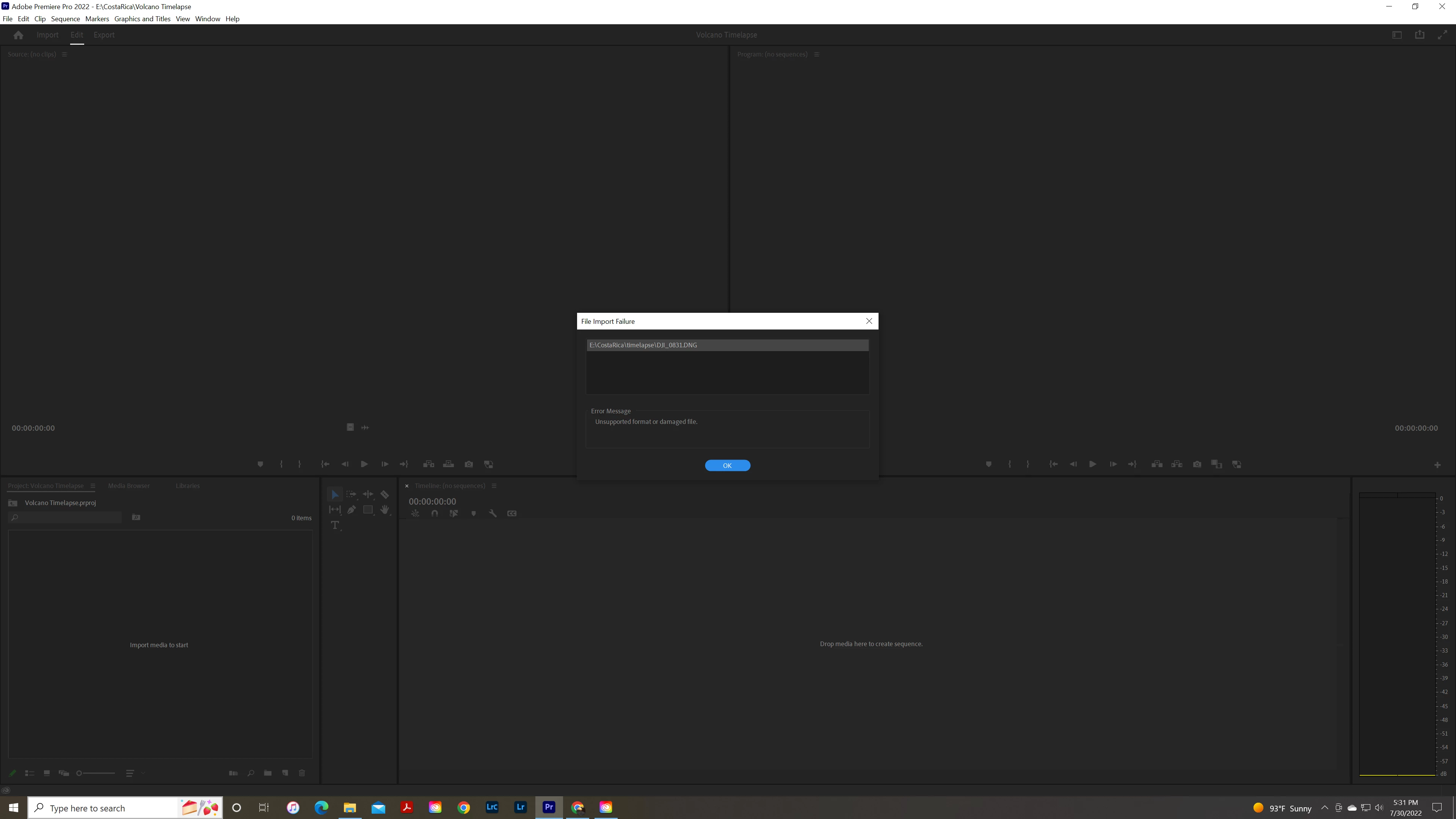
unsupported file or damaged file when importing photo for timelapse

  • July 30, 2022
  • 3 replies
  • 644 views

hello,


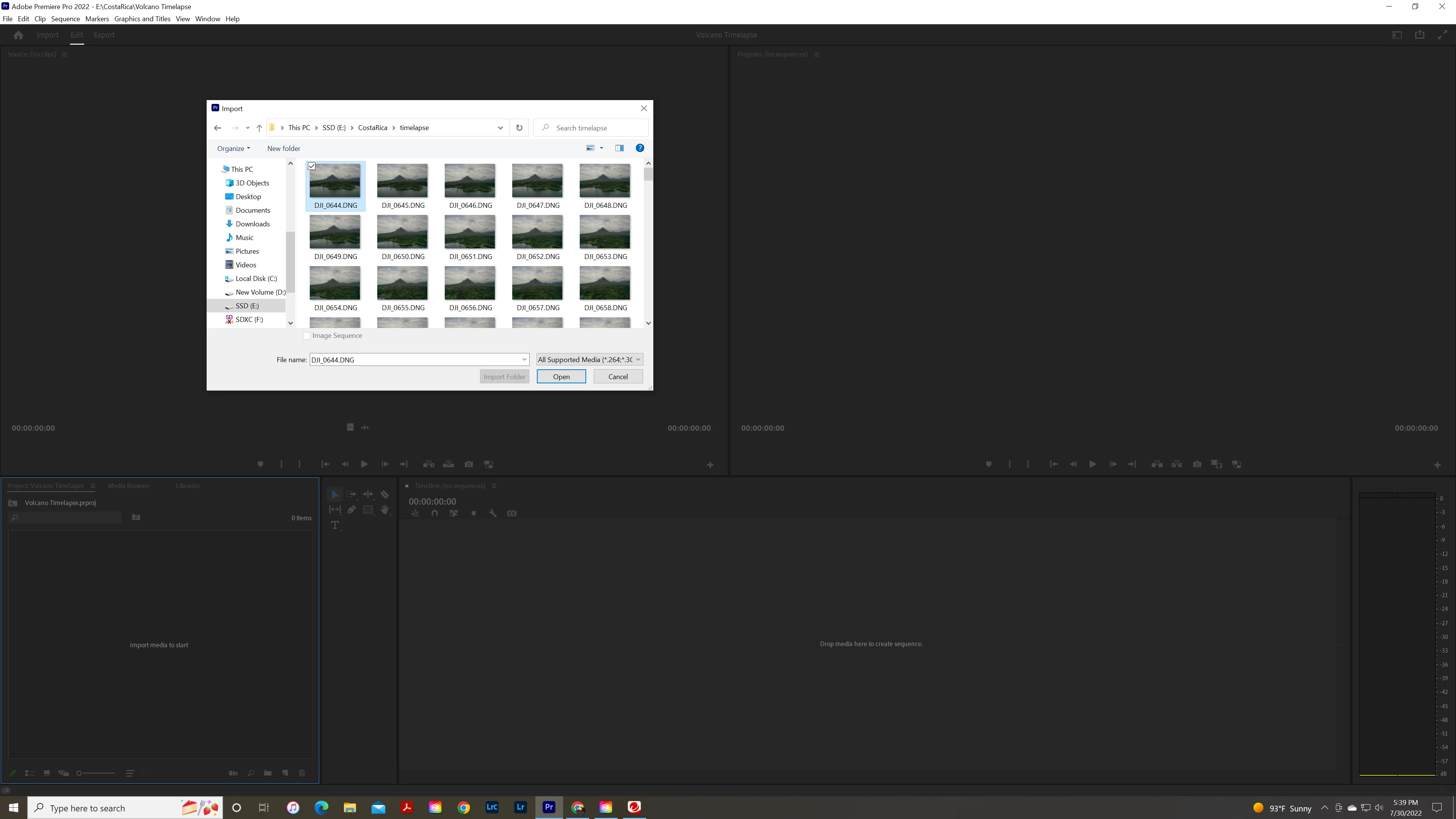
I am importing a sequence of photos for a timelapse, when importing them I get "unsupported file or damaged file" now the files are named the same but in sequential numbers but they still do not import. I even had adobe support try to help and they suggested I do it in photoshop, but I should be able to do it with in premier...


This topic has been closed for replies.
Correct answer John V Knowles

FYI this is a bit easier in After Effects and that app will import DNG.

3 replies

Participant
August 2, 2022

Thank you all for your feed back. I was able to do it in both AE and LR. AE was a bit easier and smooth. Lr ended up being choppy. I was really hoping I didn't have to do any work around. Thanks again.

Kevin-Monahan
Community Manager
Community Manager
August 3, 2022

Hi André,

Sorry for the struggles. I had the same problem with the DNG images I shot on my Canon DSLR and Lightroom Mobile. I found it very cumbersome to achieve a photo animation in After Effects. I mean, it looked OK but was hard to edit and manipulate the animation. 


Solution: I found that converting the images to TIFF files or JPG files and then working in Premiere Pro is a far better way to go for these kinds of sequences. My technique nowadays includes Rush, which can automatically export an animated slide show. Photo animation sequences can then be imported into Premiere Pro for fine adjustment. Hope the info helps.


Thanks,
Kevin

Kevin Monahan - Sr. Community & Engagement Strategist – Pro Video and Audio
John V KnowlesCommunity ExpertCorrect answer
Community Expert
August 2, 2022

FYI this is a bit easier in After Effects and that app will import DNG.

-------------------------------------------------------------------------JVK | Editor/Designer/Software Instructor. Pr, Ae, Ch, Ps, Ai, Id
Ann Bens
Community Expert
Community Expert
July 30, 2022

AFAIK Premiere does not support DNG.

Load them up in Ps and export to png or tiff or jpeg.

Participant
August 2, 2022
Thank you for the info