

Answered
Video becomes extremely bright in the sequence
Hey, I am new to Premiere Pro.
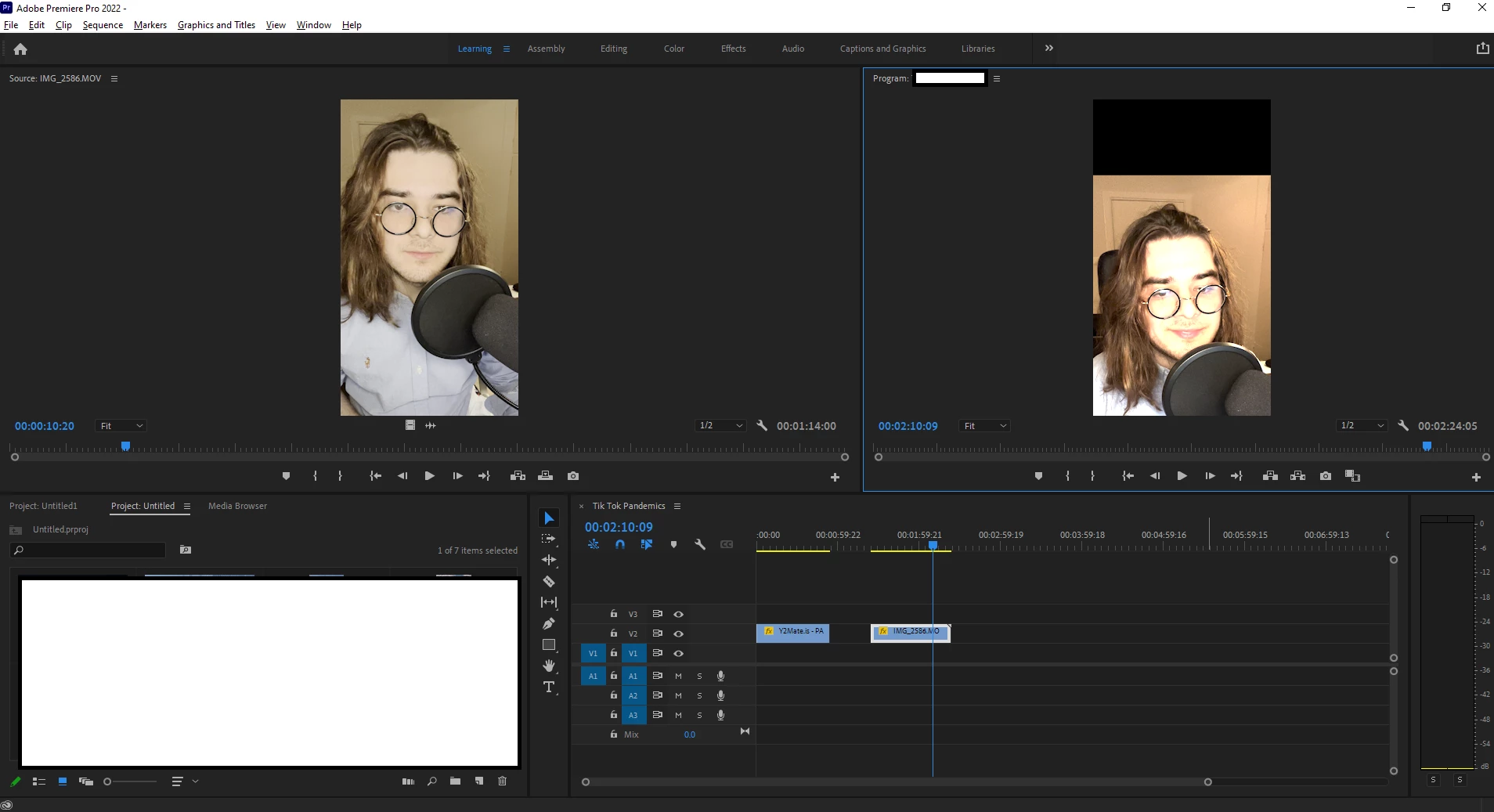
So I recorded a video with my iPhone. However, when I add the source video (left panel) to the sequence (right panel), the video has an alteration in colour. Adobe clearly can identify the source quality (left) but for some reason in the sequence it is altered to this very orange colour (right).
How can avoid that from happening?
 AdChoices