
Participant
February 24, 2022
Answered

Video colouring after import looks different and even edits after export look different as well

  • February 24, 2022
  • 2 replies
  • 699 views

Dear Community, 

I hope you are all well.
At the moment I am facing a huge issue with Premiere Pro and can't figure out where I am going wrong.

The video in its original stage looks like this:
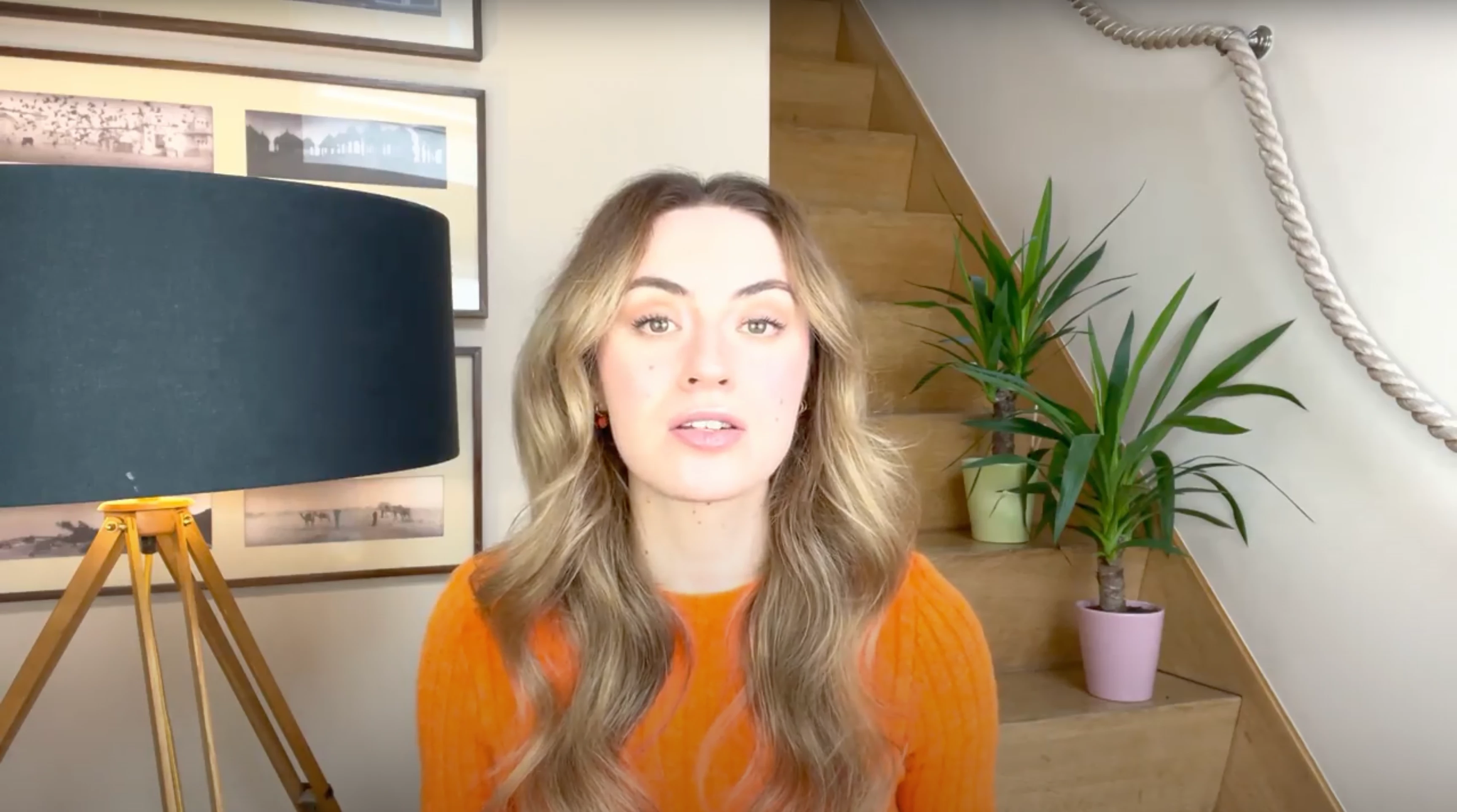
 

When I drag it into the timeline of Premiere Pro like this:
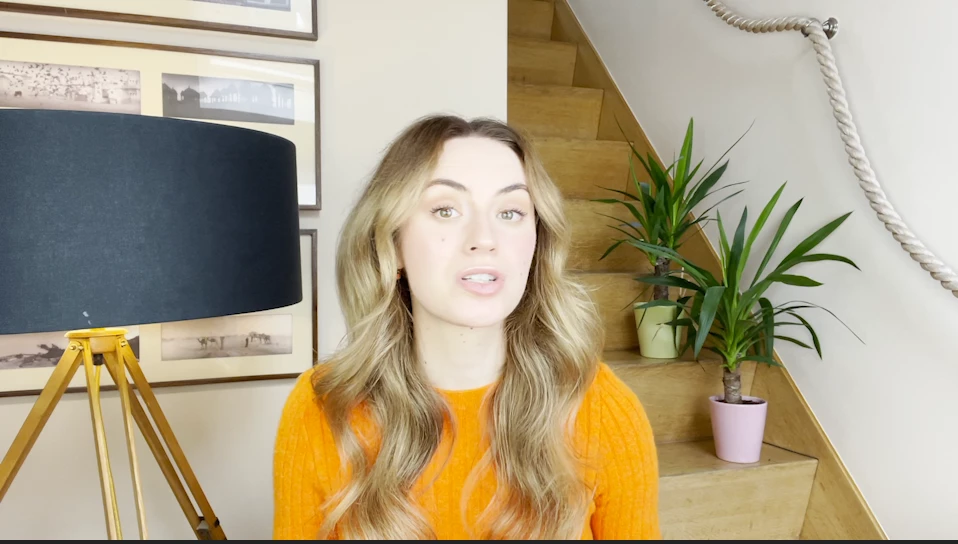
 

After editing it e.g. :
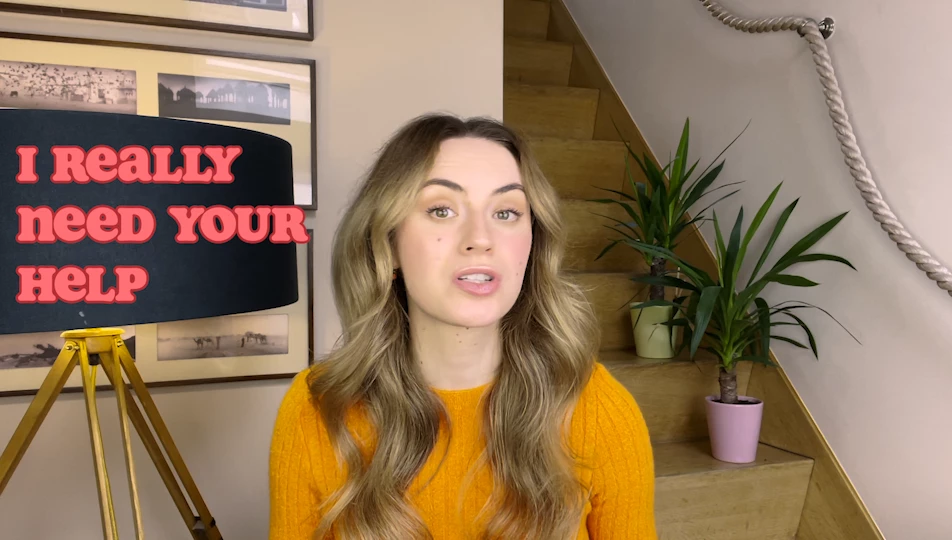


However, when I export it all the edits are for nothing as they don't display what's going to happen at all:
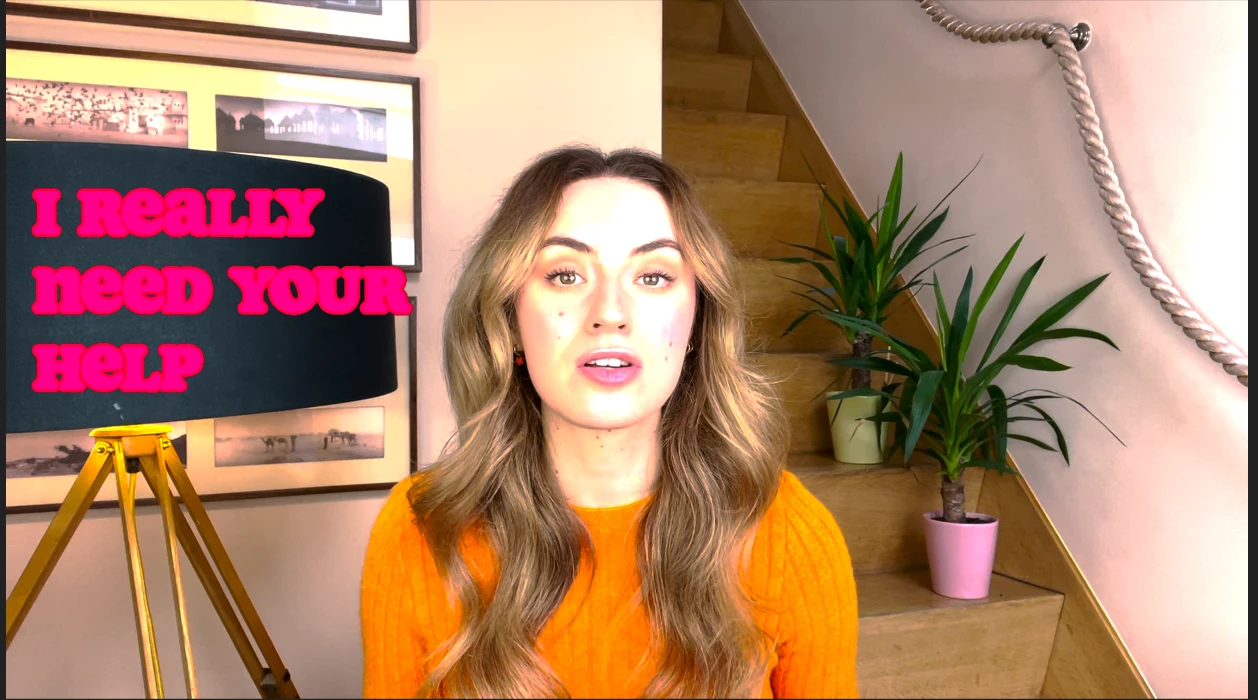

I am working with the newest 16 '' Mac Book Pro and have all the latest software updates installed.
I can't put my finger on it where the mistake is coming from if it is an import preset, a sequence or something else that is not allowing a correct display of what I am working with.

I would highly appreciate any tips or help ❤️

This topic has been closed for replies.
Correct answer R Neil Haugen

That is either and HLG clip for color space, or it is a log-encoded clip that Premiere is mis-interpreting as HLG.


So ... check the properties for that file in the bin. If it shows HLG for color space, select that and any other similar clips in the bin, right-click, Modify/Interpret Footage and use the Override option set to Rec.709.


They completely rebuilt the underlying color system of Pr2022 from all previous versions. It used to be a Rec.709 program, it is now 'agnostic' and works with Rec.709, and HLG/PQ in Rec 2100 containers. Plus many default behaviors have changed.


Neil


FAQ:PremierePro 2022 Color Management for Log/RAW Media


How to Set Monitors for HDR work in Premiere Pro 2022?

2 replies

R Neil Haugen
R Neil HaugenCorrect answer
Legend
February 24, 2022

That is either and HLG clip for color space, or it is a log-encoded clip that Premiere is mis-interpreting as HLG.


So ... check the properties for that file in the bin. If it shows HLG for color space, select that and any other similar clips in the bin, right-click, Modify/Interpret Footage and use the Override option set to Rec.709.


They completely rebuilt the underlying color system of Pr2022 from all previous versions. It used to be a Rec.709 program, it is now 'agnostic' and works with Rec.709, and HLG/PQ in Rec 2100 containers. Plus many default behaviors have changed.


Neil


FAQ:PremierePro 2022 Color Management for Log/RAW Media


How to Set Monitors for HDR work in Premiere Pro 2022?

Everyone's mileage always varies ...
Participant
February 28, 2022

Thank you so much, Neil!

I really couldn't figure out where and how to tweak things in the sequence settings, this helped a lot.
The big issue was that the material was shot through HDR on the newest iPhone which is why it didn't solve the problem completely but already brought much much further in where everything needs to be.

Thank you very much for your help!

Ann Bens
Community Expert
Community Expert
February 24, 2022
Participant
February 28, 2022

Thank you so much for this insightful video Ann!

I literally wouldn't have figured it out alone, thanks a lot!