


Participant
August 14, 2021
Question

Video export result is shrinked on the top screen

  • August 14, 2021
  • 3 replies
  • 147 views

Hi, all,

I was trying to export my video in Premier 2021, nothing went wrong and no error appeared. 

When I played the clip, it played normally like this ↓.
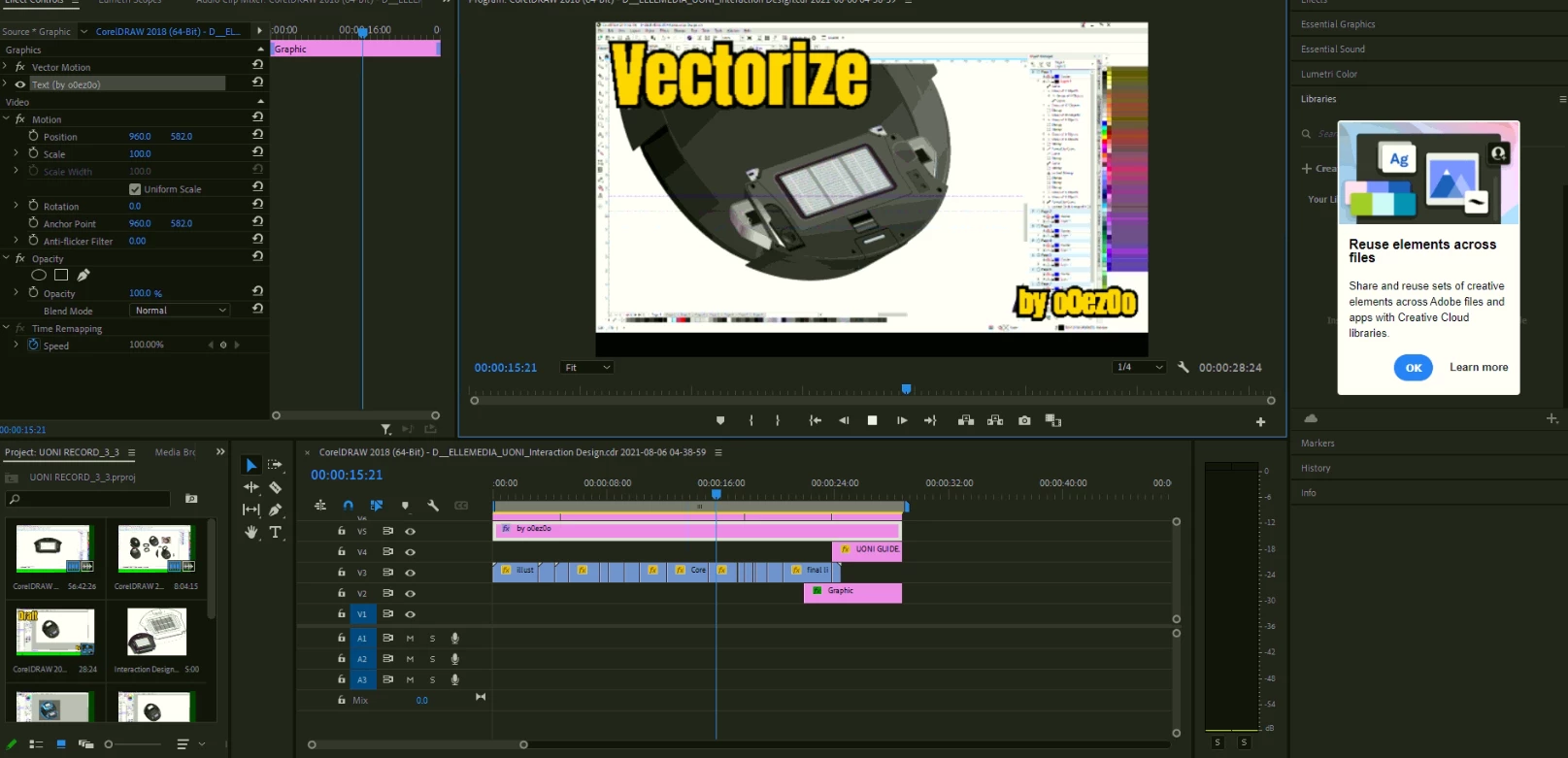
 

But whenever I pause playing the video, or rendered it, it shows like this↓:

My video got shrink on the top. This view also shows in the render preview.
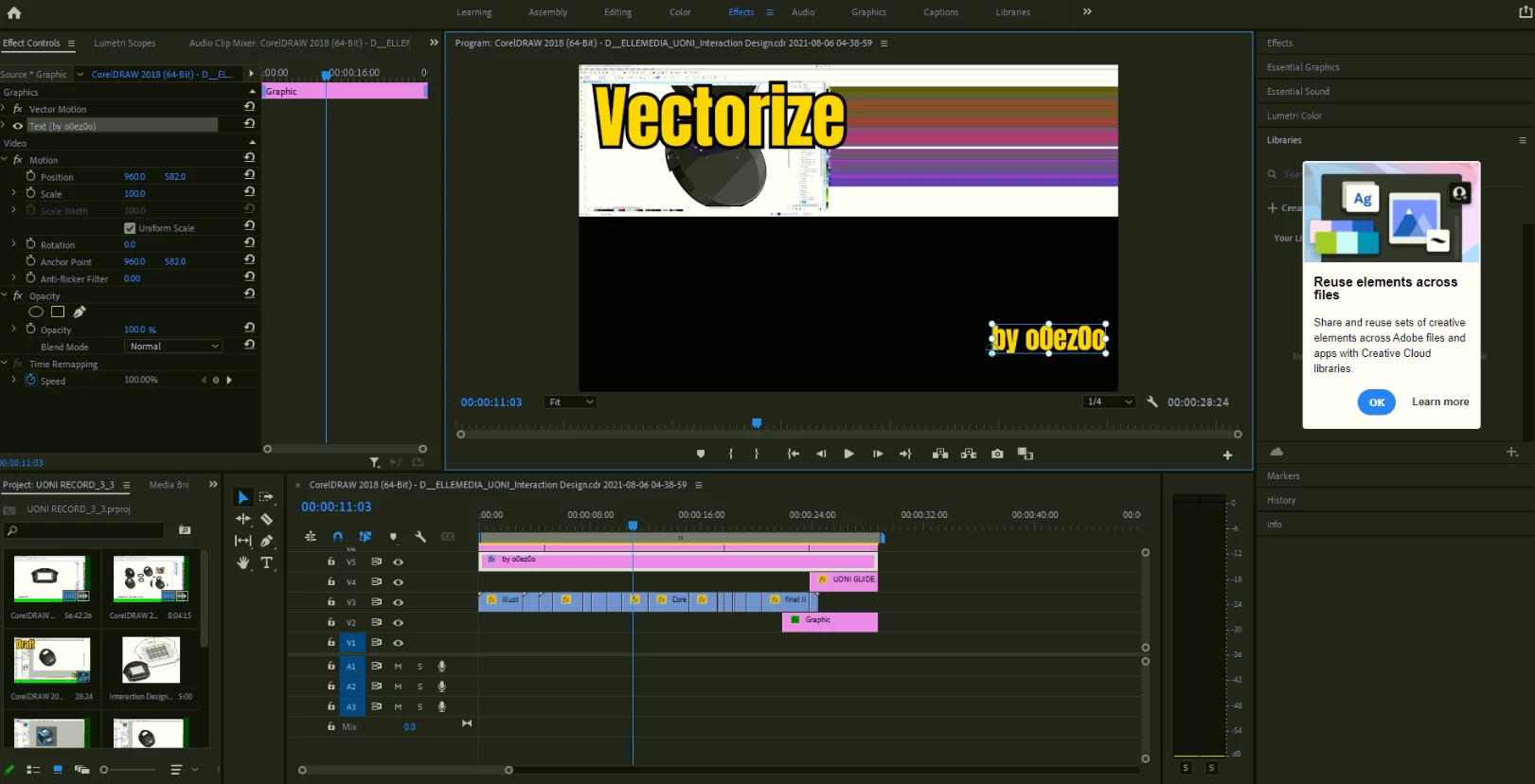
 

I had tried different sizes rendering the video, like H.246 in different sizes, most of the sizes showed like the shrinked one, it only worked in 480 SD. HOWEVER! The preview on the 480 SD was still rendered in a shrinked view like the picture abbove.


I had tried restart my PC, and reinstall Premier Pro, but none of them worked.

Please help... 😞

Thanks....

This topic has been closed for replies.

3 replies

Community Expert
August 16, 2021

Sounds like you might be unintentionally mixing Pixel Aspect Ratio values (PAR).


To double-check, look at the Preview Area for your Sequences as well as source footage in the Project tab while selected.  


You may need to enable "Preview Area" from the Project tab pop-up menu to see this.


Report back on what is indicated for the PAR of your Sequence as well as your ssource footage.

Kartika Rawat
Community Manager
Community Manager
August 16, 2021

Hi there!

Sorry to see that. Could you share a sample file with us to test?


Let us know.

Thanks.

Kartika

Ann Bens
Community Expert
Community Expert
August 14, 2021

Post screenshot sequence settings and properties clips used.